P2544PM | 2022-12 | REV H
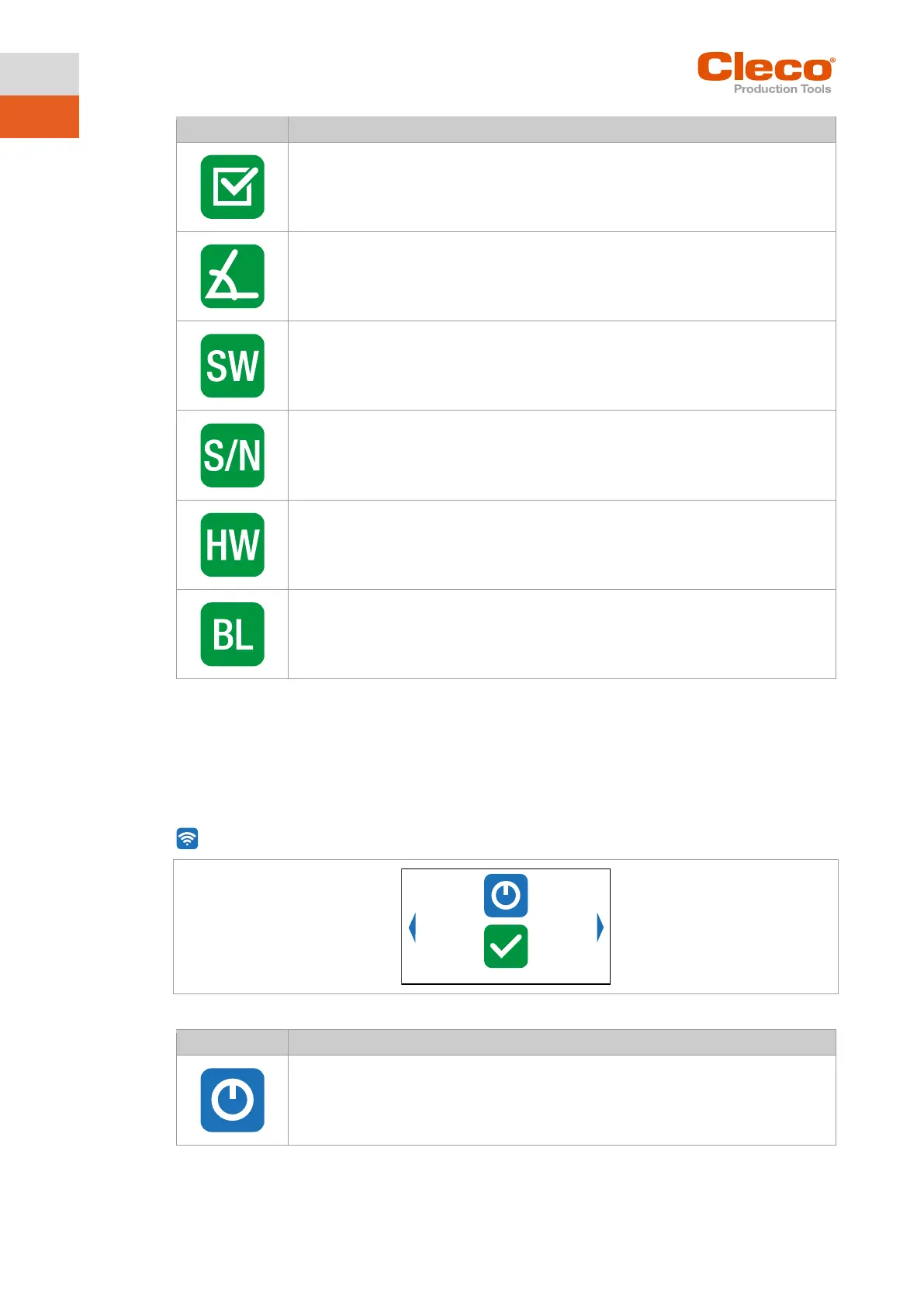
Display of the barcode type. The symbol is only displayed if a 2D reader is used.
- No function -
Display of the gyroscope angle. The symbol is only displayed if a gyroscope is used.
Display of the software version for the accessory.
Display of the serial number for the accessory.
Display of the hardware version for the accessory.
Display of the bootloader version for the accessory.
5.10 WLAN communication
In this menu, information about the WLAN connection is to be found. To configure WLAN settings, use the
Cordless RF Configuration software. See document P2372JH.
If the tool is programmed so that WLAN settings are assigned via DHCP, this will appear to the right near
the "-" symbol as long as no connection could be established.
Fig. 5-32: Menu – Communications
Activating/deactivating WLAN connection.



 To Next Page