P2544PM | 2022-12 | REV H
5.7.3 Selecting the tightening strategy
> >
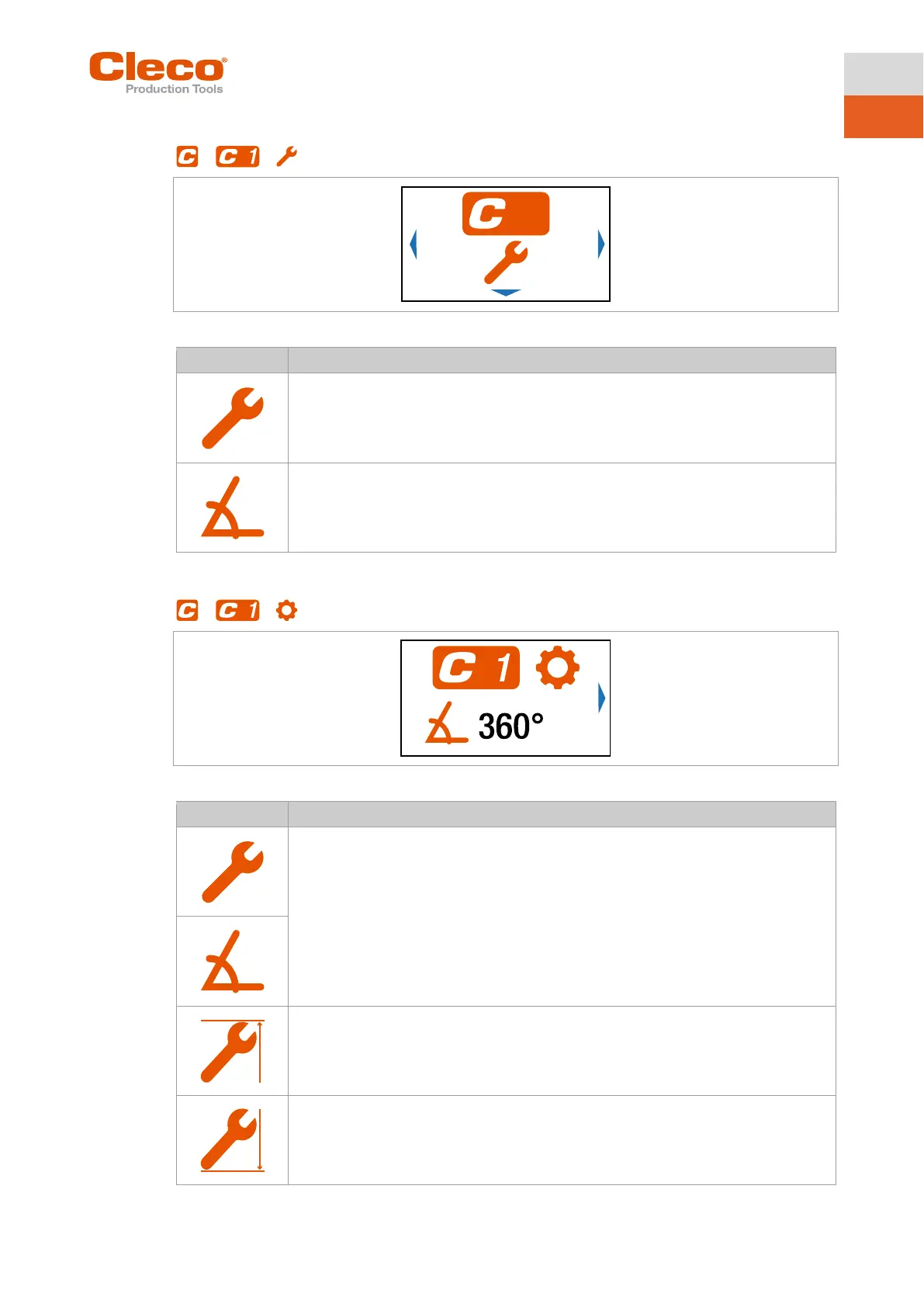
Fig. 5-8: Submenu – Selecting the tightening strategy
Sequence 31: Shut-off torque controlled tightening sequence with torque and rotation
angle check, see chapter 6 Tightening sequence, page 55.
Sequence 51: Shut-off angle controlled tightening sequence with rotation angle and
torque check, see chapter 6 Tightening sequence, page 55.
5.7.4 Advanced Settings
> >
Fig. 5-9: Submenu – Advanced Settings
► For a torque shutoff, enter the Shut-off Torque.
► For an angle shutoff, enter the Shut-off Angle.
Once the value has been reached, the tightening process is ended. This setting option
is the same as in the menu see chapter 5.7.1 Configuring FastApps, page 28.
Note
If the shut-off value is entered here in the Advanced Settings menu, the minimum and
maximum torque, the minimum and maximum angle, as well as the threshold torque,
are not calculated automatically.
► Display of the Maximum Torque.
► Display of the Minimum Torque.
The Minimum Torque can not be greater than the Shut-off Torque and must be at least
as great as the Threshold Torque.



 To Next Page