P2544PM | 2022-12 | REV H
5.9.4 Calibration value
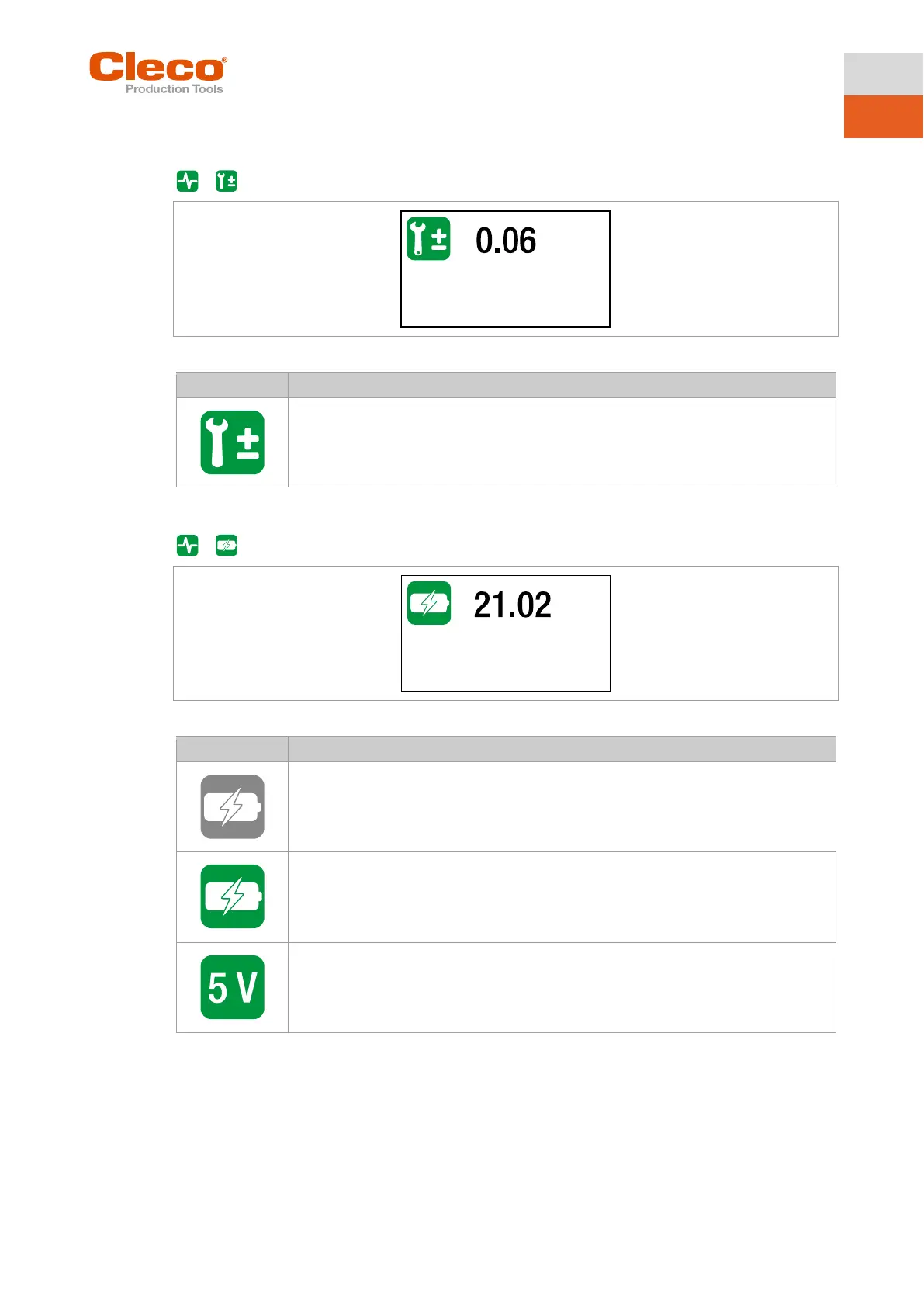
This test function allows an evaluation of the calibration voltage.
>
Fig. 5-26: Submenu – Calibration value
Display of the neutral position value for the measuring sensor.
The displayed value should be at 0 V. The tolerance limits are ± 0.2 V.
5.9.5 Voltage
>
Fig. 5-27: Submenu – Voltage
Display of the undervoltage limit.
This limit can be set in the menu Setting the shut-off properties.
Display of the current battery voltage.
For high operational capability, this voltage is continuously monitored during the tight-
ening process. If the voltage drops below the undervoltage, a warning is issued on the
tool, see chapter 5.8.4 Setting the shut-off properties, page 36.
Display of the logic voltage of 5 V.
A voltage for components that are not needed for the core functions of the tool. The tol-
erance limits are ± 5%.



 To Next Page