Control pendant
Page 74 CM6200 Operating Manual
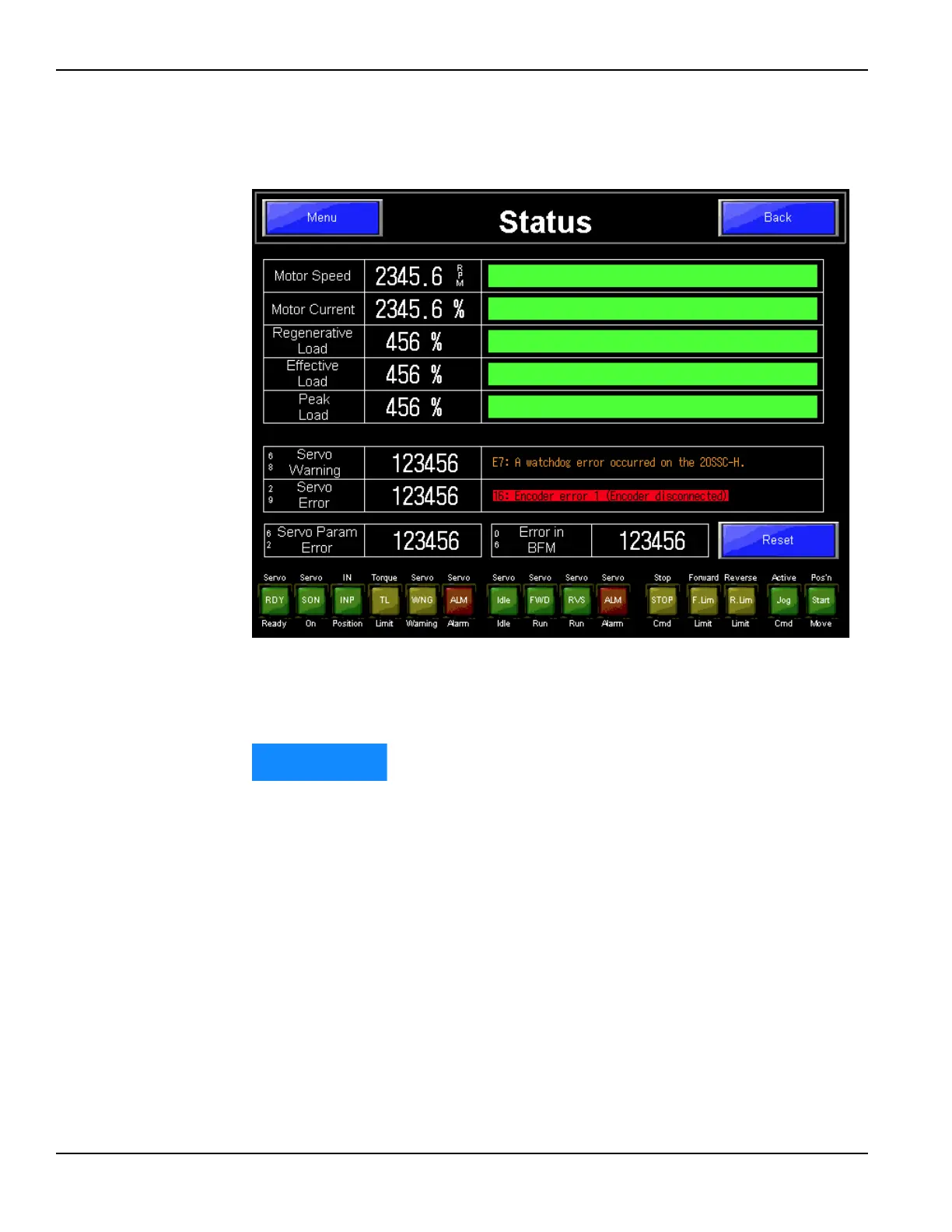
4.2.11 Status screen
The status screen, shown in Figure 4-26, shows the current status of the compo-
nents of the CM6200.
FIGURE 4-26. STATUS SCREEN
The status screen is normally only used for troubleshooting or when contacting
CLIMAX for help with issues.
Based on the requested configuration of the CM6200 options, only
certain functions will be enabled and visible. As a result, some functions
shown above may not be available on the control pendant supplied.



 To Next Page