Your selection is only valid for the current system boot. At the next system
boot, the settings in the Boot menu are valid again.
► If you want to start the BIOS Setup, use the cursor keys
to select the
Enter Setup entry and conrm your selection with the
Enter
key.
15.1.2 If you wish to boot immediately from LAN
► Press the function key
F11
if you wish to boot directly via LAN and not from the drive which
is given as the rst position under Boot
Option Priorities in the Boot menu.
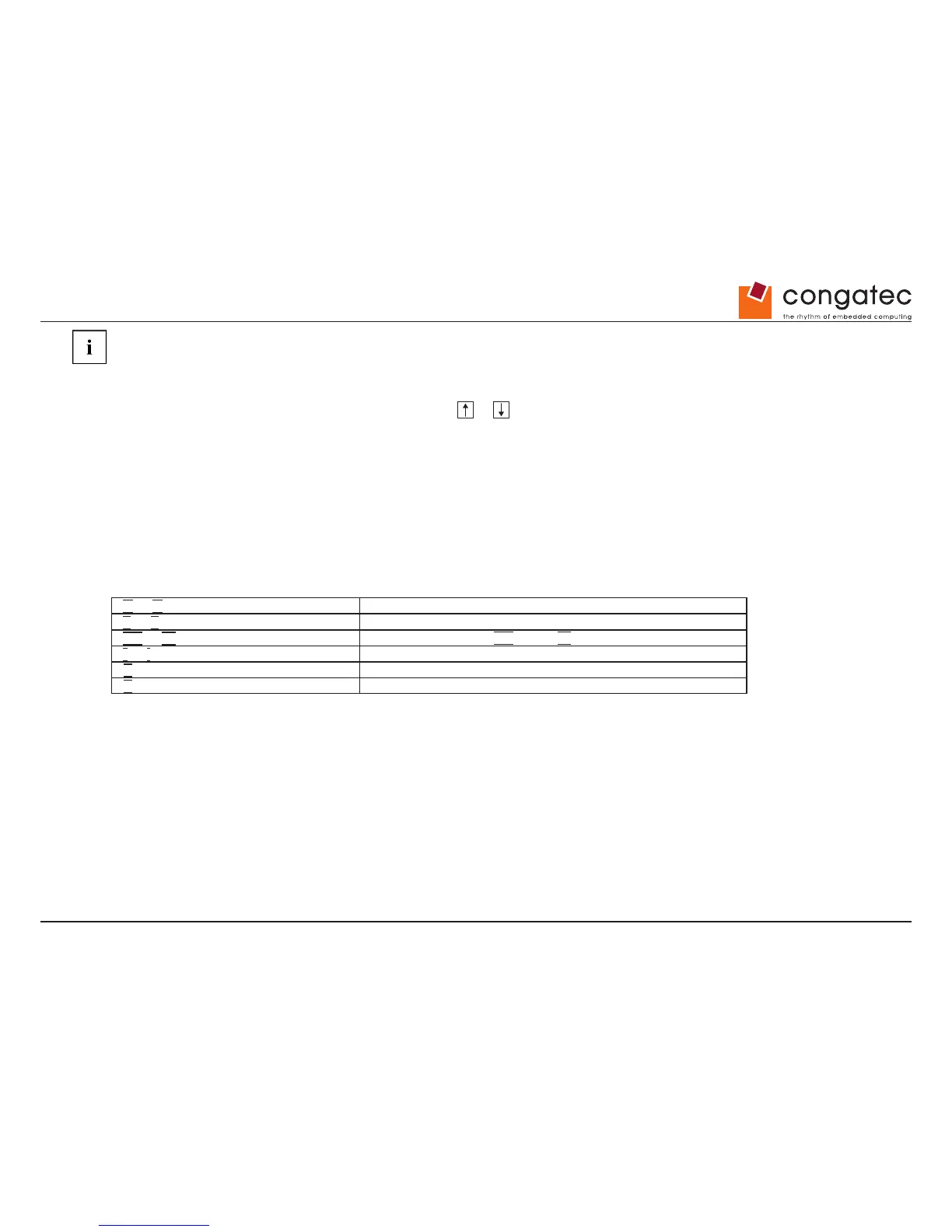
15.2 Navigating BIOS Setup
or cursor keys
Select menu from menu bar
or cursor keys
Select eld - selected eld is highlighted
Enter or ESC keys
Open submenu (marked by ►) Enter and leave ESC
+ or - keys (numeric keypad=
Change entry for eld
F2 function key
Set default entries for all menus
F3 function key
Reset entries that were in use when BIOS Setup was opened
15.3 Exiting BIOS Setup
► Select the Save & Exit menu from the menu bar to end BIOS Setup.
You can then decide whether you want to save the changed settings.
► Select the required option.
► Press the Enter key.


 To Next Page