Configuration and Setup 3-14
Physical placement of the scanner:
With Scanner: HD4230i
Your wide format scanner should be placed either on the specially designed stand-alone floor stand or on
a sturdy table. Make sure there is enough space behind the scanner to allow the media to run out. Thick
stiff media naturally requires space that is at least as large as the media length.
Physical placement of the scanner:
Guidelines that apply for both scanners: FLEX50i, HD4230i
Slots and openings in the cabinet at the back and bottom are provided for ventilation. This ensures
reliable operation of the product and protects it from overheating. These openings must never be blocked
or covered by placing the unit on a bed, sofa, rug, or other similar soft surface.
Your scanner should never be placed near or over a radiator or heat register.
You should not place the scanner in a built-in installation unless proper ventilation is provided.
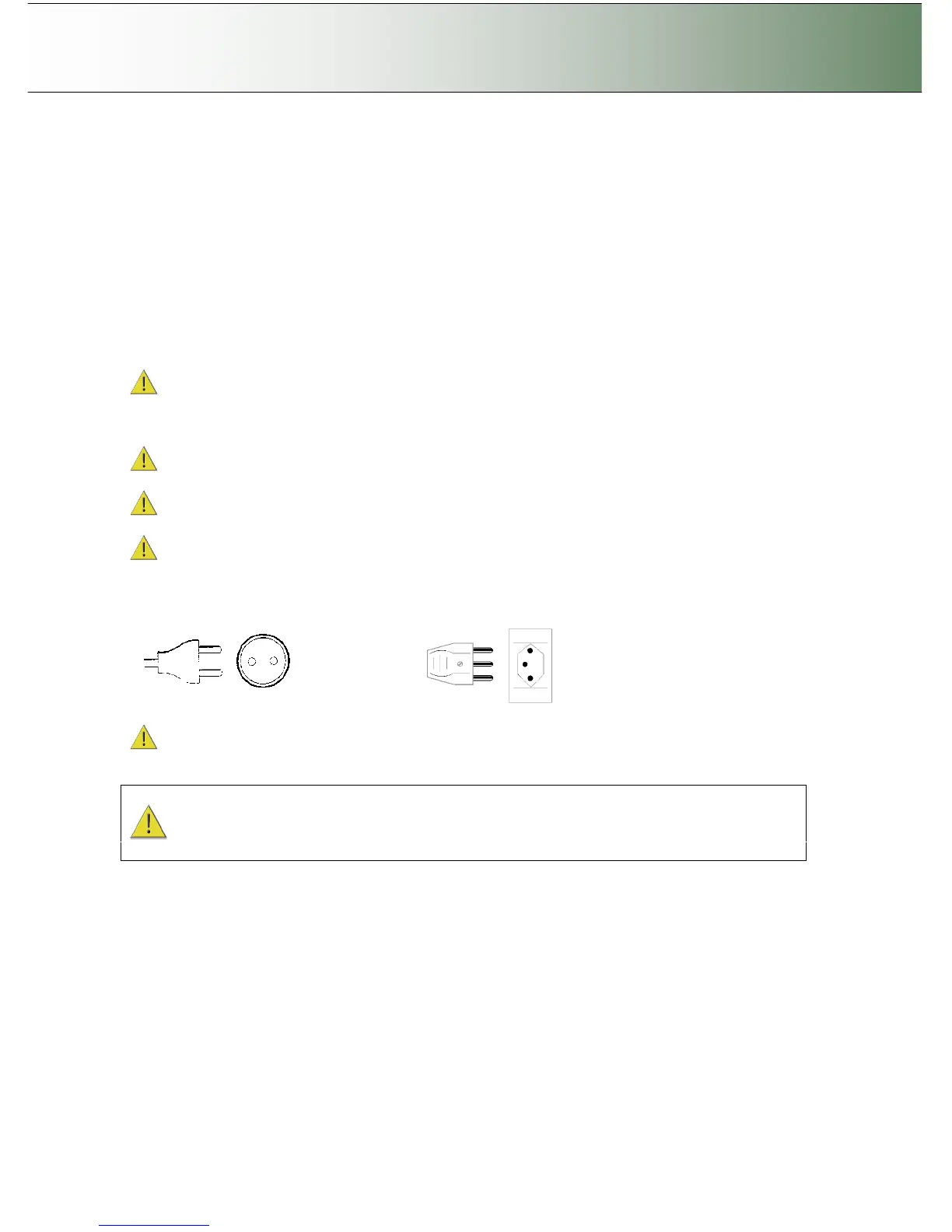
The scanner is equipped with a three-wire (pin) grounding type plug. This plug will fit only into a
grounding-type power outlet. This is a safety feature. If you cannot insert the plug into your outlet, contact
your electrician to replace the outlet and ensure a grounded power connection. Do not try to defeat or
ignore the purpose of the grounding-type plug.
Make sure the PC connected to the scanner is likewise power-connected to a grounding-type power
outlet with a three-wire (pin) grounding type plug.
See also the Safety Instructions at the end of this User’s Guide.



 To Next Page