Configuration and Setup 3-32
3.12.4 Setting Accuracy Lens Enhancement (ALE)
On scanners: FLEX50i, HD4230i
Accuracy Lens Enhancement Technology (ALE) is a feature in the scanner that electronically maintains
precision across any two points of the scan line for meeting strict accuracy requirements. The option
should be enabled for scanning tasks that require a high level of precision such as the precise capture of
scaled maps and CAD drawings.
In rare cases, when scanning originals printed with raster, the ALE function can create interference that
will appear as bands in the output. This effect will be amplified if the sharpen filter is also applied with the
scan. In these cases it is recommended to disable sharpening, ALE or both.
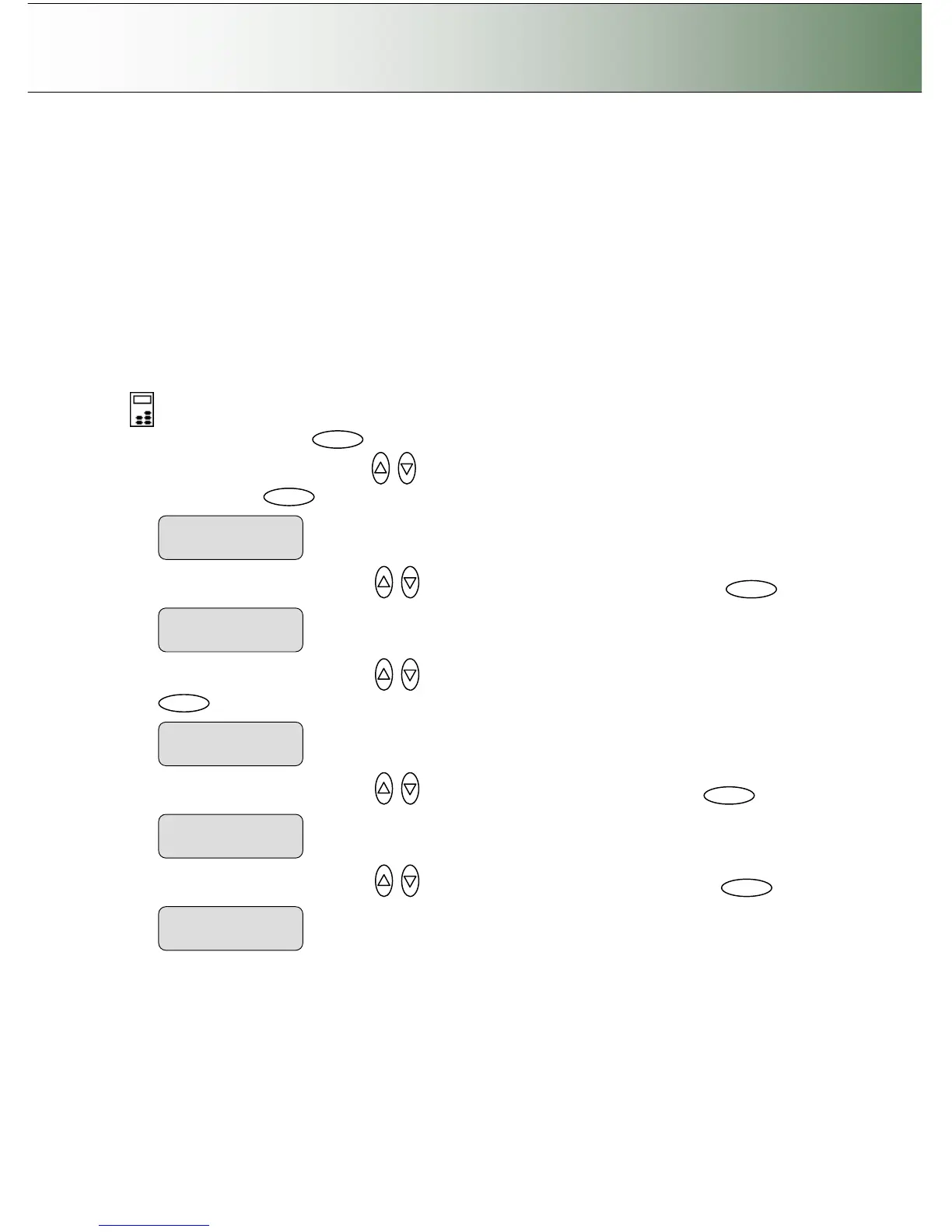
To set the ALE mode:
On the iJET Panel
1. Select the Menu button.
2. Use the arrow button up or down until the display window shows Advanced and confirm with
the Enter button .
3. Use the arrow buttons up or down until the display shows Options and confirm with .
4. Use the arrow buttons up or down until the display shows Scanner Setup and confirm with
.
5. Use the arrow buttons up or down until the display shows ALE and confirm with .
6. Use the arrow buttons up or down until the display shows Enable and confirm with .
ALE
> Enable



 To Next Page