Maintenance 8-18
8.5.3 Replacing the Scanner Lamp-Unit
Your scanner comes with a high quality and durable lamp. Even so, its effectiveness will gradually weaken
over time. A new lamp-unit can be obtained through your dealer. Your scanner monitors usage of the
lamp and will warn you when it is time for a replacement through a message in the iJET Panel display
window. To change the lamp, you have to command the scanner to move the scan-head to the right
position so you can pull out the lamp unit and reinsert a new one.
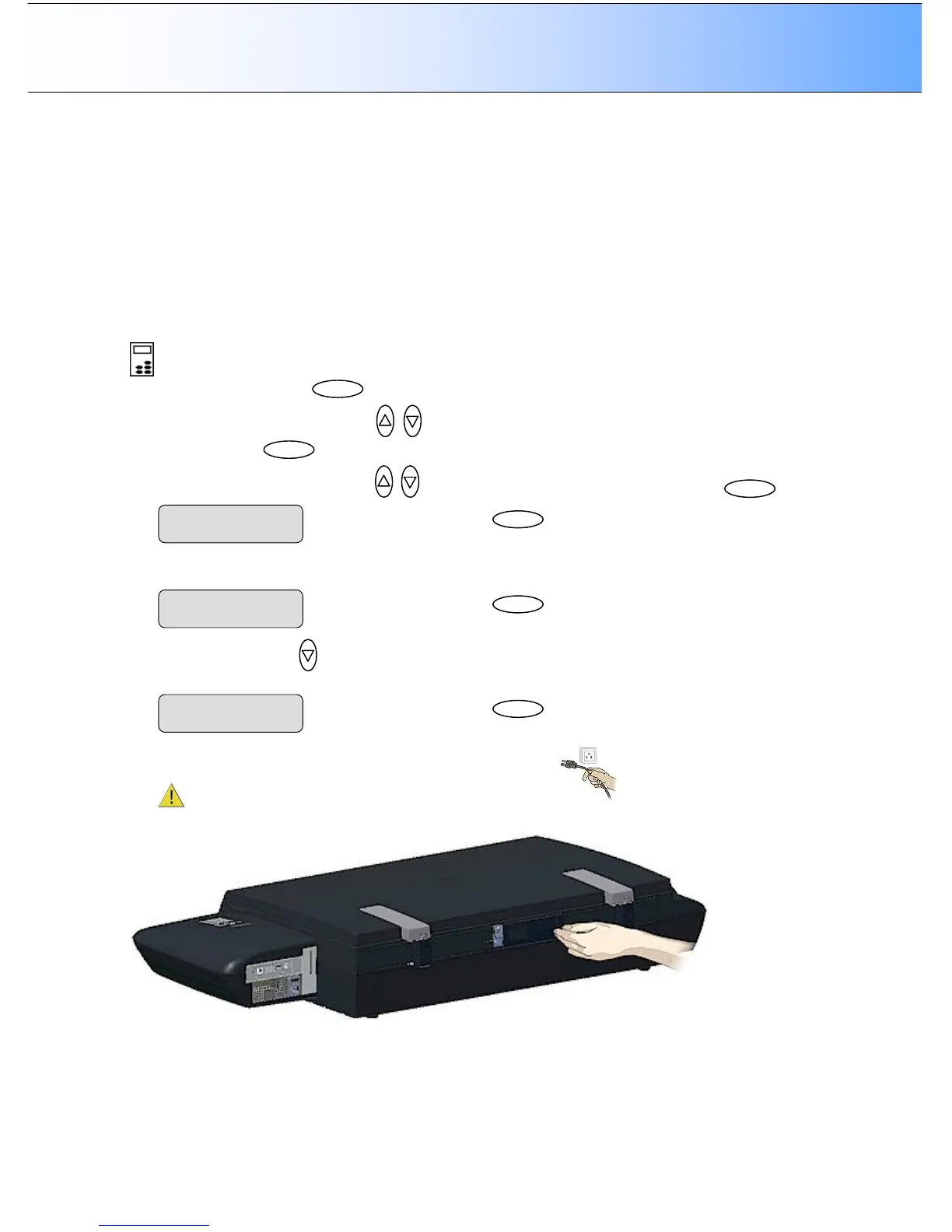
Replacing the Scanner Lamp-unit:
On Scanners: FLEX50i
On the iJET Panel
1. Select the Menu button.
2. Use the arrow button up or down until the display window shows Advanced and confirm with
the Enter button .
3. Use the arrow buttons up or down until the display shows Service and confirm with .
4. The option Replace Lamp appears. Press Enter to move the “>” marker down to its value so you can
change it.
5. Press the arrow down to change the option to YES and press Enter to accept. The scan head will
move into position so you can pull it put of the scanner.
6. Turn the scanner power off and disconnect the power plug.
7. The lamp cover is on the backside of the scanner. Slide the lamp cover to the right to open it.
8. You must replace the whole lamp-unit. A lamp-unit consists of a lamp with fixed power connectors.
Press



 To Next Page