Using the scanner, how do I … Copy? 5-15
5.3.9 The Advanced option
The Advanced option The Advanced option leads to submenus containing options related to the scanner
device and not to actual copy or scan settings. Most of the Advnaced options are for system
administrators who are configuring the system to match the company’s business.
The options in the Advanced submenus are described in the sections on Scanner Configuration
and Setup and the sections on Scanner Maintenance.
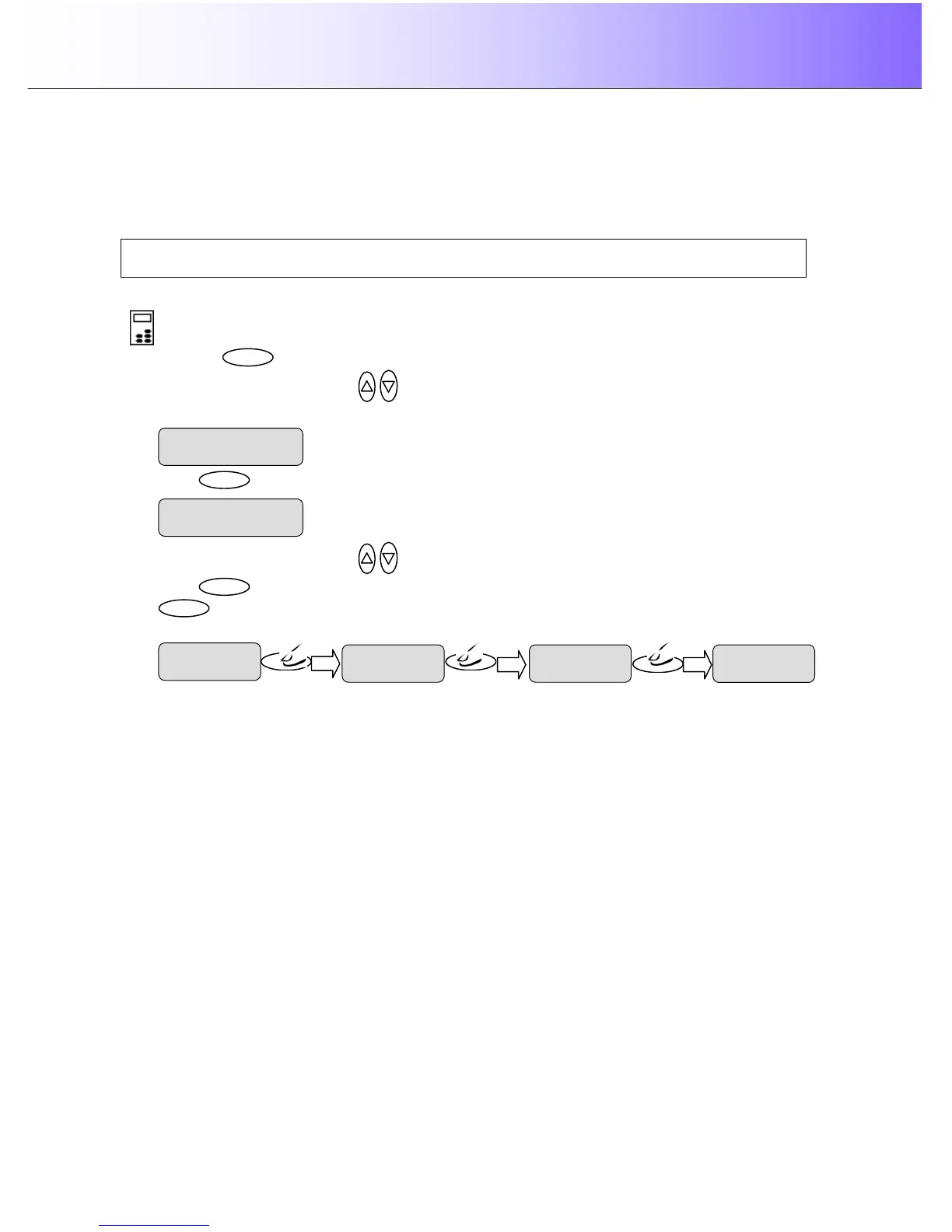
To reach the Advanced options:
On the iJET Panel –
1. Press the button to enter the main Menu.
2. Use the arrow up/down buttons
to move through the Menu options until the display shows
Advanced as shown below.
3. Press
to reach the first Advanced menu option Printer Setup.
4. Use the arrow up/down buttons
to move through the Advanced submenu options.
5. Press
button to reach underlying options and settings as shown in the example below in which the
system administrator wants to change the color printer’s interface type.
Printer Setup



 To Next Page