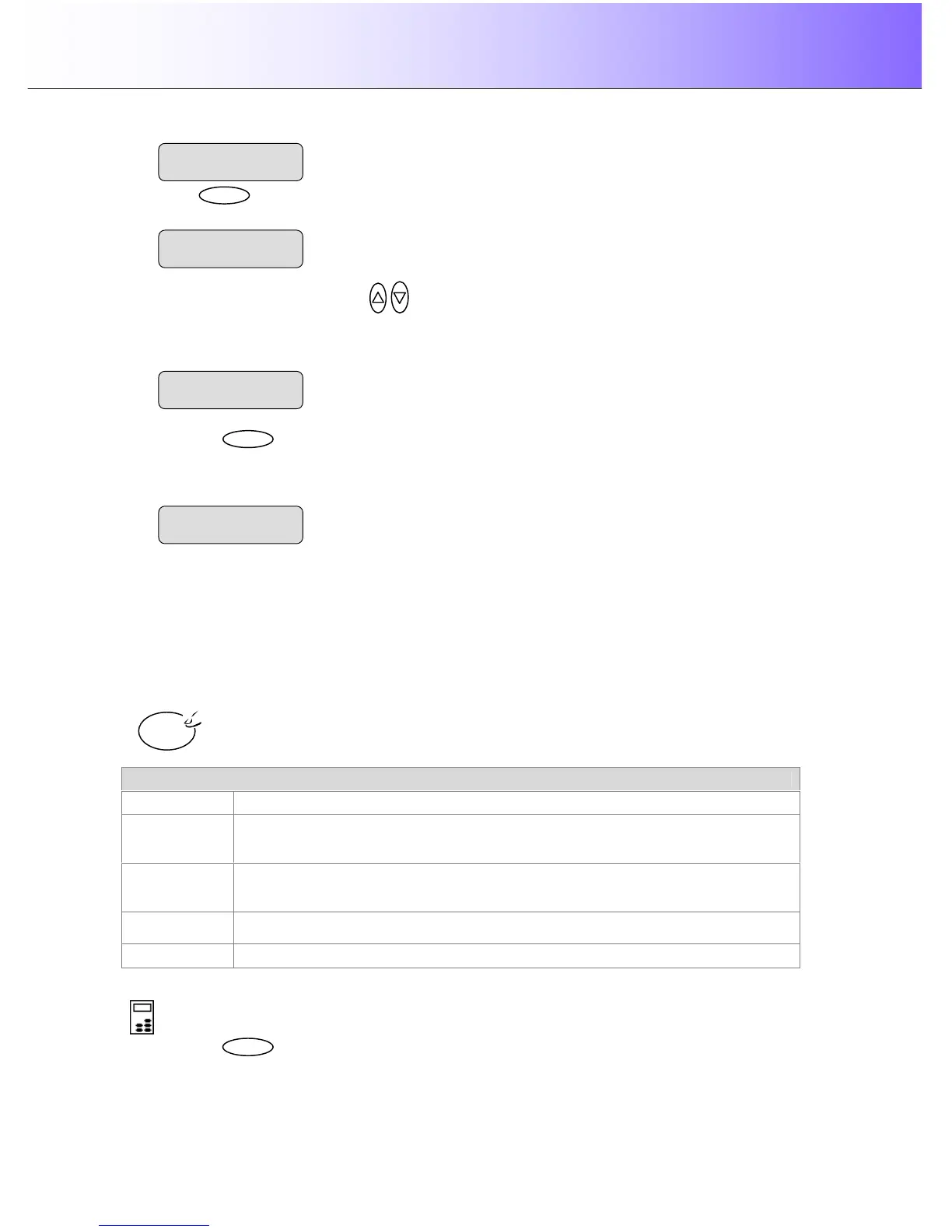
to move the “>” marker down to indicate you want to change the Org. Type-Color
value.
4. Press the arrow up/down buttons
to change the Org. Type-Color value that matches the
original and copy job. Choose one of the “(Ink)” original types if your original was created on an ink jet
printer. The display shown below is set for a brochure (document with photos and text) that was
printed on an ink-jet printer.
5. Press the
button to accept the selected value. The “>” marker will move up to the Menu level
indicating that the value is set and you can step on through the menu options if needed. The new
Org. Type-Color value will be applied every time you press the Color Copy button until you repeat the
steps above to change it.
5.3.2 How do I… Set Original Type B&W?
The original type setting – Org. Type-BW is your central input parameter for B&W or graytone copying and
relates to controlling image capture. The Org. Type-B&W setting tells the system to use specific internal
image enhancement processes that are optimal for the original in question. For example, selecting the
“Blueprint” option will tell the scanner to optimize for cleaning up background noise and enhancing image
quality. The option you choose will be applied by the system when you press the B&W Copy button.
The available options for Org. Type-B&W are described below.
Org. Type -BW
Photo Photo is suitable for photographic images that contain many shades of gray.
Blueprint
Suitable for Blueprint and other originals with heavily distorted foregrounds and
backgrounds. The shades that create image noise are close to the shades that
represent the image's data and the two are hard to differentiate.
Sepia
Suitable for Sepia and other originals with heavily distorted foregrounds and
backgrounds where the shades that create image noise are close to the shades that
represent the image's data and the two are hard to differentiate.
Line
For copying clean and clear line drawings and text. Takes advantage of B&W
thresholding
CAD Suitable for black and white CAD drawings and graphics with a high level of detail.
To set the Original Type for B&W copying::
On the iJET Panel –
1. Press the button to enter the main Menu.
B&W



 To Next Page