Configuration and Setup 3-34
3.12.6 Accessing the Scanner’s Internal Hard Disk
On scanners: FLEX50i, HD4230i
Your scanner is equipped with an internal hard disk (storage space) that is used by the scanner for rapid
processing. The Web Access Interface (see section in this User’s Guide) enables you to scan to this hard
disk and then retrieve the scanned file for further processing on a PC. The option Hard Disk is for
performing simple tasks and gaining information related to the scanner’s internal hard disk.
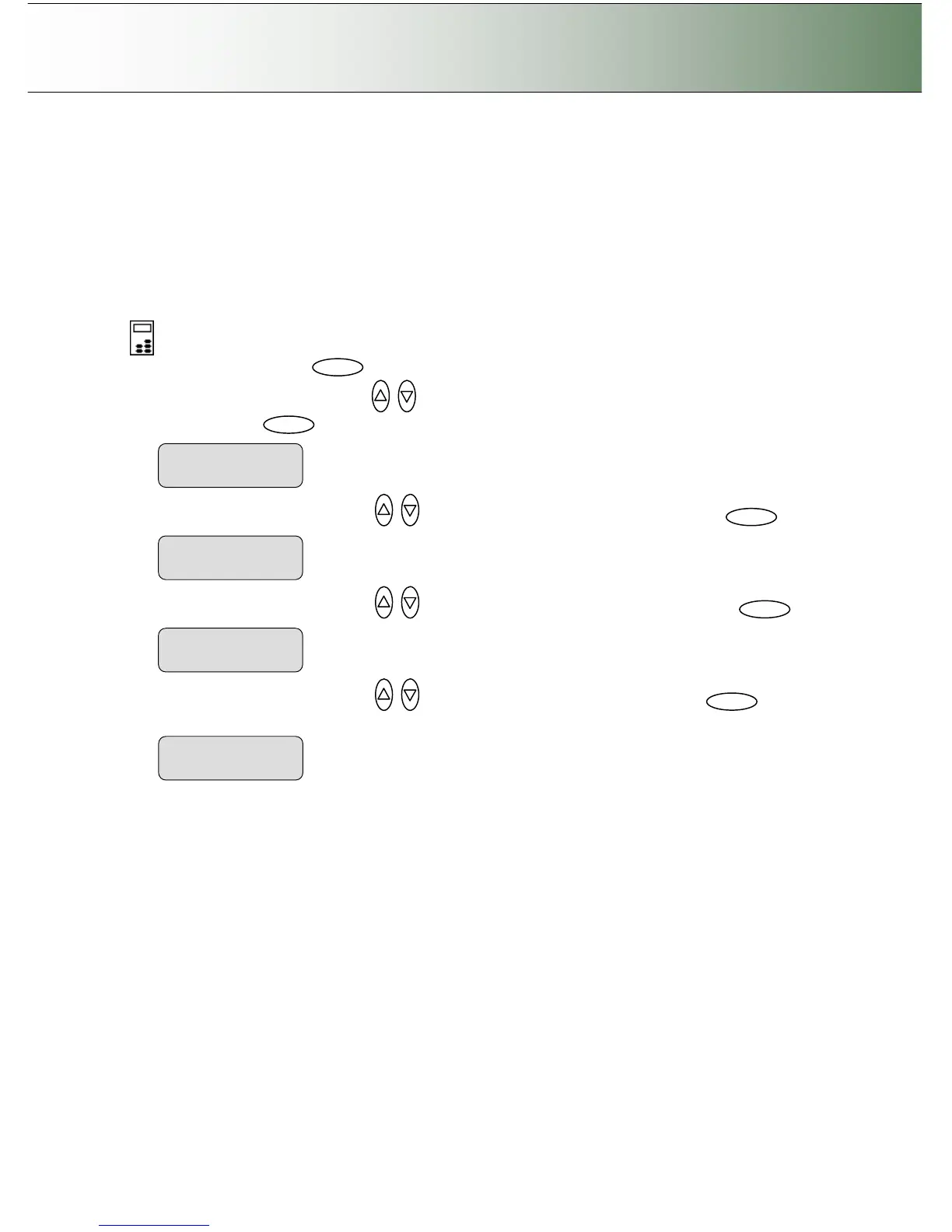
To access the scanner’s internal hard disk:
On the iJET Panel
1. Select the Menu button.
2. Use the arrow button up or down until the display window shows Advanced and confirm with
the Enter button .
3. Use the arrow buttons up or down until the display shows Options and confirm with .
4. Use the arrow buttons up or down until the display shows Hard Disk and confirm with .
5. Use the arrow buttons up or down to browse through the options available and to
activate them. You can view the hard disk size, and manipulate files on the disk.



 To Next Page