Configuration and Setup 3-30
3.12.2 Setting the Sleep Mode Preferences
On scanners: FLEX50i, HD4230i
The Sleep Mode option is for setting the scanner to enter Sleep Mode automatically after a user-defined
idle time. This is an Energy Saver feature. This automatic sleep functionality is additional to the Timer
clock function described above.
On the iJET Panel
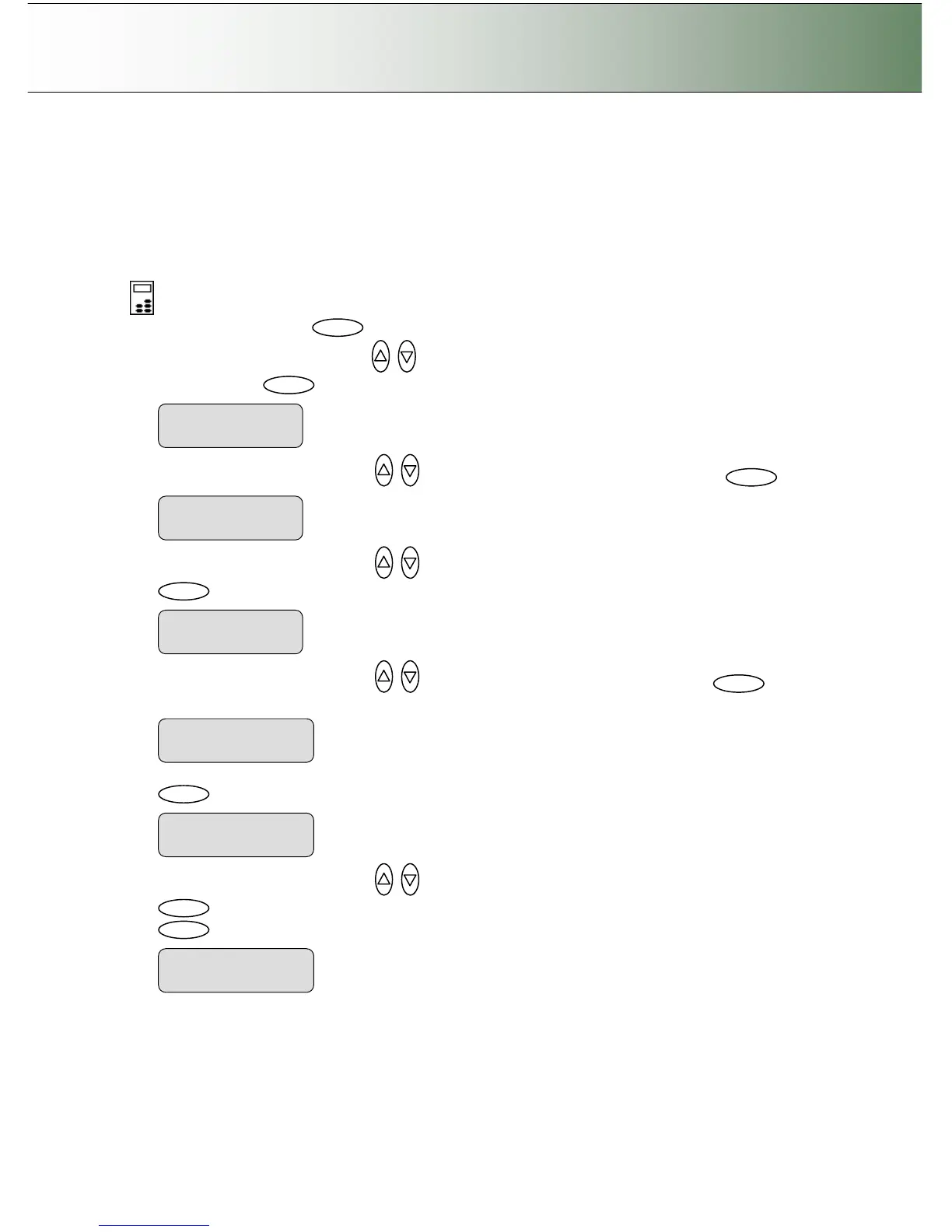
1. Select the Menu button.
2. Use the arrow button up or down until the display window shows Advanced and confirm with
the Enter button .
3. Use the arrow buttons up or down until the display shows Options and confirm with .
4. Use the arrow buttons up or down until the display shows Sleep Mode and confirm with
.
5. Use the arrow buttons up or down until the display shows Sleep and confirm with .
.
6. Set to Yes with the arrow buttons if you want the scanner to use the Sleep Mode option. Confirm with
.
7. Use the arrow buttons up or down until the display shows Sleep Delay and confirm with
. Use the arrow buttons again to change the delay value (default = 15 minutes). Confirm with
.



 To Next Page