Configuration and Setup 3-29
On the iJET Panel
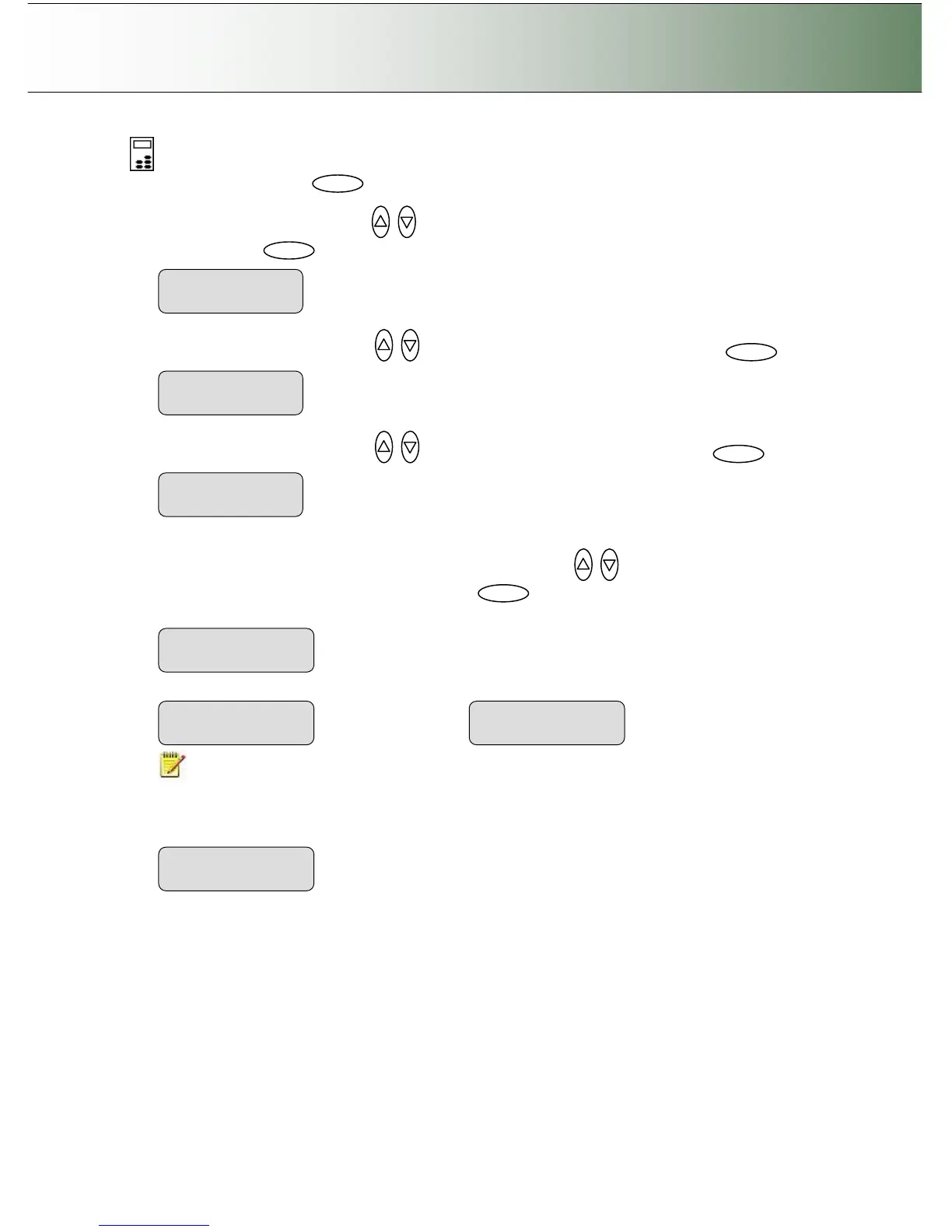
1. Select the Menu button.
2. Use the arrow button up or down until the display window shows Advanced and confirm with
the Enter button .
3. Use the arrow buttons up or down until the display shows Options and confirm with .
4. Use the arrow buttons up or down until the display shows Timer and confirm with .
5. You can set the wake up and sleep times for each day. Each day contains a submenu where Wake-
up and Sleep times can be set. Use the arrow buttons up or down and Enter to move through
the days and to set the times. Confirm always with .
NOTE: AM or PM must be selected if the AM/PM option was selected under Advanced ->
Options -> Time and Date -> Time Format.
6. If you enable the Link Monday to Friday option, setting only for Monday will automatically set all the
other weekdays (not the weekend) to the same wake-up and sleep times. The default is “No”.
>Monday



 To Next Page