Configuration and Setup 3-31
3.12.3 Setting the Lamp Power Preferences
On scanners: FLEX50i
This option is for the flatbed scanners and lets you determine if you want the lamp to automatically go on
only when it is needed for scanning or to stay on permanently (while the scanner is on), also when the
scanner is idle. With some color printing jobs, you may want to have the lamp always on to ensure color
stability. It is recommended to use the “Always On” setting only if you notice problems (slight color shade
stripes) in the printout and otherwise use the “Automatic” lamp on/off functionality. You can also use an
on/off delay factor.
To set the lamp to remain always on:
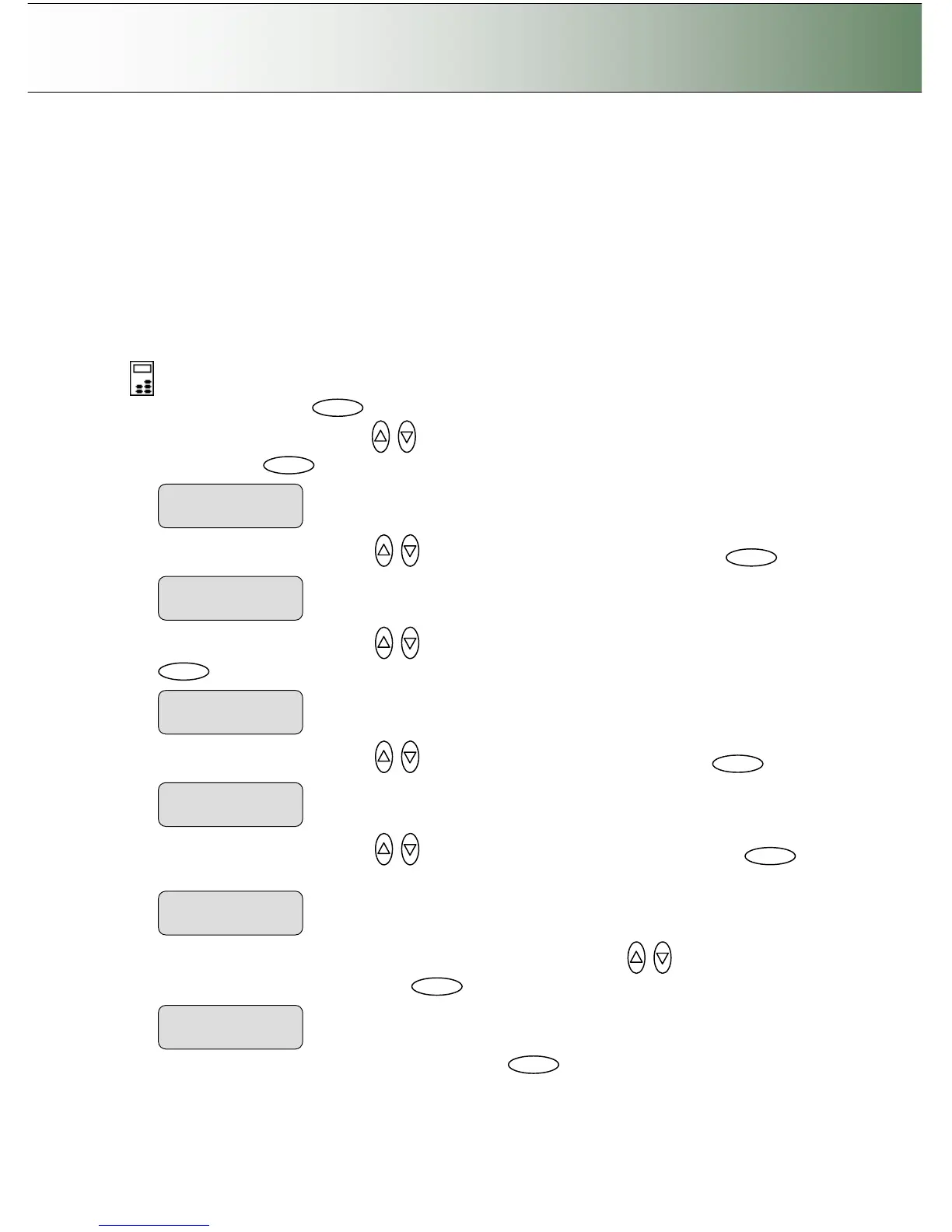
On the iJET Panel
1. Select the Menu button.
2. Use the arrow button up or down until the display window shows Advanced and confirm with
the Enter button .
3. Use the arrow buttons up or down until the display shows Options and confirm with .
4. Use the arrow buttons up or down until the display shows Scanner Setup and confirm with
.
5. Use the arrow buttons up or down until the display shows Lamp and confirm with .
6. Use the arrow buttons up or down until the display shows Always On and confirm with
.
7. To control on/off with a delay factor - Use the arrow buttons up or down until the display
shows Use lamp delay and confirm with .
8. Set a Lamp Delay factor (0-256) and confirm with enter



 To Next Page