Configuration and Setup 3-17
3.7 Personalizing and Localizing Your System
The iJET Panel options can be configured to match your local standards regarding the language
displayed in the menus, paper size series (preferred standard size systems such as “ARCH” and ISO A)
and media handling (original’s loading method).
NOTE: The number of languages available for the panel is limited.
NOTE: A number of the iJET panel’s scanner setup and configuration options can instead be applied
from the Web Access Interface through a PC’s browser and some users may prefer this to using the iJET
panel menus and buttons. See the section on the “Web Access Interface” for details.
3.7.1 Setting the iJET Panel’s Display Language
On scanners: FLEX50i, HD4230i
On the iJET Panel
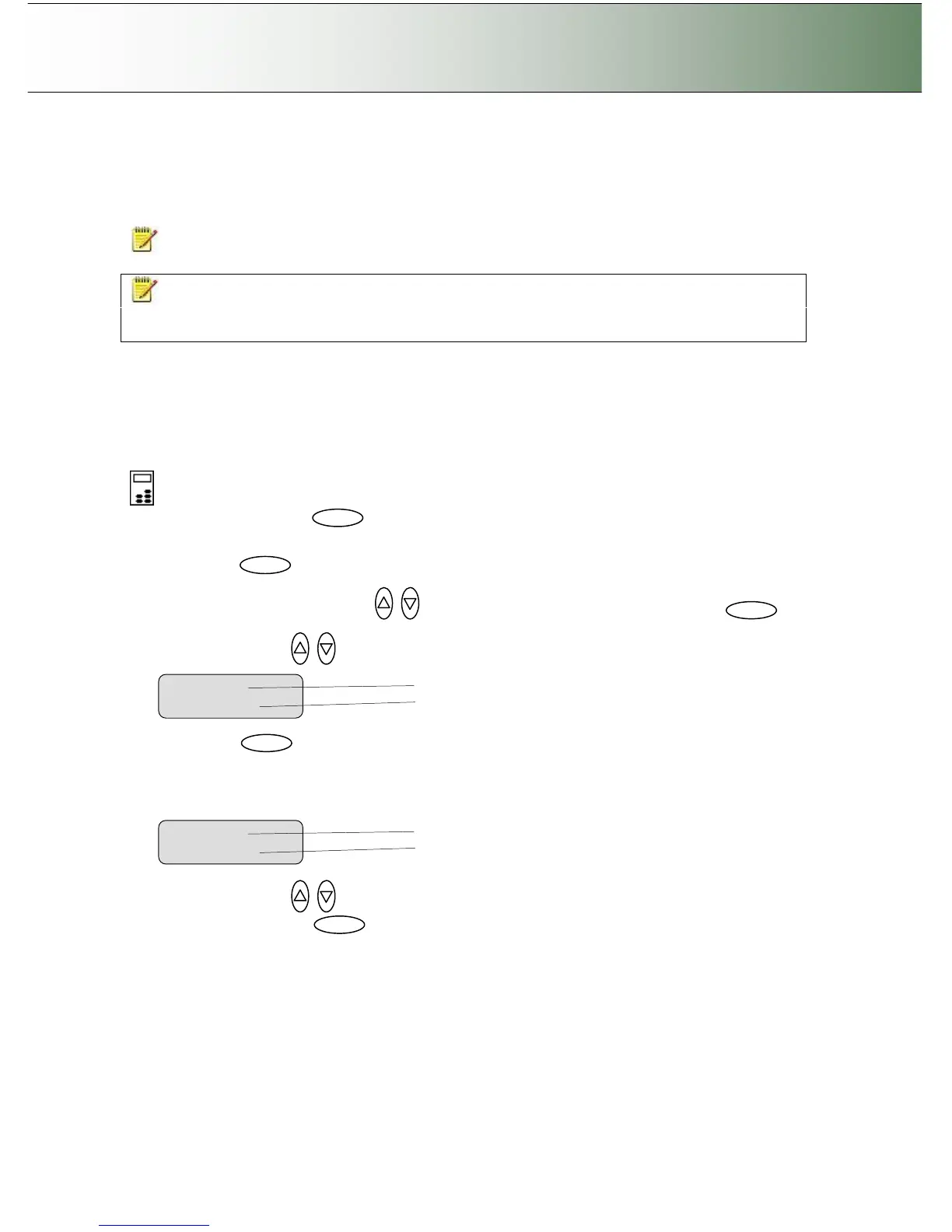
1. Select the Menu button.
2. Use the arrow button up or down until the display windows shows Advanced and confirm with the
Enter button .
3. Use the arrow buttons up or down until the display shows Options and confirm with .
4. Use arrows down/up until the display shows Language. .
5. Confirm with . The “>” marker will move down to the option setting line so you can change it.
6. Your display should look like this (the actual text to the right of the “>” will show the current setting
for the option and may be different than the one shown below).
7. Use arrows down/up to select the language you want to use for the texts in the iJET panel’s
display and confirm with .



 To Next Page