Maintenance 8-12
8.5.2 Replacing the White-Background
A white-background platen can become damaged, worn or discolored after long periods of use and
replacement with a fresh white-background-platen is recommended. Your scanner monitors usage of
parts and will warn you when it is time for a replacement through a message in the iJET Panel display
window.
On Scanners: FLEX50i
1. Turn the scanner power off and disconnect the power plug.
2. Open the scanner’s lid all the way.
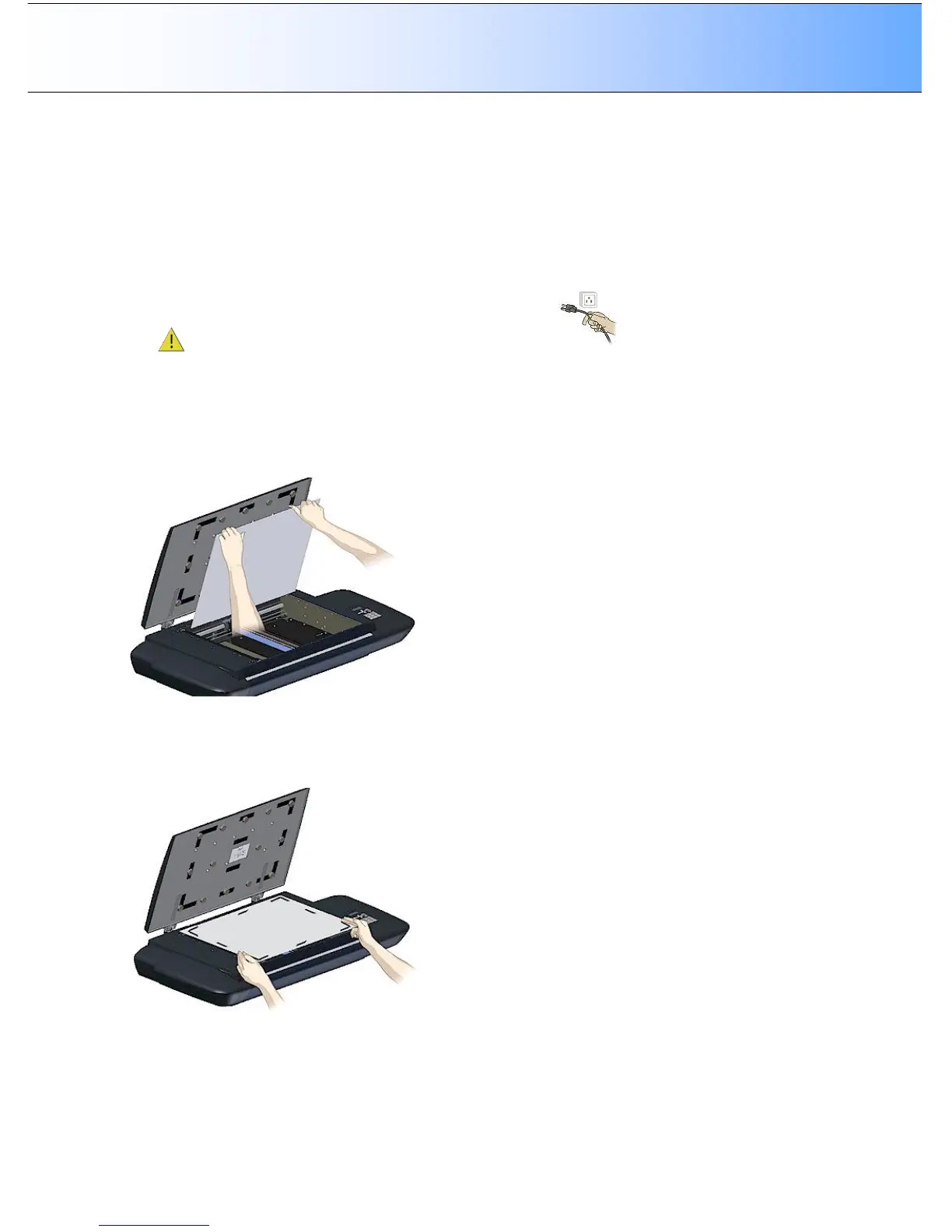
3. The white background platen is attached to the lid’s underside. It is constructed as two layers - upper
layer and lower layer. The lower layer faces the glass. The upper layer is attached to the bottom side
of the lid with Velcro at its corners and edges.
4. Use both hands to place your fingers between the bottom side of the lid and the top edge of the upper
layer. Pull the platen free.
5. Place the new white background platen on the glass plate with its Velcro corners facing up. Align the
new white background platen on the glass by making sure there is an equal amount of space around
all four edges of the lower layer (the layer resting on the glass).



 To Next Page