Maintenance 8-13
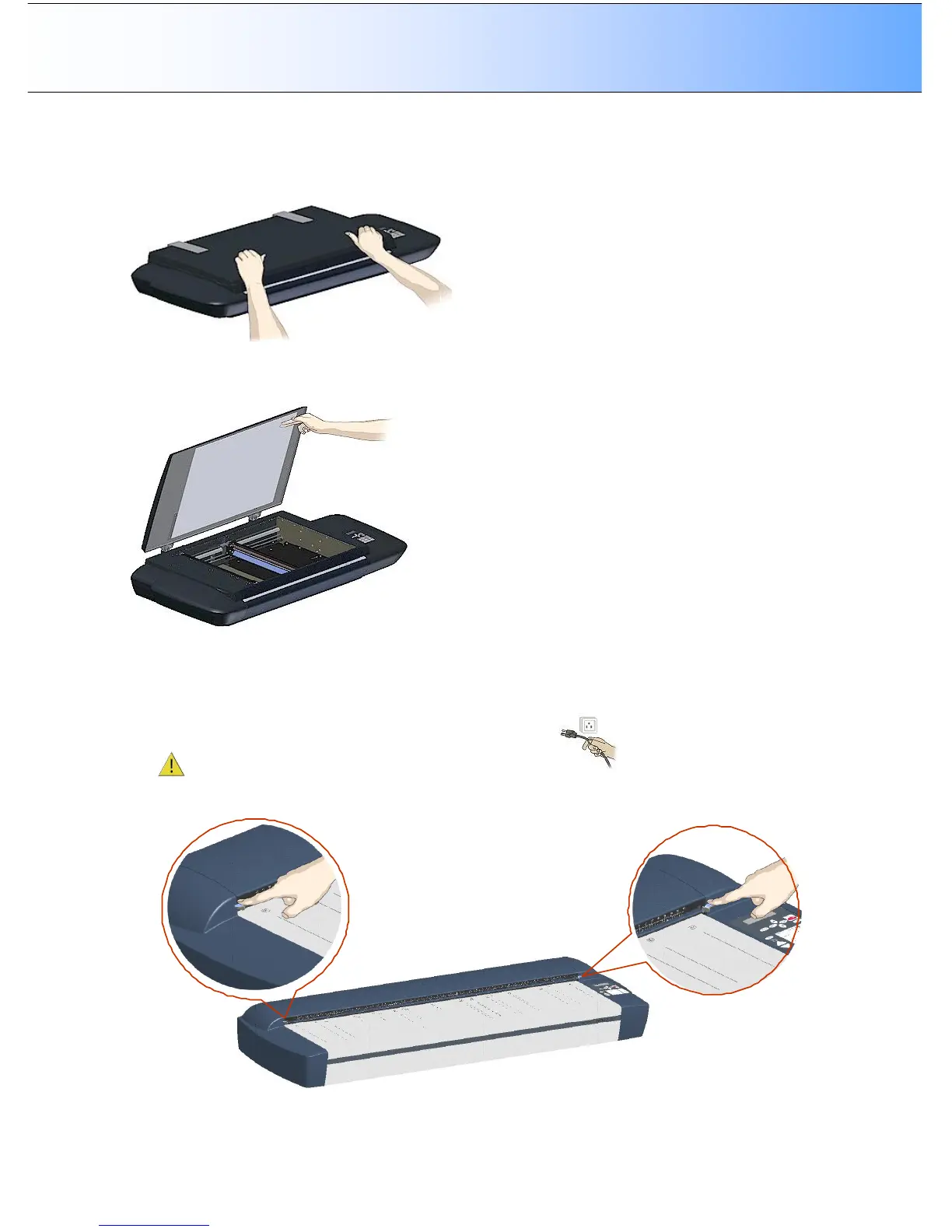
6. Gently close the lid. Press the lid firmly at all its corners and edges to ensure contact between the
lid’s and the white background platen’s Velcro.
7. Make sure your hands are clean. Open the lid and press firmly on the new white background platen
corners and edges to make sure the Velcro is properly in contact in all places. Recalibrate the
scanner.
Replacing the White-background:
On Scanners: HD4230i
1. Turn the scanner power off and disconnect the power plug.
2. Open the scan area lid - Push down on the two lever buttons found near the insertion slot on each
side of the lid.



 To Next Page