Configuration and Setup 3-20
3.7.4 Setting the local Time and Date
Your scanner needs to be set up with the local time and date. The setting is important for many system
functions such as file creation and using the scanner Timer for automatic wake-up and sleep (see specific
section in this User’s Guide).
On scanners: FLEX50i, HD4230i
On the iJET Panel
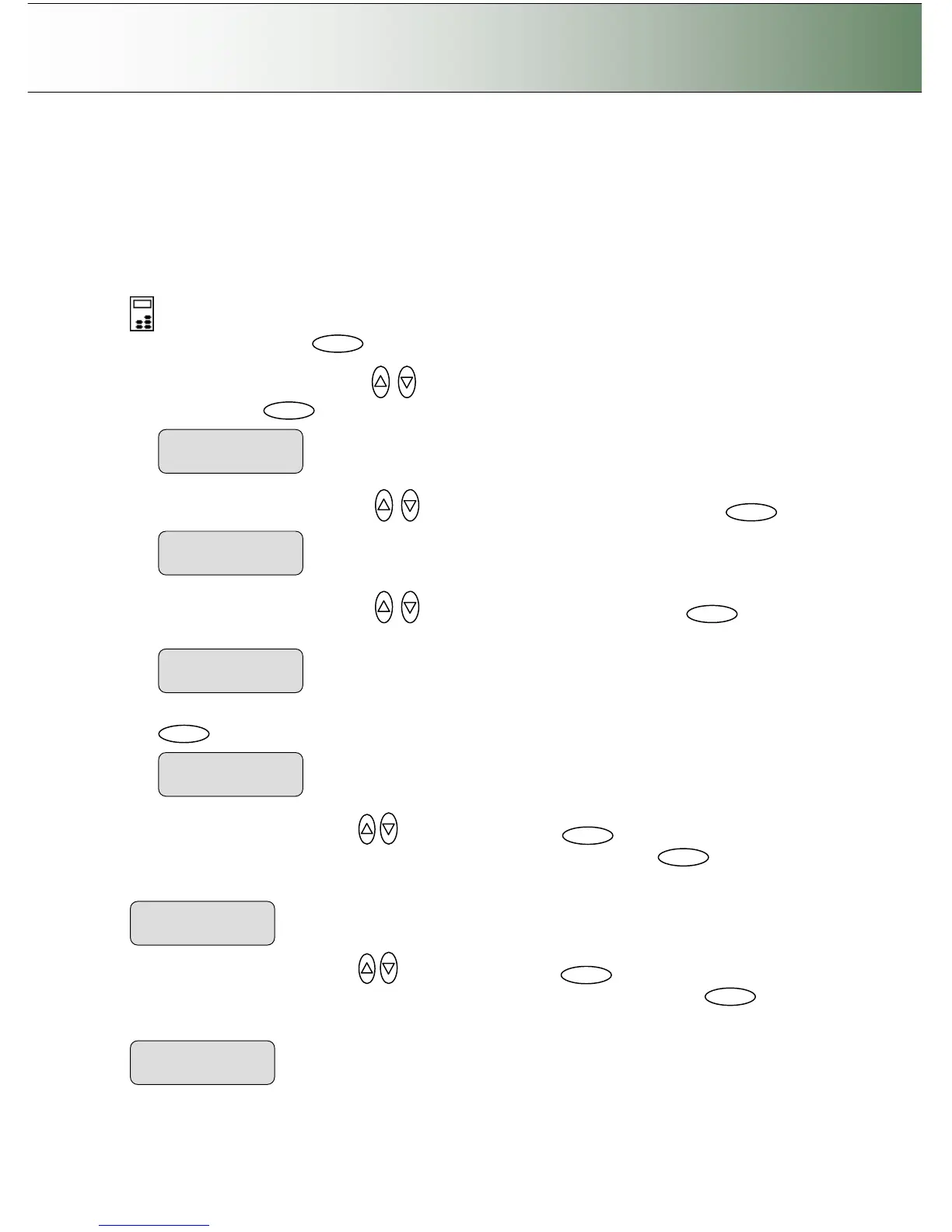
1. Select the Menu button.
2. Use the arrow button up or down until the display window shows Advanced and confirm with
the Enter button .
3. Use the arrow buttons up or down until the display shows Options and confirm with .
4. Use the arrow buttons up or down to reach the option Time and Date. Press to
confirm.
5. Set the Time Format to 24- hour format (example: 17.30) or AM/PM format (example 05.30). Press
to confirm.
6. Use the arrow buttons up/down
to reach Set Time. Press to enable editing and enter
your local time in format hh:mm. Use the arrows to change the digits and press to confirm
the value.
7. Use the arrow buttons up/down
to reach Set Date. Press to enable editingand enter
the duccent date in format yyyy-mm-dd. Use the arrows to change the digits and press to
confirm the value..



 To Next Page