Using the scanner, how do I … Copy? 5-2
5.2 Main Copy Options - Quick buttons
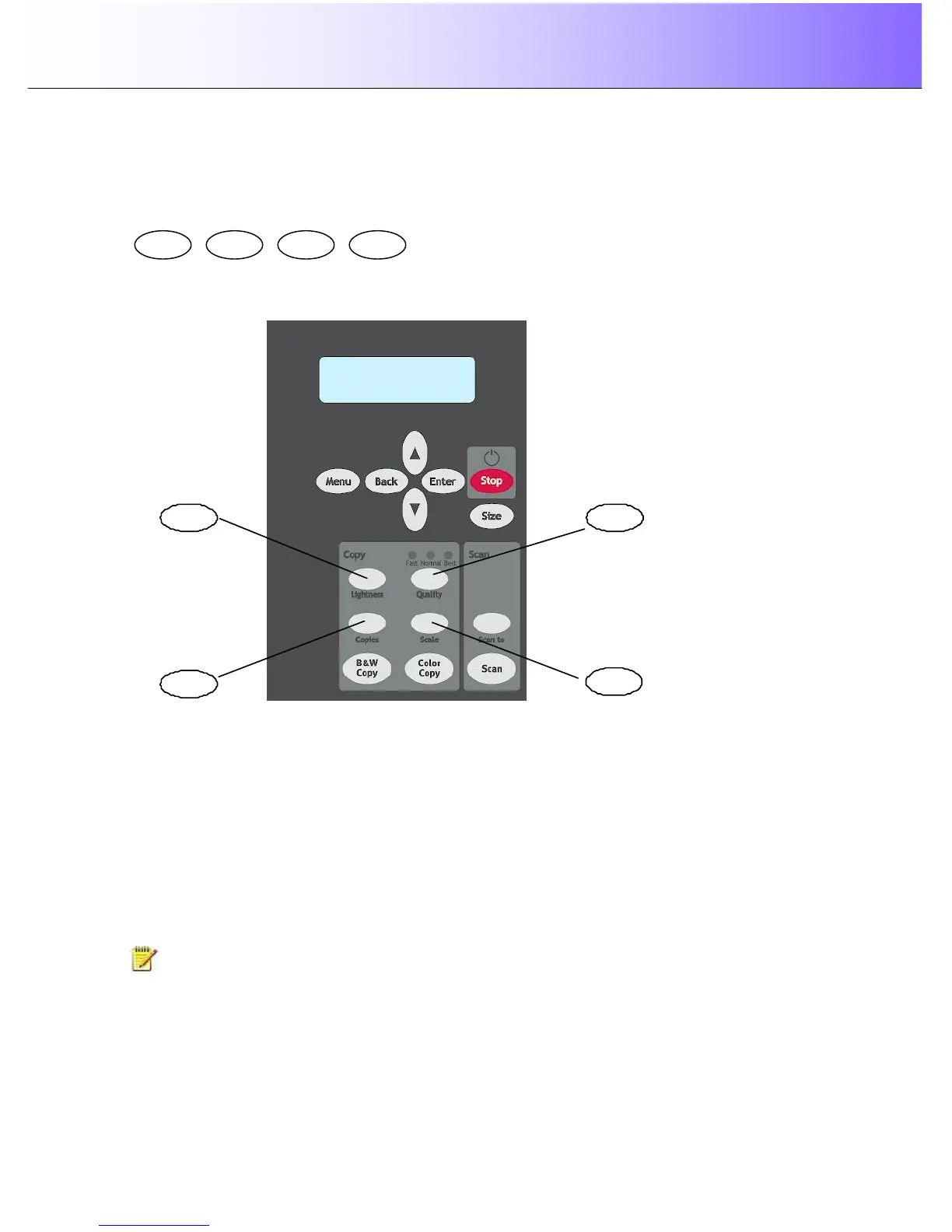
This section describes the main copy options you can set with the iJET Panel’s quick buttons. The buttons
are:
The buttons Lightness, Copies, Quality and Scale are shortcuts into the iJET Panel Menu system to
options you can reach through the Menu button. This means that each of the copy functions described in
this section (copy image Lightness, copy Quality, number of Copies and Scale – output size in relation to
the original ) can be set both by pressing the corresponding Quick button and by entering the Menu and
navigating to the function.
There are additional copy options in the Menu that are not accessible through quick buttons and can only
be reached and set by way of the Menu button. These are Org. Types, Sharpen, Background Clean,
Media Type, Mirror, reset and Advanced. These copy options will be described in the next section “Other
Copy Options – Menu Button.
NOTE: The panel shown above is one the FLEX50i models. The panel on the HD4230i models
contains all the same copy and scan functionality buttons and additionally also contains ATAC and paper-
feed buttons on its left side.



 To Next Page