Configuration and Setup 3-33
3.12.5 Viewing Scanner Device Information
On scanners: FLEX50i, HD4230i
This option lets you view information about the scanner device and important configuration values in
relation to the network. A number of the options are useful when seeking service. The Scanner
Information option is only for viewing values and not for changing them.
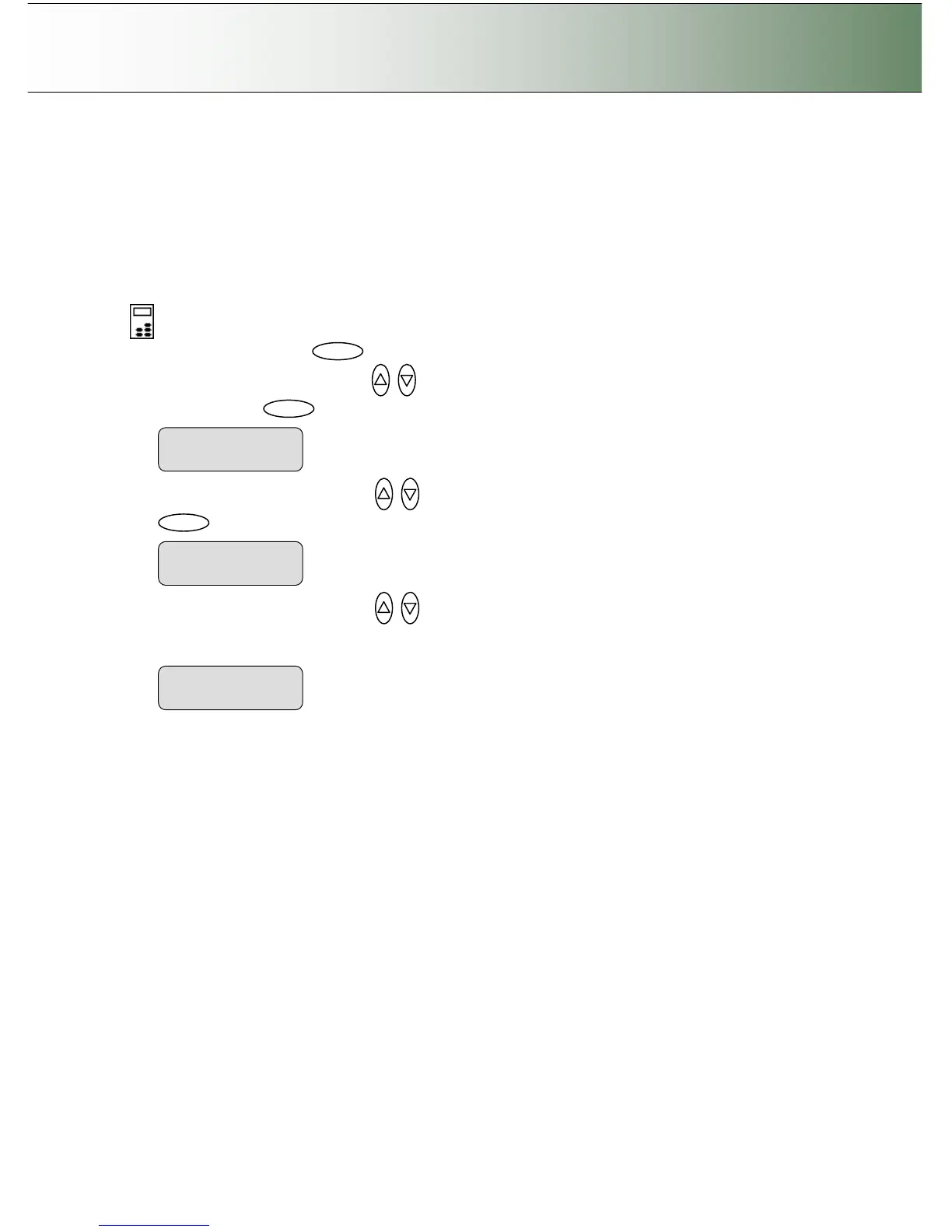
To view scanner information:
On the iJET Panel
1. Select the Menu button.
2. Use the arrow button up or down until the display window shows Advanced and confirm with
the Enter button .
3. Use the arrow buttons up or down until the display shows Scanner Info and confirm with
.
4. Use the arrow buttons up or down to display the different information values such as Scanner
Name (on network), the scanner’s IP Address, firmware release, scanner Serial Number, Service ID
and more. You can only view the Scanner Information values – you can not change them.
> IP Address



 To Next Page