Web Access Interface 7-1
7. Using the Web Access Interface – Setup, Monitor, Scan
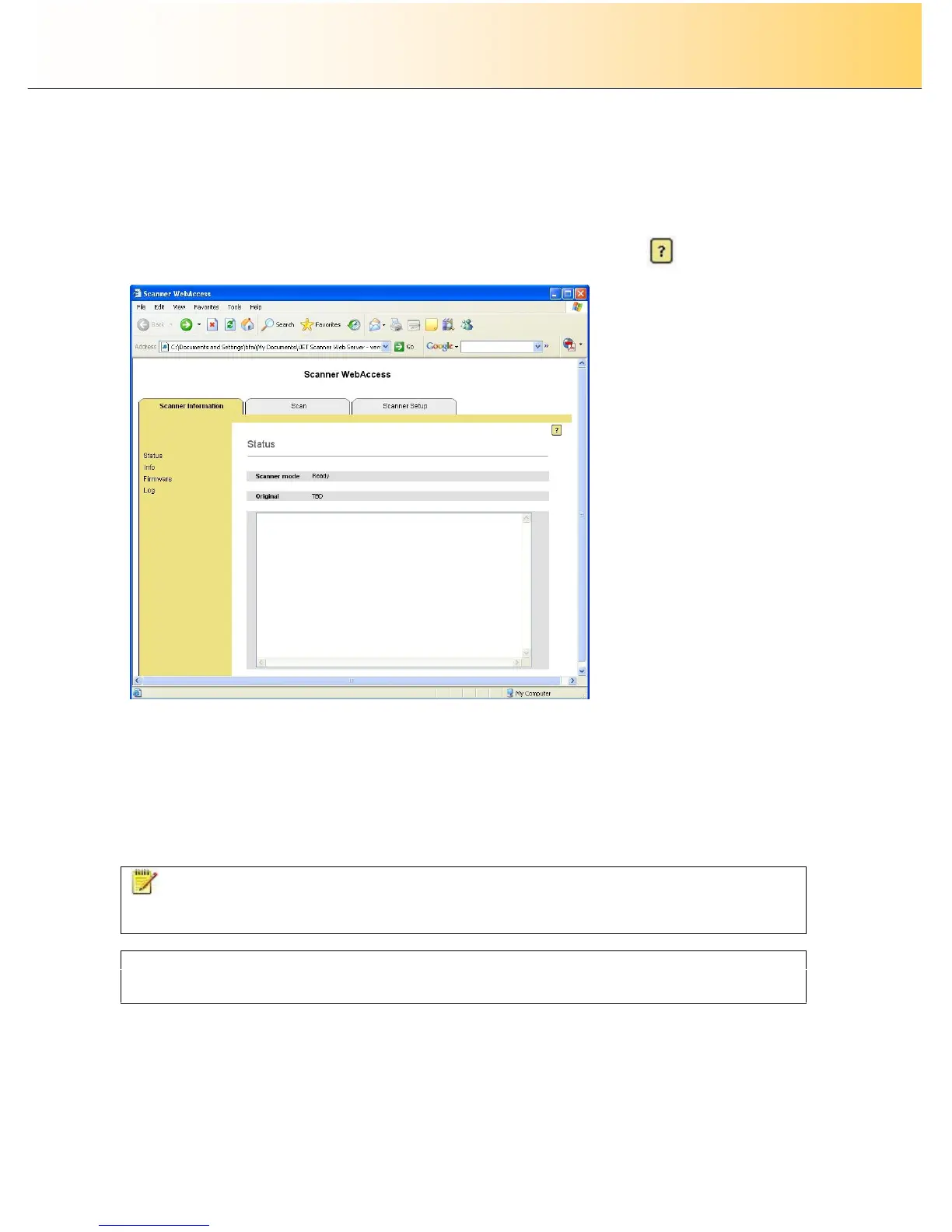
The iJET scanner supports an embedded web server and a file storage area. The embedded web server
provides a Web Access Interface that enables users to communicate and control the scanner from a PC
on the LAN through the PC’s web browser, thus bypassing special software and OS compatibility issues.
To access the scanner, users just start their browser and enter the scanner’s IP address. Detailed
instructions for using the interface can be viewed when you press the help button:
Here are some of the things you can do through the Web Access Interface:
Monitor scanner information – view device status, firmware versions and the scanner’s log.
Configure your scanner – setup options for language, network, date/time, media feeding. Make
scanner-printer communication settings and network setting. Set a timer for automatic sleep and
wake-up and set security on the Web Access Interface.
Scan – Send a scan to the internal file storage in the scanner and then download the file from
the scanner to your PC. The interface offers a range of scan options.
NOTE: A number of the iJET panel’s scanner setup and configuration options can instead be applied
from the Web Access Interface through a PC’s browser and some users may prefer this to using the iJET
panel menus and buttons.
On-line Help
The Web Access Interface includes on-line help. Please refer to the Web Access Interface online help for
detailed instructions on all the available Web Access Interface options.



 To Next Page