Web Access Interface 7-2
To start the web access interface:
1. Make sure that the scanner is connected to the LAN and setup on the network as described in
the section “Scanner on Network Setup”.
2. You need to find the scanners IP address in the Scanner Info menu option:
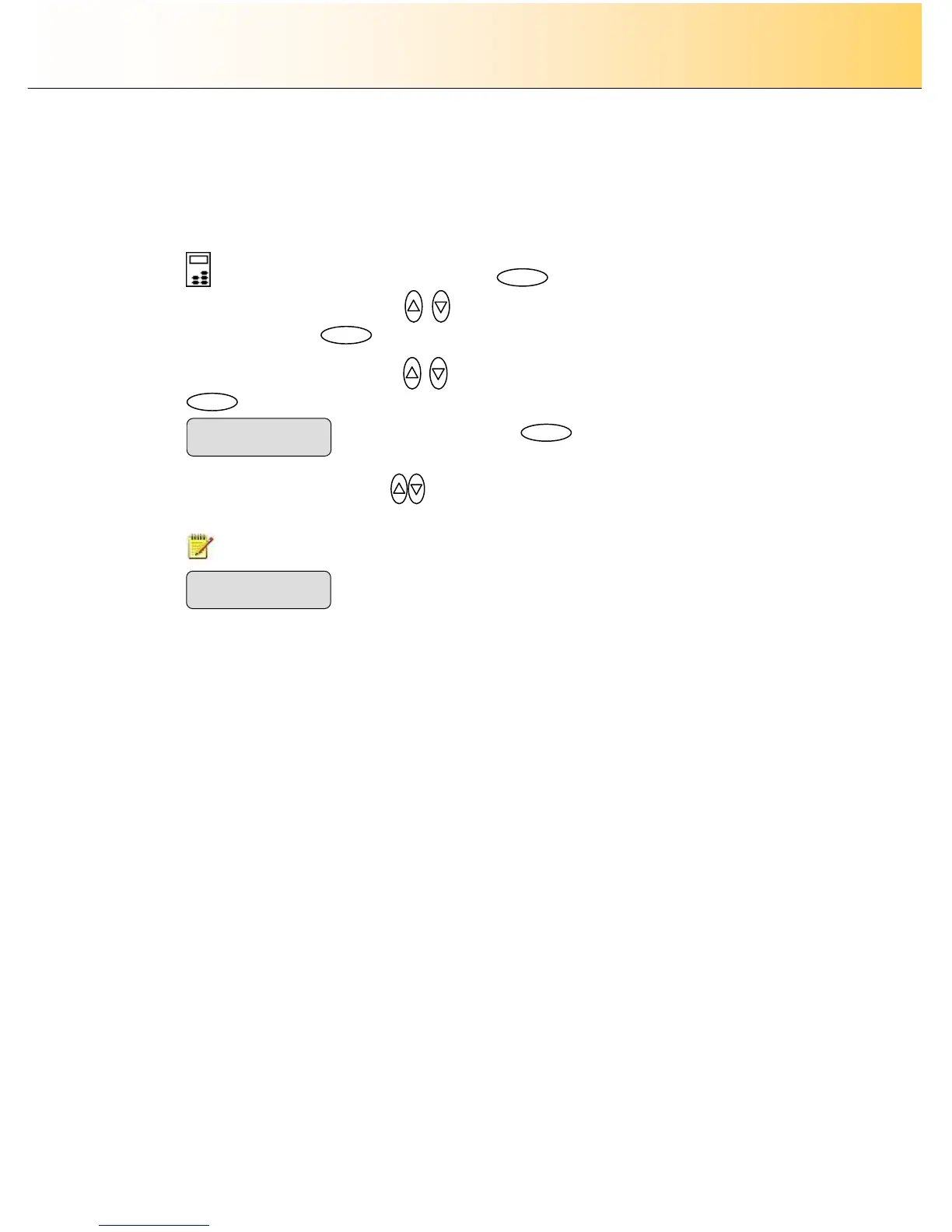
3. On the iJET Panel: Select the Menu button.
4. Use the arrow button up or down until the display window shows Advanced and confirm
with the Enter button .
5. Use the arrow buttons up or down until the display shows Scanner Info and confirm with
.
6. Use the arrow buttons up/down
until the iJET Panel displays IP Address.
7. The IP address will be displayed.
NOTE: The address displayed below is only an example.
8. Enable the Web Access Interface (Web server) – Select in the panel Menu -> Advanced as
described above in steps 3-4. Select Network setup and navigate with the arrow buttons to Web
Server. Select Yes to activate the Web Access Interface.
9. Open a browser on a PC connected to the same LAN as the scanner.
10. Enter the IP Address you found through step “Find the scanner’s IP Address”
11. The Web Access Interface for the scanner will appear on your screen which means you have
made contact with the scanner through its web server.
12. Carry out the action you wish to perform – monitor, make setup options or scan to the internal
storage. Use the Web Access Interface on-line help for detailed instructions.



 To Next Page