Configuration and Setup 3-26
If your network does not support DHCP:
1. Get the values IP Address, Subnet Mask and Gateway Address from your network administrator.
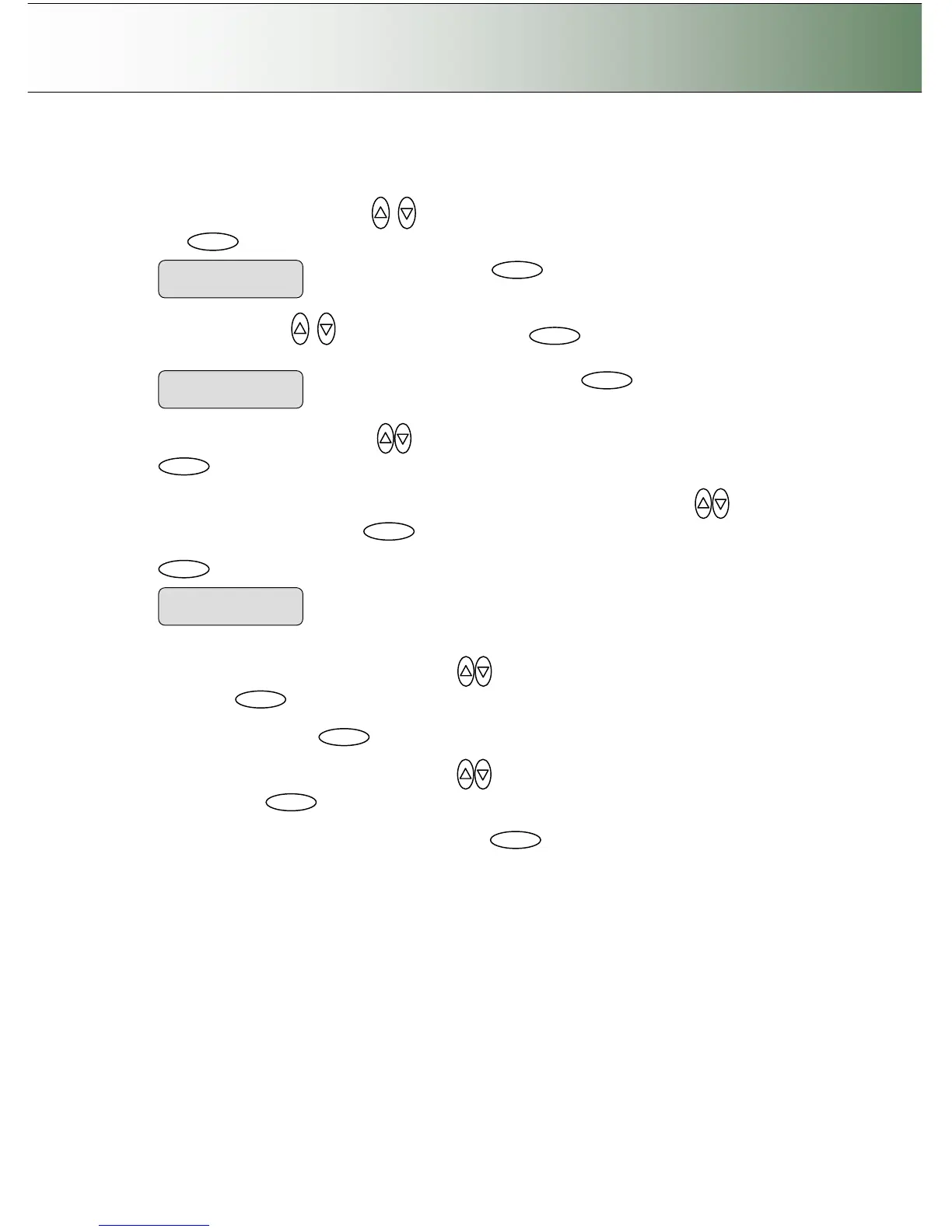
2. Use the arrow button up or down until the display window shows DHCP Setup and confirm
with to move the “>” marker down change the setting.
3. Use arrows down/up to select NO and confirm with
. The scanner will then be
identified on the network with the values you enter manually in the next steps. .
4. Use the arrow buttons up/down
until the iJET Panel displays IP Address and confirm with
.
5. The default IP shows 4 groups with 3 digits in each group. Use the arrows up/down
to change
the first group (3 digits). Press to move to the next 3 digit group and again the arrows to
change them. Continue with each group until you have the right IP displayed and press Enter
to confirm.
6. Use the arrow buttons arrow buttons up/down
until the iJET Panel displays Subnet Mask and
confirm with
. Subnet Mask is a mask used to determine what subnet an IP address belongs
to. Use the up/down arrow to change a digit’s value in the same manner as described above for the
IP Address. Confirm with
7. Use the arrow buttons arrow buttons up/down
until the iJET Panel displays Gateway Address
and confirm with
. A Gateway address is the IP address of a network point that acts as an
entrance to another network. Use the up/down arrow to change a digit’s value in the same manner
as described above for the IP Address. Confirm with
Use the arrows to change the IP
values as described above.
IP Address
> xxx.xxx.xxx.xxx
Change value to “NO” and confirm with



 To Next Page