Using the scanner, how do I … Load? 4-2
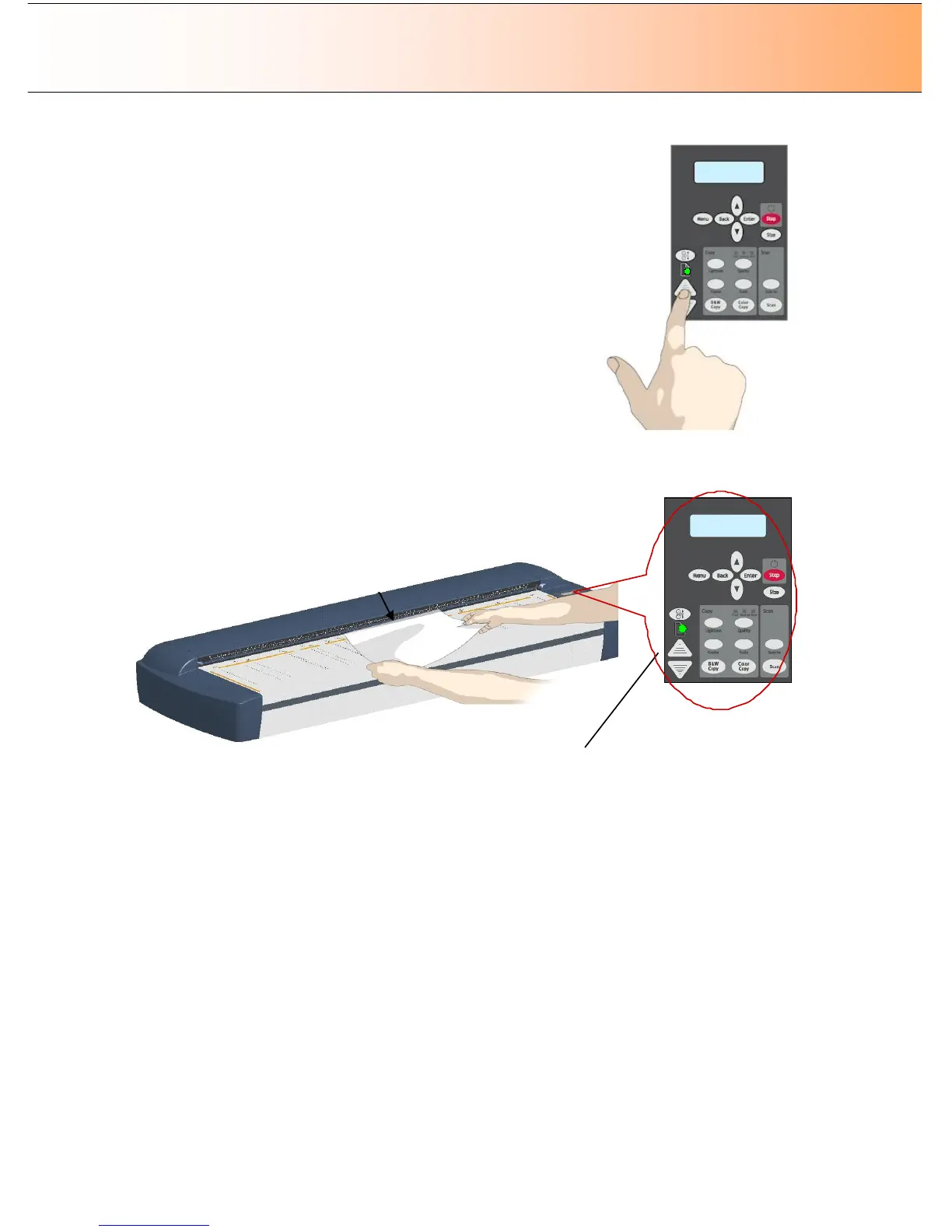
3. The Paper Ready LED lights green (yellow for thick media) when the
original is positioned correctly for a straight scan path.
4. While holding the original in place with one hand, use the other hand
to press and hold down the Paper Forward button on the scanner.
5. The original moves into the start-scan position.
Automatic loading - the scanner takes the original as soon as you
insert it in the paper slot. Automatic loading is reliable for most jobs and
especially useful for batch scanning jobs.
1. Align the original’s center with the scanner’s center arrow guide
marker.
2. Push the original into the insertion slot until you feel it contact the
rollers.
3. The Paper Ready LED lights green (yellow for thick media) when the
original is positioned correctly for a straight scan path.
4. The scanner will grab the original automatically and move it into
start-scan position.



 To Next Page