Using the scanner, how do I … Copy? 5-11
5.3.5 How do I… Set the Media Profile (MediaType)?
When making color copies, it is important to tell the system what kind of paper you have in the printer.
Already during scanning, your system will optimize processing for optimal color matching in relation to the
media type the image will be printed on. Processing for glossy paper is different than processing for
coated paper. Your Media Profile setting is not used with B&W Copying.
We described how to create Media Profiles in the sections on Configuration and Setup - Media Profiles -
Color Printer Setup. A Media Profile you created during setup will be applied when you set the
corresponding Menu -> Media Profile.
NOTE: If your system does not already have a Media Profile for the media in your printer, then you
must create a new Media Profile.
Instructions on creating new Media Profiles are described in the section on Media Profiles - Color Printer
Setup. For convenience, we have repeated these instructions below at end of this section - How do I…
Set the Media Profile?
Your Media Profile setting is applied when you press the Color Copy button.
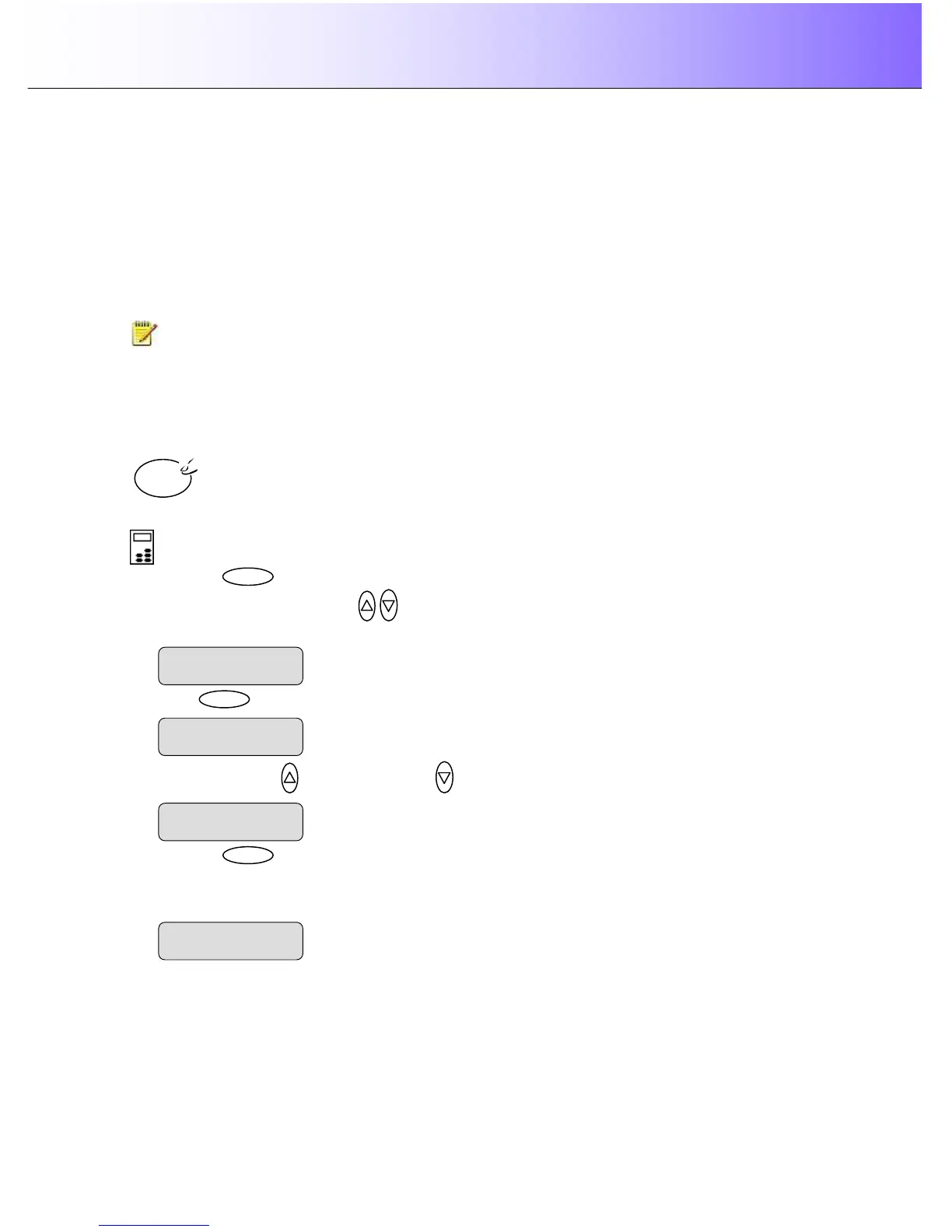
To set a Media Type:
On the iJET Panel –
1. Press the button to enter the main Menu.
2. Use the arrow up/down buttons
to move through the Menu options until the display shows
Media Profile as shown below.
3. Press
button to accept the selected setting. The “>” marker will move up to the Menu
level indicating that the value is set and you can step on through the menu options if needed. The
new Media Profile setting will be applied every time you press the Color Copy button until you repeat
the steps above to change it.
Color



 To Next Page