Maintenance 8-4
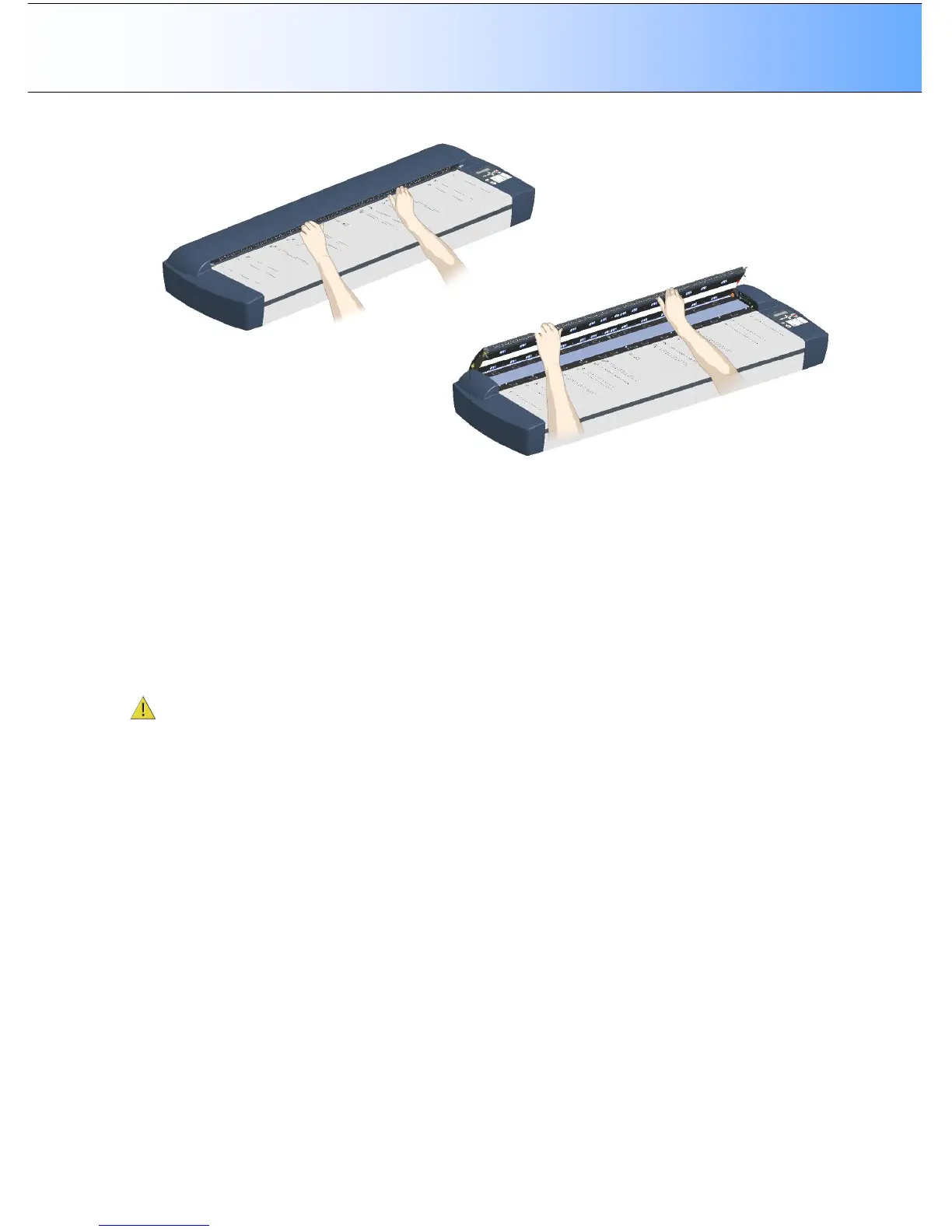
6. The scanning area is now exposed for cleaning.
7. Clean the glass with a lint-free cloth and a mild, streak-free, glass cleaner. Apply the cleaner to the
cloth and then wipe in the scanner. Dry the glass completely using a separate clean, dry lint-free cloth
like the one provided with the maintenance kit.
8. The white-background-platen (white metal area) is fixed in the scanning area lid. Wipe the white
background paten and the upper (transport) rollers with a lint-free cloth and a mild, streak-free, glass
cleaner. Apply the cleaner to the cloth and first wipe the platen’s white area and then the upper
roller’s surface.
9. The lower rollers are aliened in two rows on each side of the glass plate. Wipe the lower rollers with a
lint-free cloth and a mild, streak-free, glass cleaner.
10. Dry the platen and rollers completely using separate clean, dry lint-free cloths.
CAUTION: Do not spray cleaning liquids directly in the scanning area. Always apply the liquids to the
cloth and then wipe the specific scanner parts without touching other parts.



 To Next Page