Maintenance 8-9
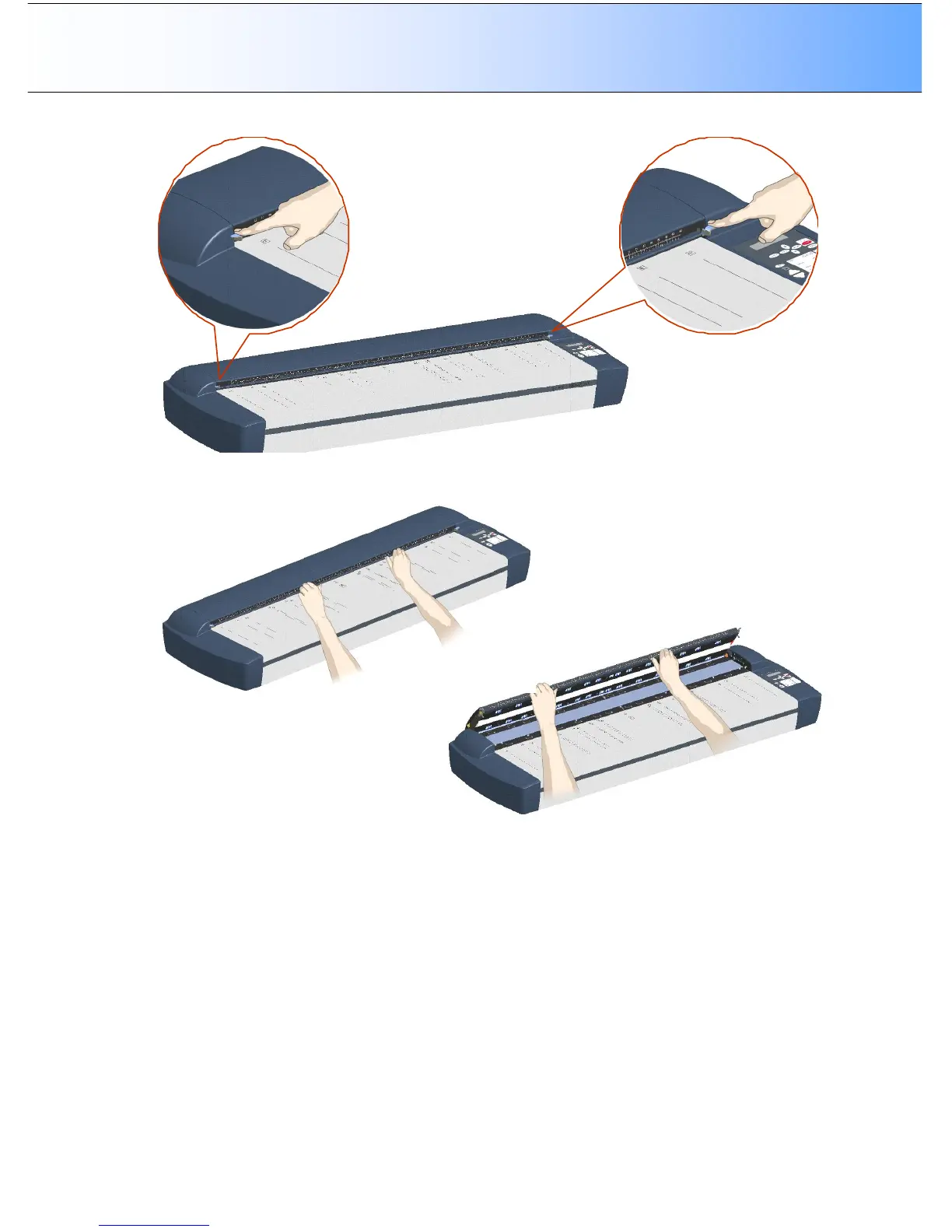
3. The scanning area lid locking mechanism should now be disengaged.
4. Place your thumbs in the insertion slot and flip the scanning area lid back to its open position.
5. The glass-plate will be exposed and accessible.
6. On each side of the glass-plate there is a small lever with a round lever-handle on its end. Place a
finger under both round lever handles on each side of the scanner (see illustration below).



 To Next Page