Maintenance Manual SP 40
Rev. 005
49
Chapter 3
Operabilty and Configuration
Chapter 3 Operability and Configuration
3.1 Overview
This chapter describes the main operability and configuration functionalities.
For complete and detailed description, please refer to the specific User manual.
The control panel provides access to used functions and to set-up the printer for software environment.
The control panel works in different ways according to the printer operating status
3.2 Operability
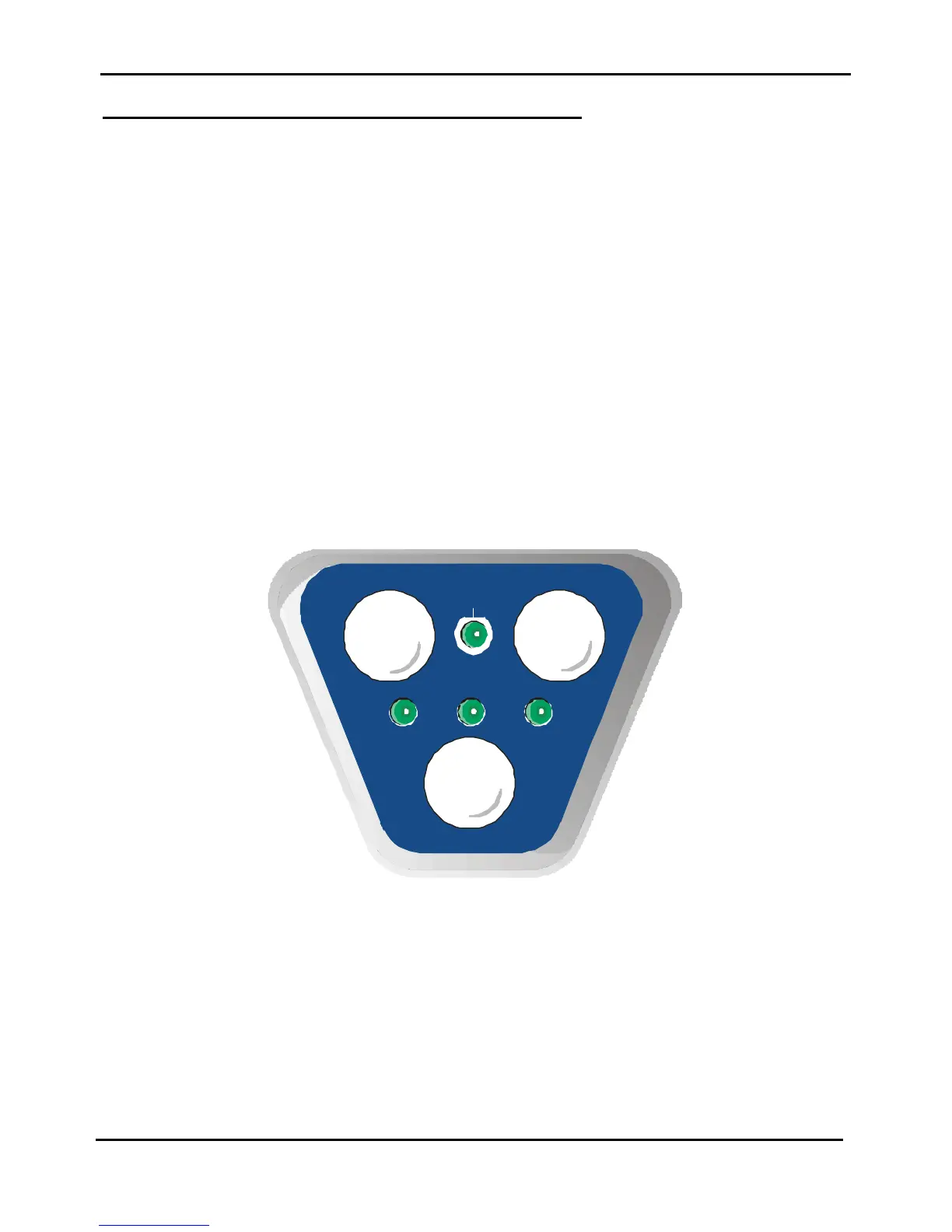
The operability of this printer is done through a specific operator panel.
3.2.1 Operator Panel
The operator panel of these printers is located to the right side of the front part.
It has 3 keys and 4 leds as indicated in the figure below.
EJECT
STATION
1
STATION
2
ON LINE
LQ
Fig. 3.1 Operator panel



 To Next Page