Maintenance Manual SP 40
Rev. 005
85
Chapter 4
Service Maintenance
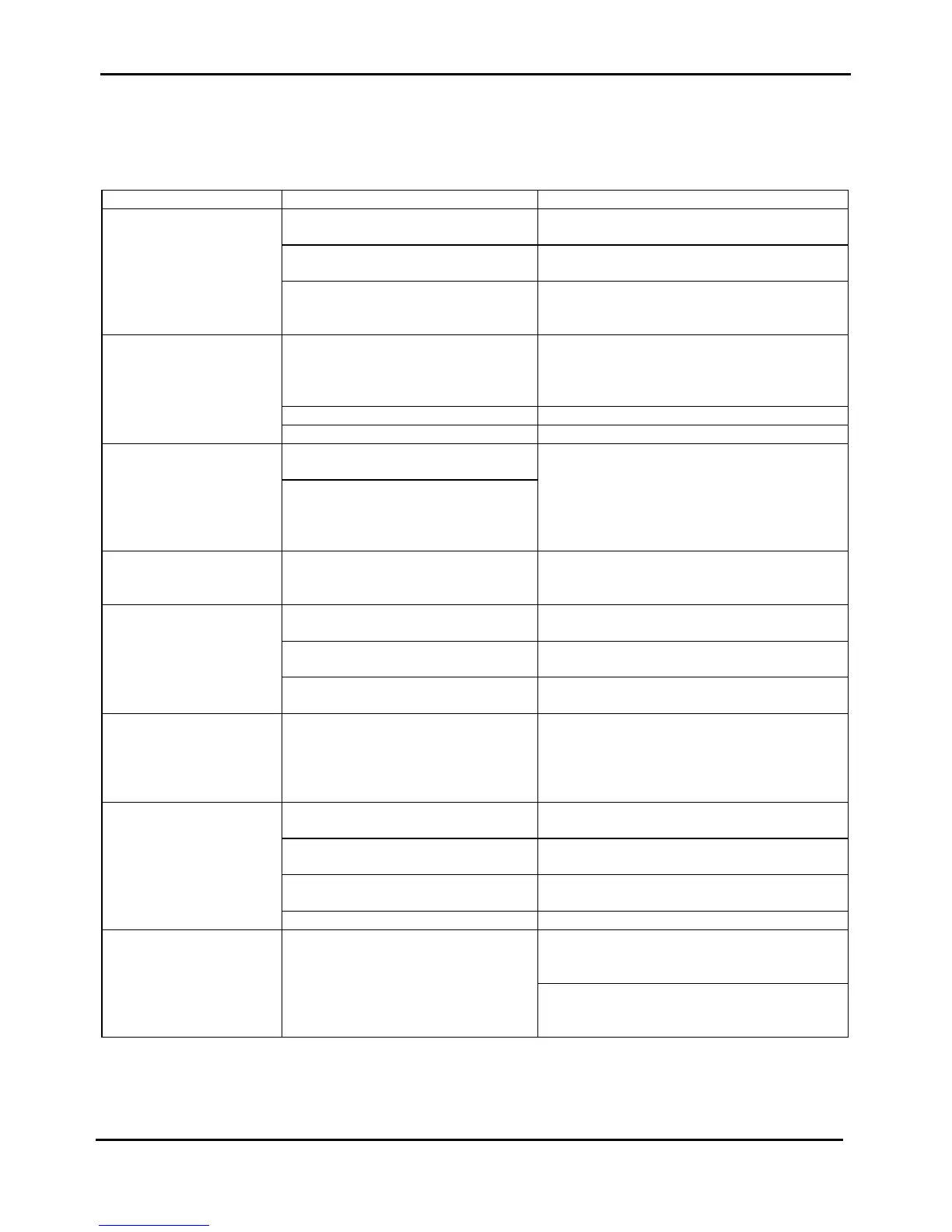
4.10.2 Faulty Probability Guide
This table resumes some (not all) of the most frequently symptoms of incorrect functionalities that can appear in the
normal usage of the printer with their related probable cause and the corrective actions.
SYMPTOM PROBABLE CAUSE CORRECTIVE ACTION
Inconsistent character
printing
The ribbon may not be correctly
installed
Re-install the inked ribbon cartridge.
The ribbon cartridge may be faulty
(check for its free movement)
Replace with a new one.
The ribbon does not work properly. Check for the correct movement of the Ribbon
Drive Assy.
Replace Ribbon Drive assy
Some dots are not printed The print head cables may be
incorrectly installed or damaged.
Run T&D10 to check the printout.
Check for the print head cables insertion on
p.h. and engine board.
Replace print head cables.
The print head may be faulty Check for coils impedance. Replace P.H.
The main board may be faulty. Replace engine board.
The printer stops printing The thermal sensor in the print head
may be faulty
Check the sensor resistance.
Replace P.H..
The connection between p.h. and
engine board is defective.
Check for the print head cable connection.
Replace p.h. cable.
The circuit on engine board may be
faulty.
Replace engine board.
The carriage doesn' t move
in a properly way.
The home position sensor may be
faulty.
Check for the correct insertion of sensor cable
Run T&D10 to checking.
Replace home position sensor..
The character printing are
vertical disaligned.
The printer may be not properly
adjusted.
Run T&D09 to readjust the vertical alignment.
The sensor edge may be not correctly
adjusted.
Run T&D09 to check edge sensor.
Replace edge sensor.
The ruby on print head is not installed
correctly.
Run T&D10 to verify.
Replace the print head.
The paper is loaded but
not correctly positioned
(skew).
The skew sensors does not work
properly.
Check for the skew sensors connection by the
optical fibre.
Run T&D09 to checking.
Replace sensor board or optical fibre.
Replace engine board.
The paper does not
advance properly.
The paper motor is not correctly
installed.
Check for paper motor connection on engine
board.
The paper motor may be faulty Check for its impedance.
Replace paper motor assy.
The paper belt tension is not properly
adjusted.
Check paper belt tension adj.
Readjust if it is need.
The paper is out of specifications Check for the paper specification to be correct.
The paper is loaded but
immediately ejected
The paper edge sensor does not work
properly.
Check edge connection on p.h.
Run T&D09 to check edge sensor.
Replace edge sensor assy.
Check for print head cable connection.
Replace prinr head cable.
Replace engine board.
Table 4.4 Faulty Probability Guide



 To Next Page