Maintenance Manual SP 40
Rev. 005
68
Chapter 3
Operabilty and Configuration
3.5 Printer Set-Up Mode through the application "SP40setup" (via serial i/F)
The SP40 printer can be easily configured through the serial interface, using the SW application tool described here.
The printer must be in Setup mode and install the basic FW release 1.78 or later.
The SP40SetUp application is stored in the Area Partner of the web in the file SP40setup.zip
Download this file from the web and exctract the files from it.
3.5.1 Entering the printer Setup Mode
To enter the Printer Setup Mode press and hold the ON LINE key pressed for at least 1 second while powering the
printer on. The printer enters the Setup Mode.
Once in SetUp mode, before inserting any form, the printer can operate in conjunction with the SP40setup
application.
The files for the SP40setup must be in the same folder and are the following:
Setup.exe
SP40setup.cab
Setup.lst
3.5.2 Install the SP40Setup application
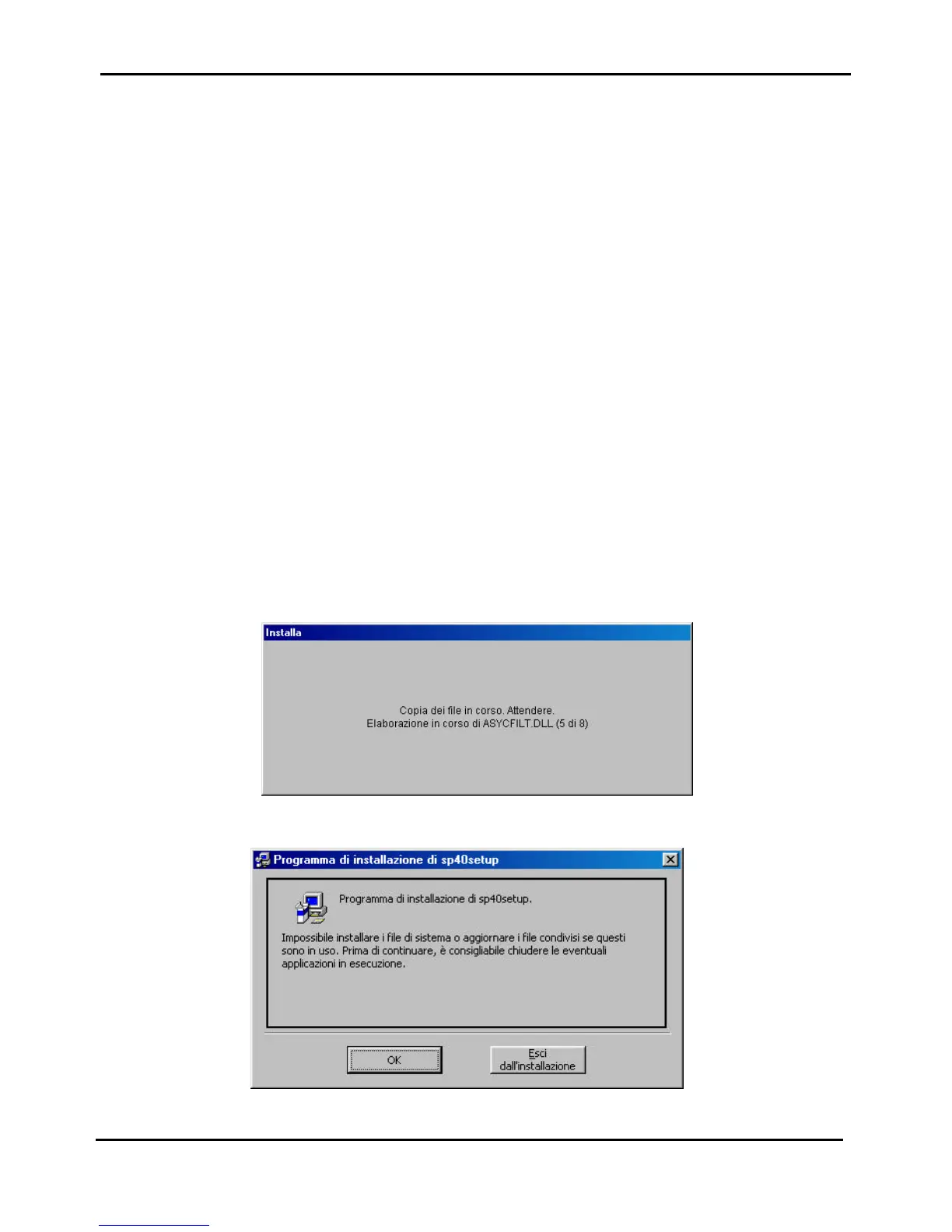
Double click on Setup.exe, the following masks will appear on the video.
Figure 3.12a - Initial mask for SP40setup installation
Figure 3.12b - Other mask for SP40setup installation



 To Next Page