Maintenance Manual SP 40
Rev. 005
67
Chapter 3
Operabilty and Configuration
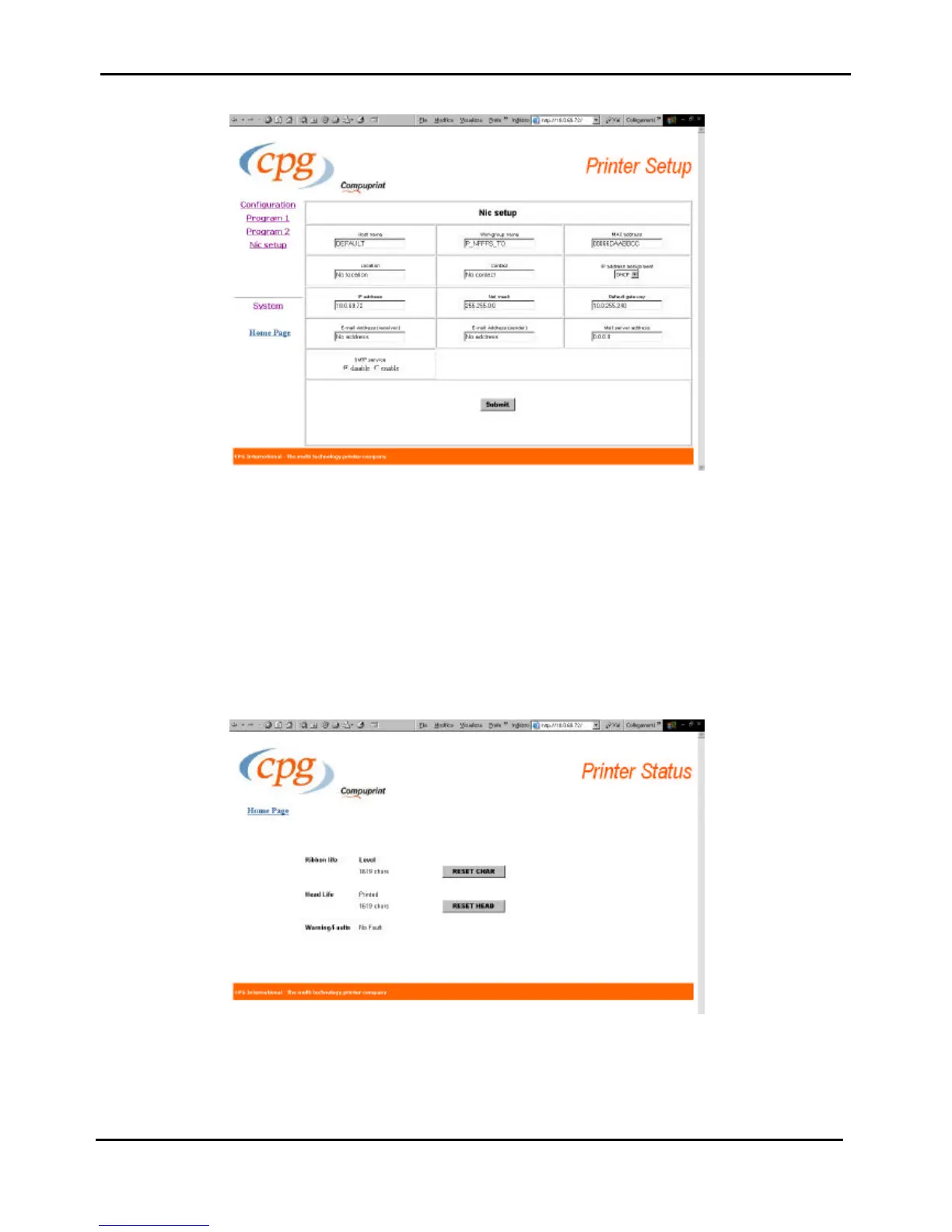
Figure 3.11i - NIC Setup Page of SP40 through web browser
When the parameters of each of the previous tables representing the different Configurations setups have been
set as necessary, click on the Submit button at the end of the table.
If a password has already been set in the Securiry item, to enter the remote printer configuration mode, you
need to type the network password.
Figure 3.11j - Printer Status Page of SP40 through web browser



 To Next Page