Maintenance Manual SP 40
Rev. 005
71
Chapter 3
Operabilty and Configuration
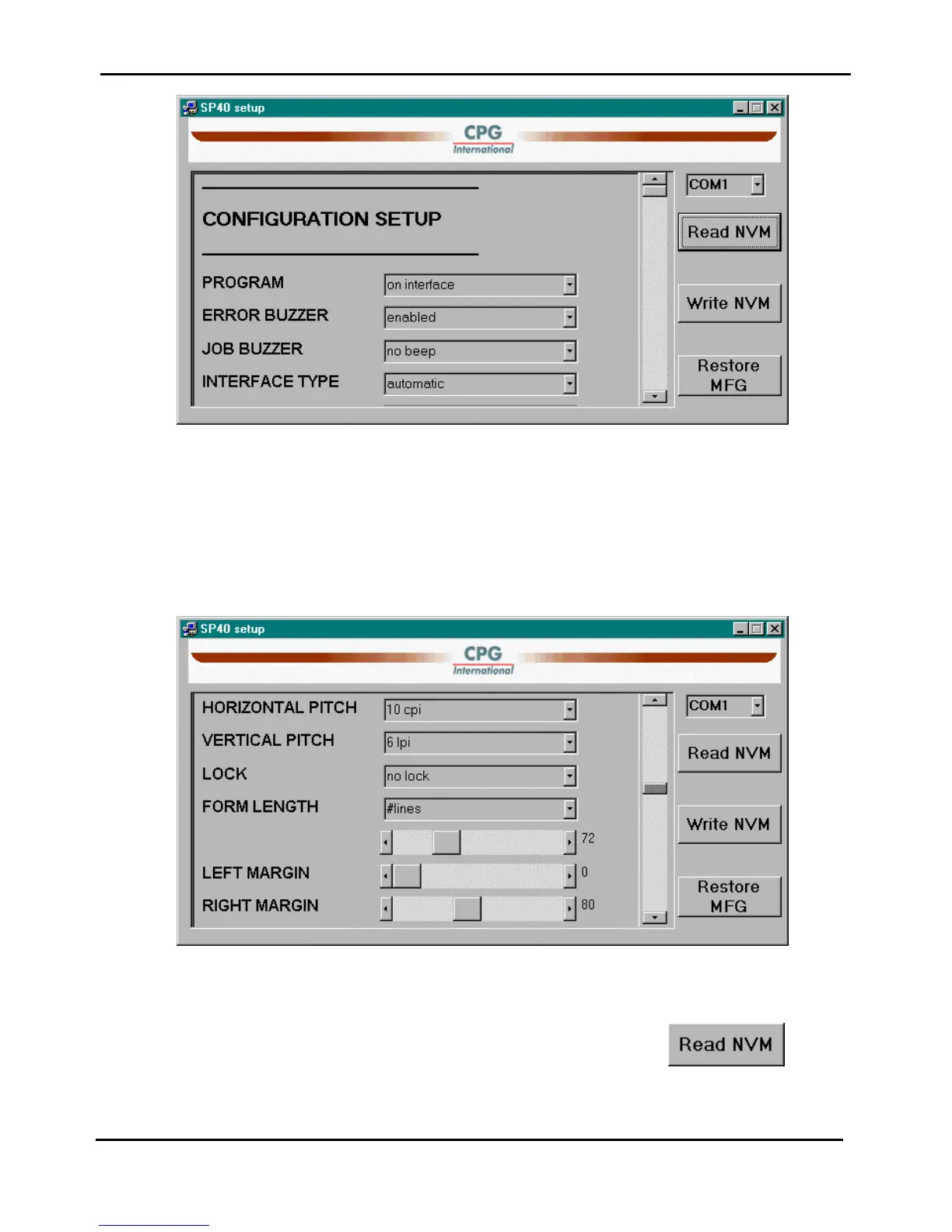
Figure 3.14a - Read NVM mask of the SP40setup application
All configuration items are displayed in the same order as they appear in the Printer Setup Forms described in the
SP40 User Manual.
Please refeer to it for the items description.
Using the scroll bar is possible to reach all items and then modify them :
Figure 3.14b - Read NVM mask of the SP40setup application
In any moment is possible to revert to the actual printer configuration simply pressing the button.



 To Next Page