Maintenance Manual SP 40
Rev. 005
72
Chapter 3
Operabilty and Configuration
Pressing the button, the factory default configuration is restored into the printer NVM and showed
in the SP40setup window.
When all modification are done, the new configuration can be stored in the printer NVM pressing the
button.
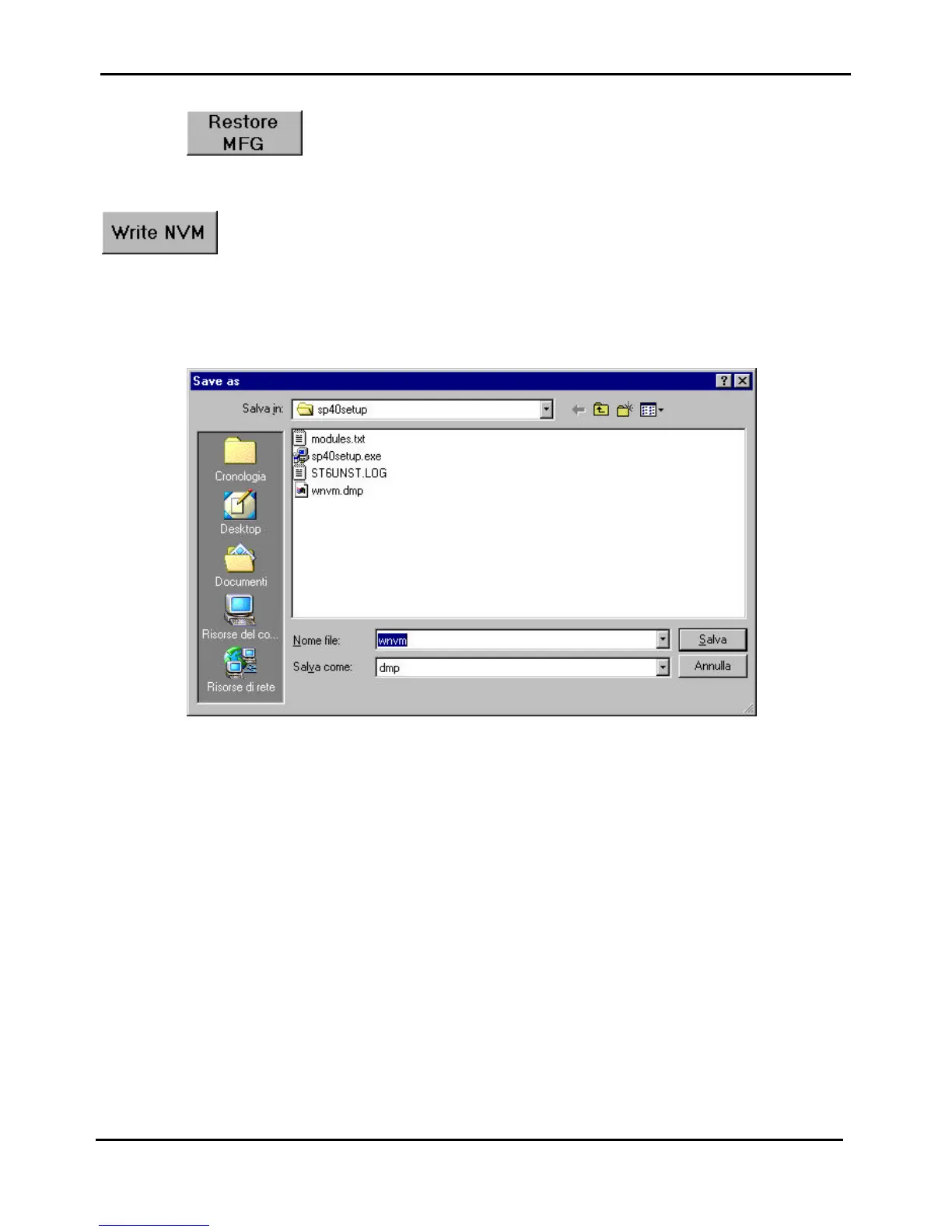
In case of successfully downloading, the new configuration can be also saved in a file ( i.e. wnvm.dmp ) to be used
for updating other SP40 units.
Figure 3.15 - Write NVM mask of the SP40setup application



 To Next Page