SiEN18-622 Field Setting
Test Operation 167
3.2.3 Setting of Refrigerant Additional Charging Operation
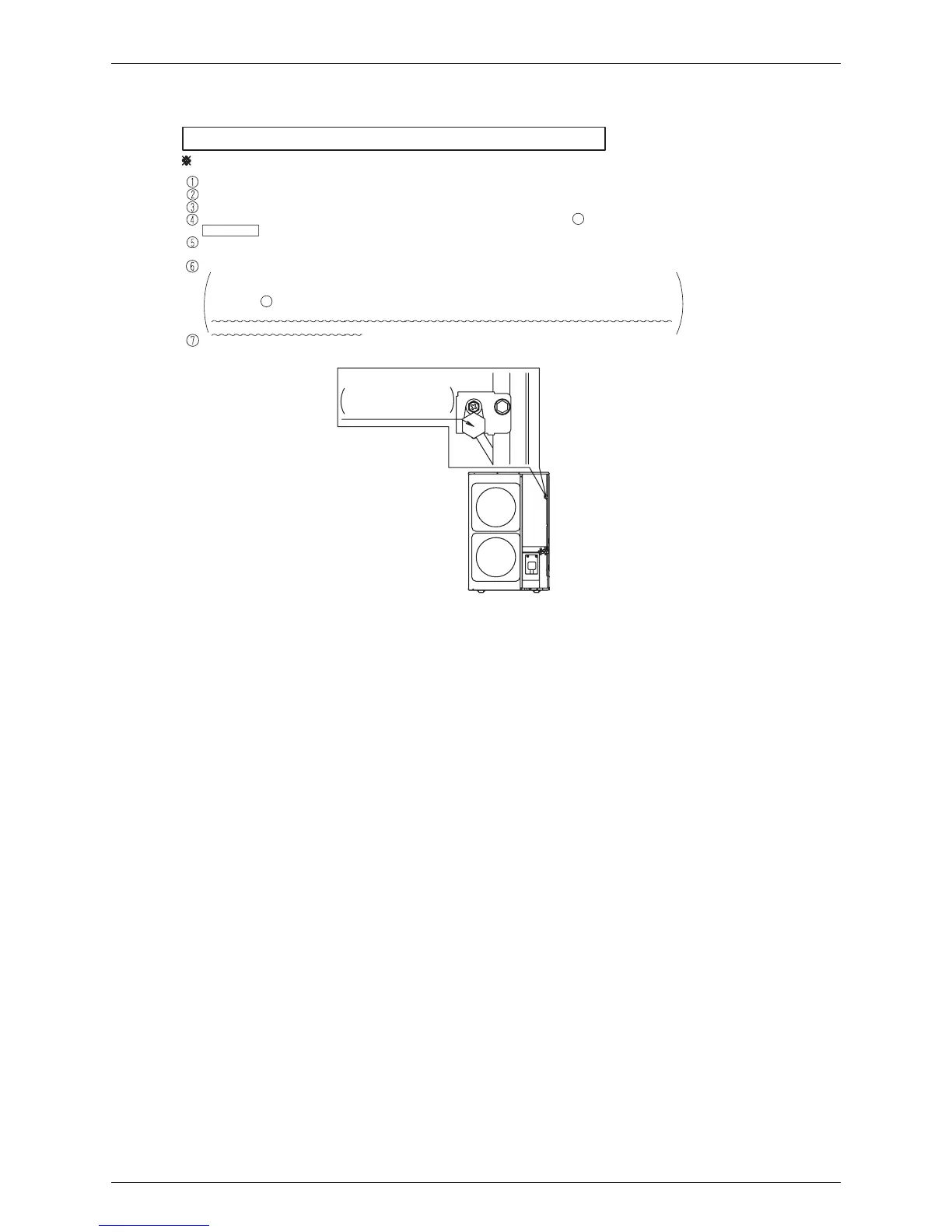
Service port
When the outdoor unit isstopped and the entire quantity of refrigerant cannot be charged from the stop valve on the liquid sid
e, make sure
to charge the remaining quantity of refrigerant using this procedure. If the refrigerant quantity is insufficient, the unit may malfunction.
Turn ON the power of the indoor unit and the outdoor unit.
Make sure to completely open the stop valve on the gas side and the stop valve on the liquid side.
Connect the refrigerant charge hose to the service port (for additionally charging the refrigerant).
The operation isautomatically started.
(The LED indicator H2P flickers, and “Test run”and “Under centralized control”are displayed in the remote control.)
After charging the specified quantity of refrigerant, press the RETURN button (BS3) to stop the operation.
The operation isautomatically stopped within 30 minutes.
If the refrigerant additional charging operation isstopped soon, the refrigerant may be overcharged.
Never charge extra refrigerant.
Disconnect the refrigerant charge hose.
Refrigerant additional charging operation procedure
In the stopped status, set to ON the refrigerant additional charging operation A in
set mode 2 (H1P: Turn on).
If charging is not completed within 30 minutes, set and perform the refrigerant additional charging
operation A again.
for additionally
charging the refrigerant






 To Next Page