TWO-HEAD DIMENSIONING SYSTEM REFERENCE MANUAL
A gateway allows the reader to reach other systems not on the local
network and remote systems to reach the reader. If the reader
requires external connectivity, consult your network administrator for
a valid gateway address.
Select a connection types from the drop-down list:
TCP/IP Server: As a TCP/IP server, a Port # must be specified. In
this case it is the TCP/IP client’s responsibility to initiate a
connection.
TCP/IP Client: As a TCP/IP client, aside from the Port #, the
Remote IP Address of the TCP/IP server which is to receive
messages must be specified.
When used, a Reconnect Time must be entered in the field
provided. The Reconnect Time specifies the interval (in seconds) at
which the reader attempts to establish a connection.
A remote IP address must also be entered in the fields provided.
UDP Messaging (User Datagram Protocol): In some instances, it
may be desirable to use a connection-less UDP message to send
data. In this case, only the Port # and Remote IP Address of the
receiver need to be specified.
When used, a remote IP address must also be entered in the fields
provided.
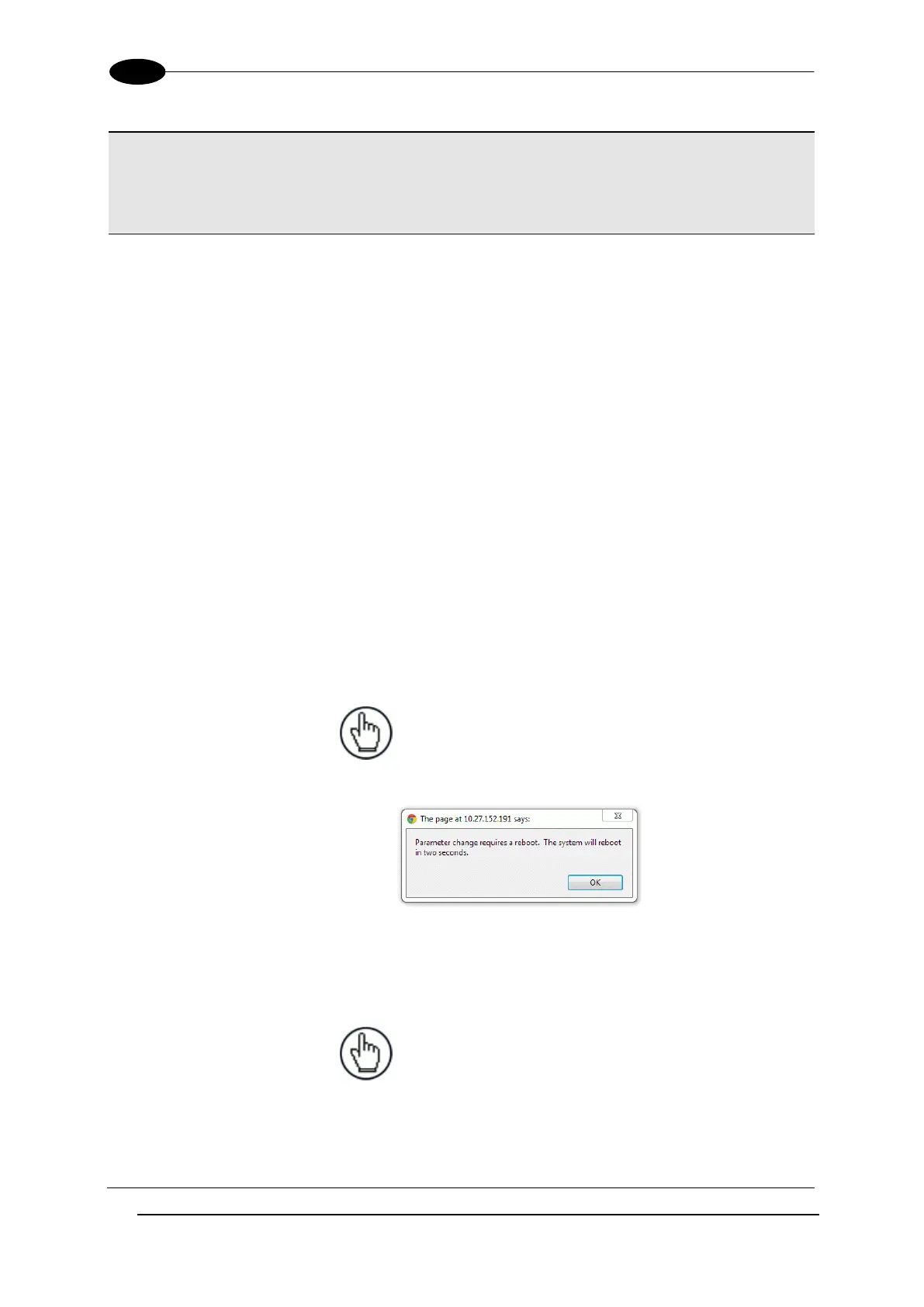
NOTE: Selecting a new Net Host
Connection Type and clicking Update will
cause the DM3610 to reboot. A reboot
message is displayed. Click OK to return to
the Log On window.
Select a Message Format from the drop-down list:
Custom Message: This selection may only be available when
custom dimensioner software has been developed and installed for
your system by Datalogic.
NOTE: When Custom Message is
selected, editable fields in the Message
Definition #n window may be defined by
the custom software installed.
Standard Message: When Standard Message is selected, the
system uses a message format as defined by the standard DM3610
software.


 To Next Page