82
SECTION 7
DriveRack
™
Sys Control Device:
Right Clicking on the Sys Control device allows the following:
Open – Opens Sys Control window.
Restore –
Cut –
Copy –
Properties –
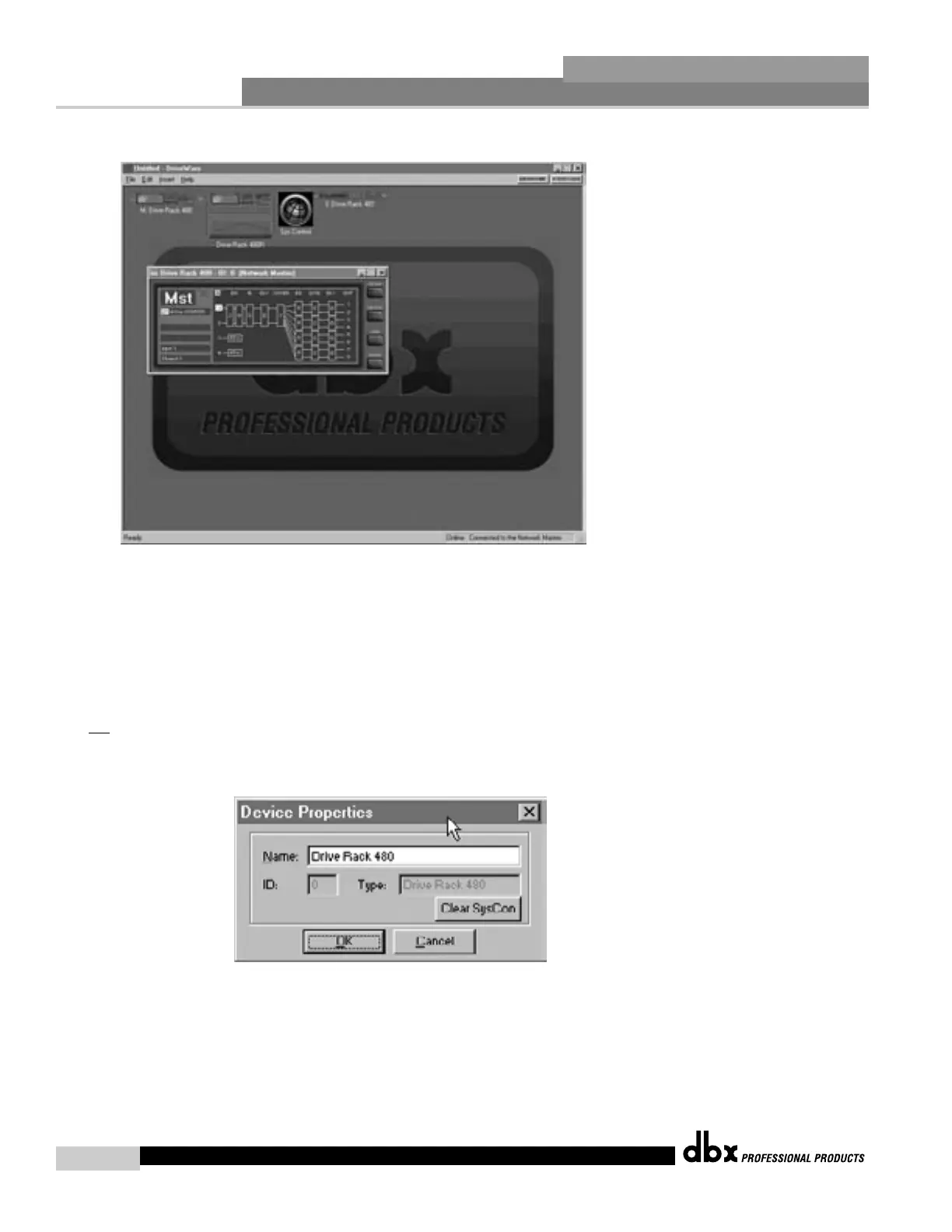
Double clicking on the Sys Control device icon opens the Sys Control Window, which
appears as follows:
The SC
on the device icons and within the device window indicate the device has been con-
figured for Sys Control. To clear Sys Control from a device open the device preferences
(right click on device title bar and select preferences) and click the Clear SysCon button.
DriveRack™ User Manual



 To Next Page