Chapter 8 Options
PAGE 8-12
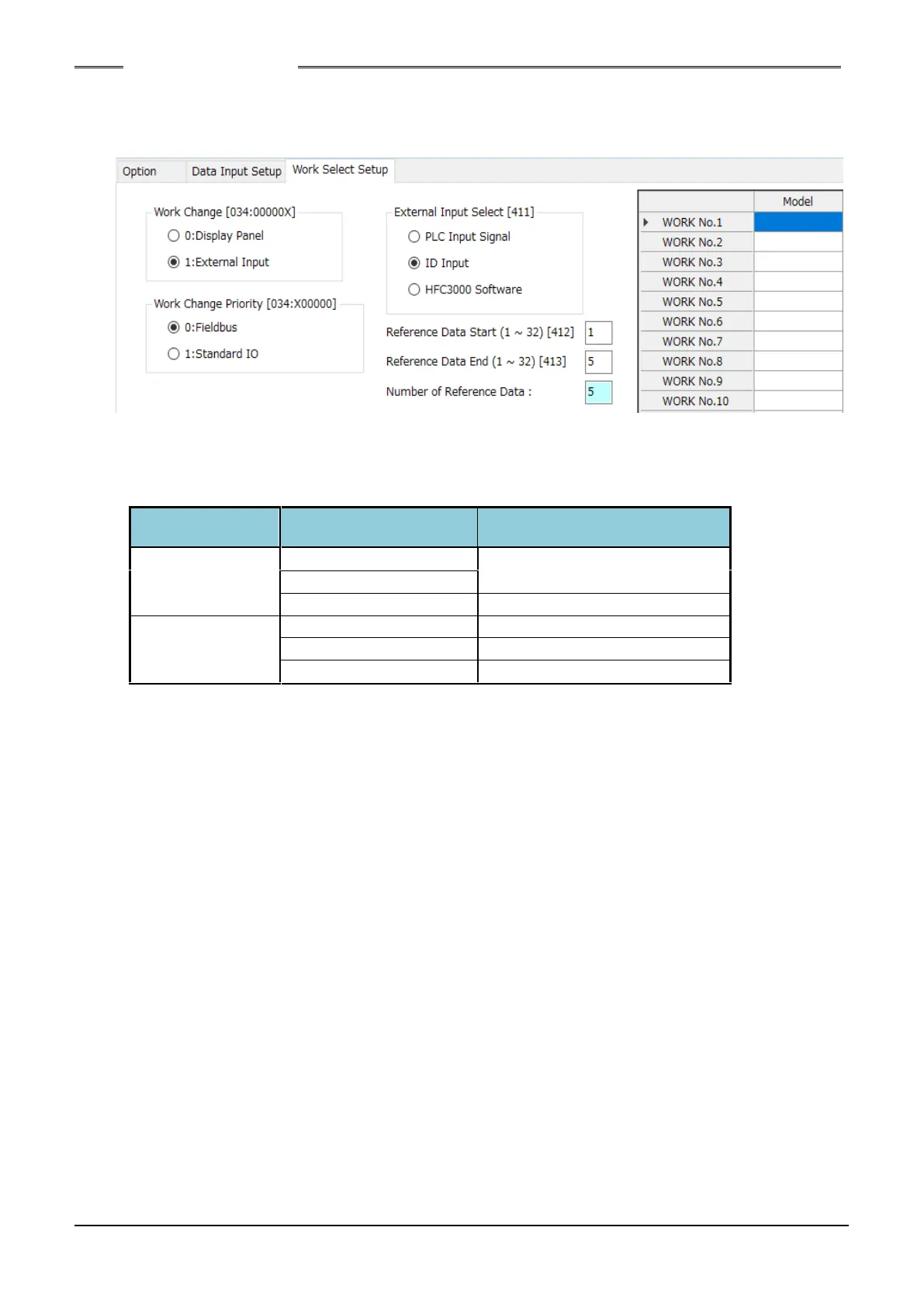
As the method for selecting the work No., selection by ID data or the HFC3000 Software can be
set besides selection by the PLC. “PLC” is set as the factory setting. To set the work selection method,
the HFC3000 User Console is used.
While the PLC IO input signal “ID SELECT ENABLE Signal” is “ON,” the “Select by Input ID”
sequence selection setting is available. When the signal is “OFF,” “Select by PLC” is available (the
setting itself is not changed).
Actually functional Work
selection setting
With “Select by Input ID,” a maximum of 5 ASCII characters can be set for each work No. If the ID
data is not input or the ID data and the selected setting do not match due to clearing, etc., the PLC IO
input signal “ABNORMAL” is set to “ON” when the PLC IO input signal “START” (or “REVERSE”) is
raised to “ON.”
Also, when “Select by Input ID” is set, the ID data is not renewed if the input ID data and the
selected setting do not match, and renewal and holding of the input data as ID data are performed only
if the input ID data and the selected setting match. If “PLC“ or “HFC3000 Software” is set, the input ID
data is always renewed and held.
To clear the ID data, set the PLC IO input signal “ID DATA CLEAR” to “ON.” In case of ID data
input by the PLC network, clear the ID data, sent from the PLC in advance, at the PLC side and then
set the PLC IO input signal “ID DATA CLEAR” to “ON.”
S0140185-H



 To Next Page