Operating MATRIX control panel OP71 MATRIX Control Panel OP71
58 PR-2009-0021-GB • Subject to modifications • R5-04/2016
8.6.16.2 Settings submenu
Entries of the functional parameters are made in the “settings” submenu:
• to assign setpoint values for the economy mode
• to set limits for supply-air temperature in the heating and cooling mode
• to specify standby temperatures
• For the air flush function
• to select MA (mixed-air) damper position
• to minimum outside-air rate
• to minimum fan speed
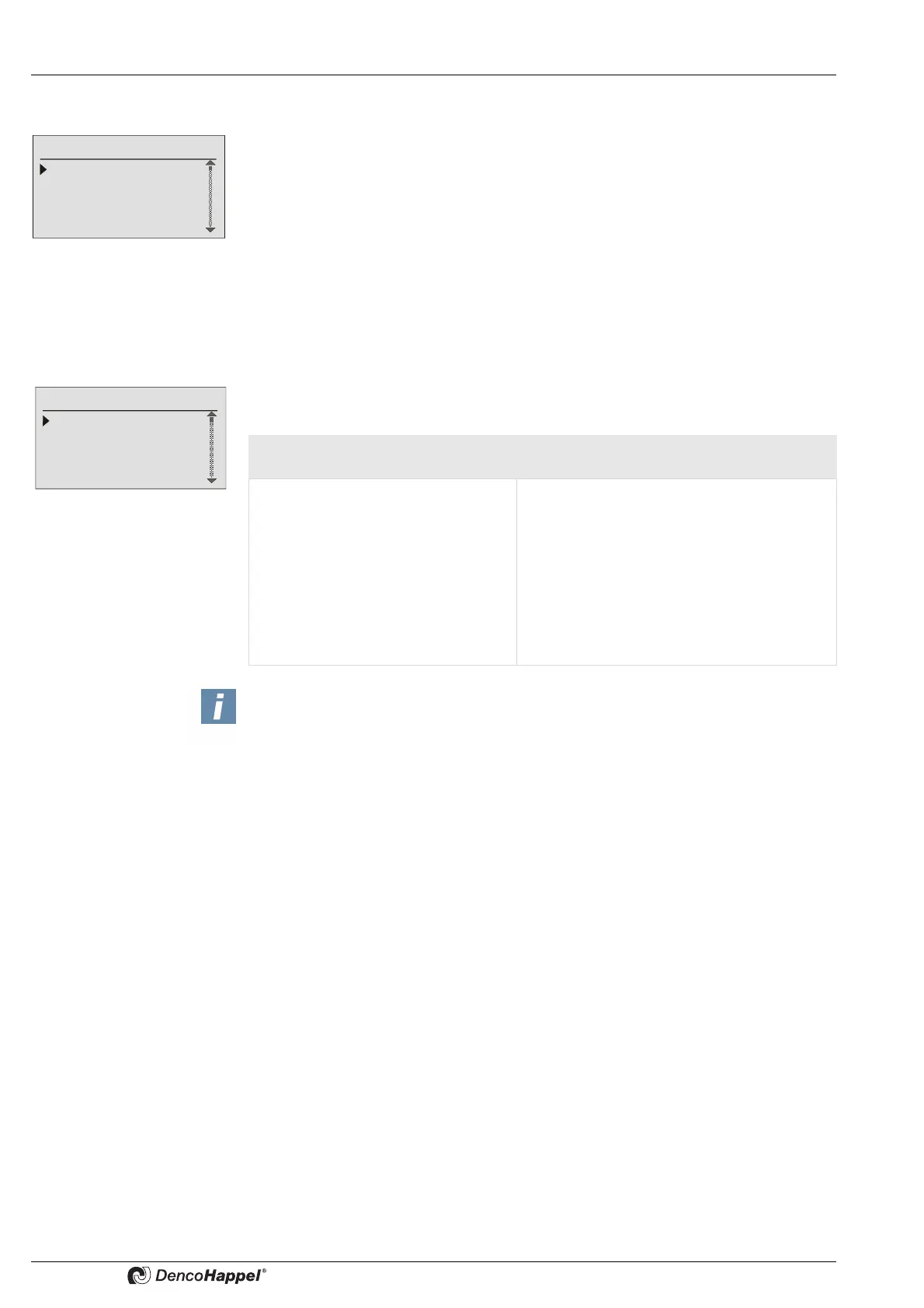
Settings ➜ economy mode
The setpoint values that are valid during the economy mode (night operation) are ente-
red in the “economy mode” submenu.
Settings
Economy mode
Supply temperature limits
Basic reduced temperature
Air flush function
Economy mode
Room temperature
Supply air temperature
Fan mode
Controller mode
Central and decentralized air
handling units
Additionally for the central air handling
units, alternatively to the fan mode
– Room temperature or
supply-air temperature·
– Fan mode
– Controller operating mode·
– MA damper positionor
Outside-air volume flowor
Outside-air automatic
– Secondary-air louveror
Louvre angle offset
– Plant/fan ON/OFF
In combination with:
– Supply-air/extract-air duct pressureor
– Supply-air/extract-air volume flowor
– Fan speed
NOTICE!
If the function "Synchronize setpoint values" is activated on the MATRIX-control
panel OP71 (only adjustable with the MATRIX.PC service tool), the menu items
room temperature/inlet air temperature are not shown in the economy mode
submenu.



 To Next Page