MATRIX Control Panel OP71 Operating MATRIX control panel OP71
PR-2009-0021-GB • Subject to modifications • R5-04/2016 59
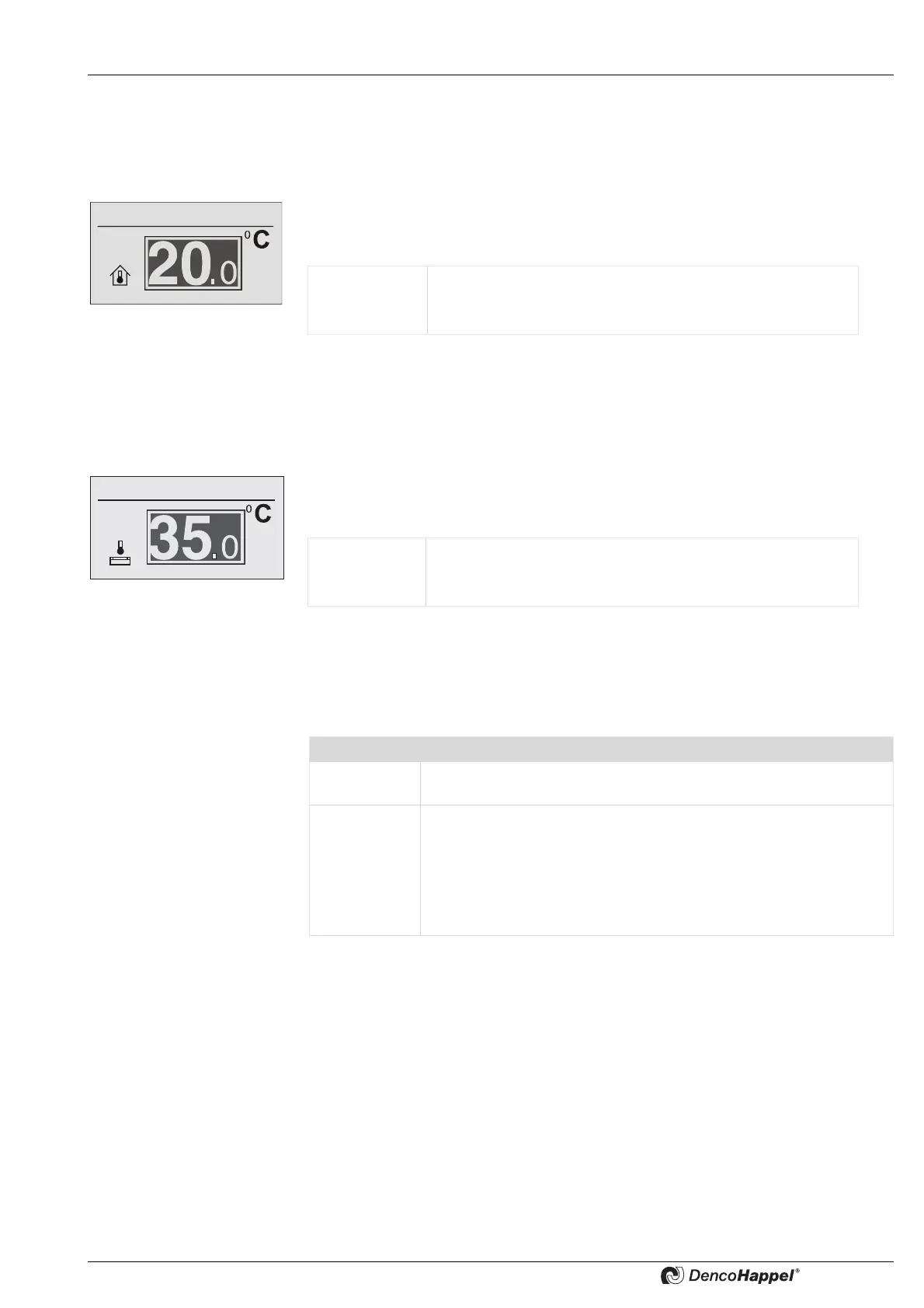
Settings ➜ economy mode ➜ room temperature
The menu for the room temperature setpoint is displayed only if the menu
<Name>Menu enabling for ... (See page 86) was activated and if a controller in the
selected cluster was configured for room temperature control.
In the “room temperature” submenu you can enter the room temperature setpoint value
in degrees Celsius or Fahrenheit that is valid during the economy mode (night opera-
tion).
Settings ➜ economy mode ➜ supply air temperature
The submenu for the supply-air temperature is displayed only if the menu
<Name>Menu enabling for ... (see page 86) was activated and if a controller in the
selected cluster was configured for supply-air temperature control.
In the “supply-air temperature” submenu you can enter the supply-air temperature set-
point value in degrees Celsius or Fahrenheit that is valid during the economy mode
(night operation).
Fan speed in economy mode
The options for setting the fan speed with the MATRIX-control panel OP71 depend on
the unit. A distinction is made whether the control panel OP71 is connected to a central
air handling unit (compact controls MATRIX 4700) or a decentral unit.
The menu shown by the air handling units depends on the selected type of fan control.
See also the in chapter <Name>Air handling unit submenu the chapter "Central plant
air handling unit ➜ fans" on page 69.
Value range: 7 to 40 °C [45 to 104 °F]
Adjustable steps: 0.5 °C [1 °F]
Factory setting: 18 °C [64.4 °F]
Value range: 10 to 60 °C [50 to 140 °F]
Adjustable steps: 0.5 °C [1 °F]
Factory setting: 20 °C [68 °F]
Unit type Unit type
Peripheral
unit
Only menu: Fan mode
Air handling
unit
– Menu: Fan mode or
– Menu Plant/fan or
– Menu: Plant/fan + Menu: fan speedor
– Menu: Plant/fan + Menu: Supply air/extract-air air duct pressure
or
– Menu: Plant/fan + Menu: Supply air/Extract-air volume flow



 To Next Page