Operating MATRIX control panel OP71 MATRIX Control Panel OP71
60 PR-2009-0021-GB • Subject to modifications • R5-04/2016
Settings ➜ economy mode ➜ fan mode
The menu for the fan mode is displayed only if the menu <Name>Menu enabling for ...
(See page 86) was activated.
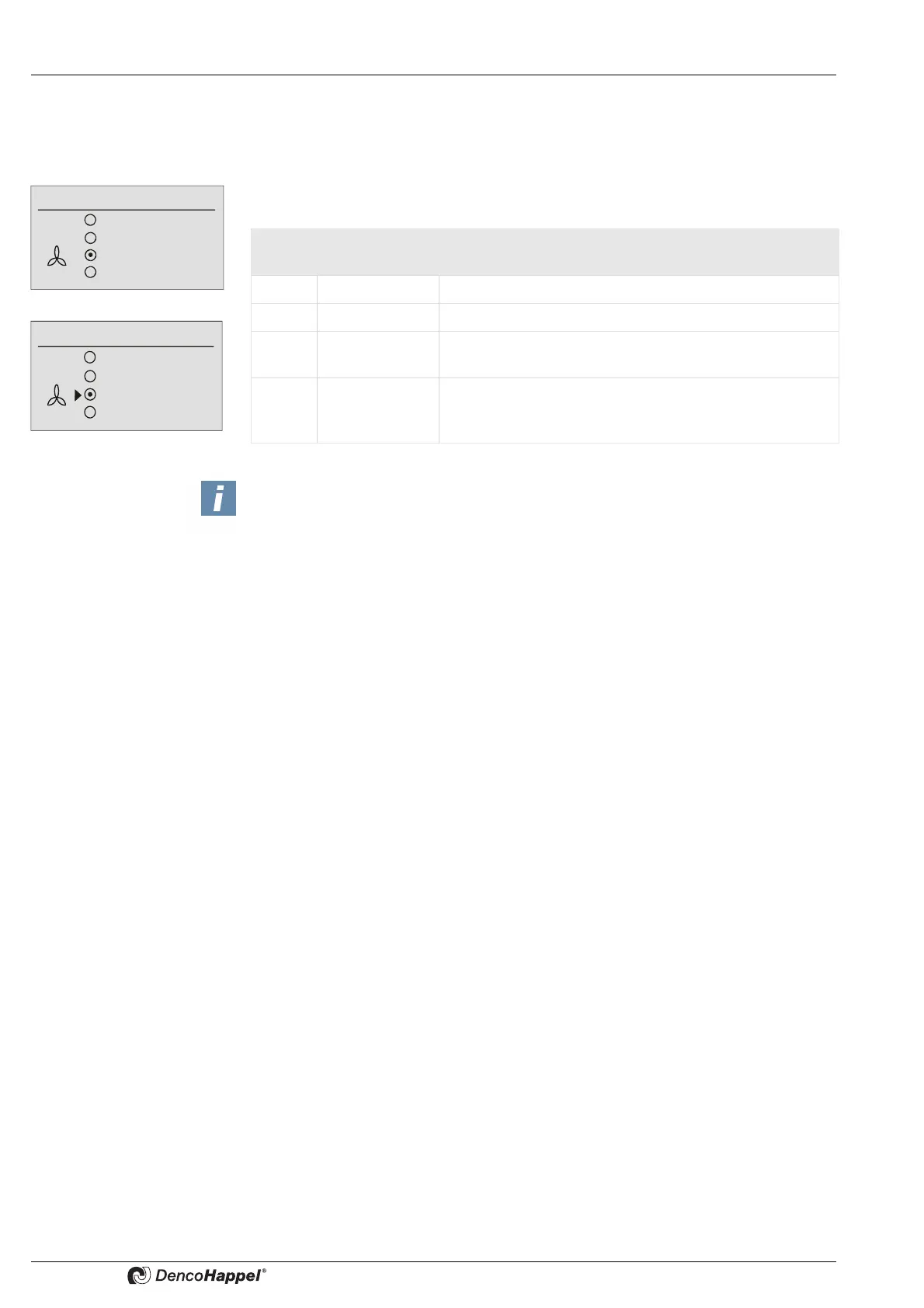
Four menu options are available in the “Fan mode” menu.
The menu is preassigned with “stage 1” as factory setting.
Configuring ➜ Economy mode ➜ Plant/fan
The menu "Plant\fan" alternatively appears on the menu "Fan mode", in part in
combination with a menu for parameter inputs (see economy mode fan speed, eco-
nomy mode supply air or extract-air duct pressure, economy mode supply-air or ext-
ract-air volume flow). It appears whenever it is activated in the menu <Name>Menu
enabling for ...(see page 86) and one of the following types of fan control was selected
at air handling units:
– External fan speed setting e.g. by means of potentiometer with 0-10V signal
– Manual fan speed setting with MATRIX-control panel OP71
(see also Economy mode ➜ Fan speed),
– Fan speed setting with duct pressure control (see also Economy mode ➜ "Supply-
air duct pressure" and/or "Extract-air duct pressure"),
– Fan speed setting with volume flow control (see also Economy mode ➜ "Supply-air
volume flow" and/or "Extract-air volume flow")
Fan mode
Off
Automatic
Automatic (mute)
Speed 70 %
Fan mode
Off
Automatic
Automatic (mute)
Stage
or
Menu
option
Display Explanation
1 OFF The fan is switched off.
2 Automatic The fan speed is set automatically by the control system.
3 Automatic (mu-
te)
The fan works in the “automatic” operating mode but is
disabled at the highest speed or over 80%.
4 Speed xx %
or
stage
A fixed fan speed (rpm) can be set in a submenu.
According to unit configuration this setting is made in %
(from 0 to 100 %) or in fixed stages (from 1 to 5).
NOTES!
Applies only to units with “heating” function.The controllers have a “frost protection
function”, i.e. if the room temperature drops below 4 °C, the heating valves in air
treatment units are opened and the fan is switched into speed 1, even if the OFF fan
mode is selected.
If a cluster contains a continuous fan, the dialogue for entering fan mode displays
the option "speed".
With the speed stage fan the option "stage" is displayed.
If the cluster contains continuous and speed stage fans the option "speed" is always
displayed.



 To Next Page