Starting Milling
44
Chapter 2 Milling
Aborting Output
Procedure
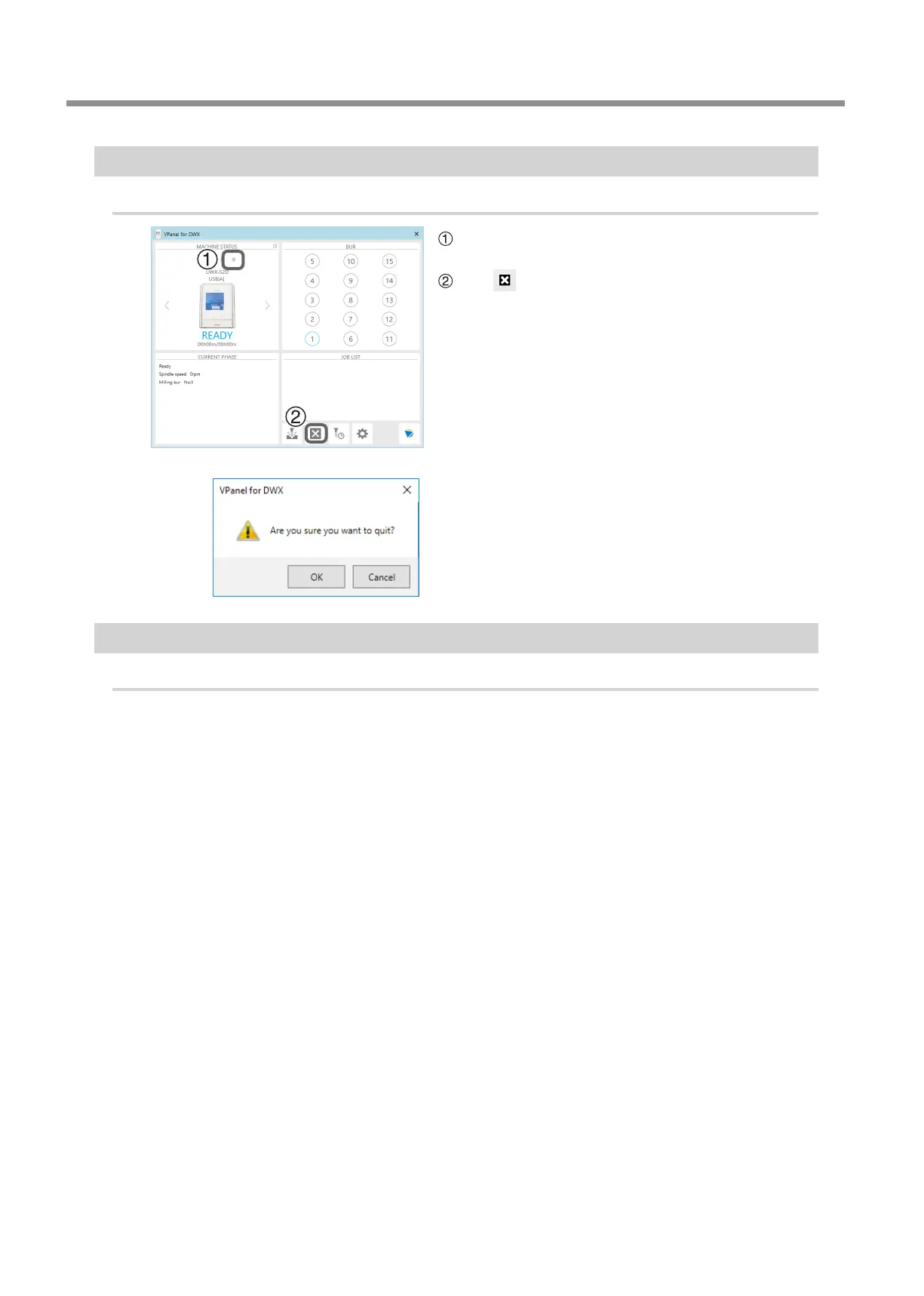
In the top window of VPanel, select the machine for
which output will be aborted.
Click .
The message shown in the gure will be displayed.
To abort output, click [OK].
Click [Cancel] to not abort the output.
Removing Milling Data in Standby from the Output List
Procedure
In the top window of VPanel, select the machine whose output list you want to edit.
Right‑click the milling data to remove from the output list, and then click [Remove].
Only milling data in standby can be removed (milling data in the second or following positions from the top of the
output list).



 To Next Page