Starting Milling
40
Chapter 2 Milling
STEP 5: Checking the Regulator Settings
MEMO
When CAM data is sent to the machine, it automatically adjusts the air pressure
to match the workpiece to mill.
Procedure
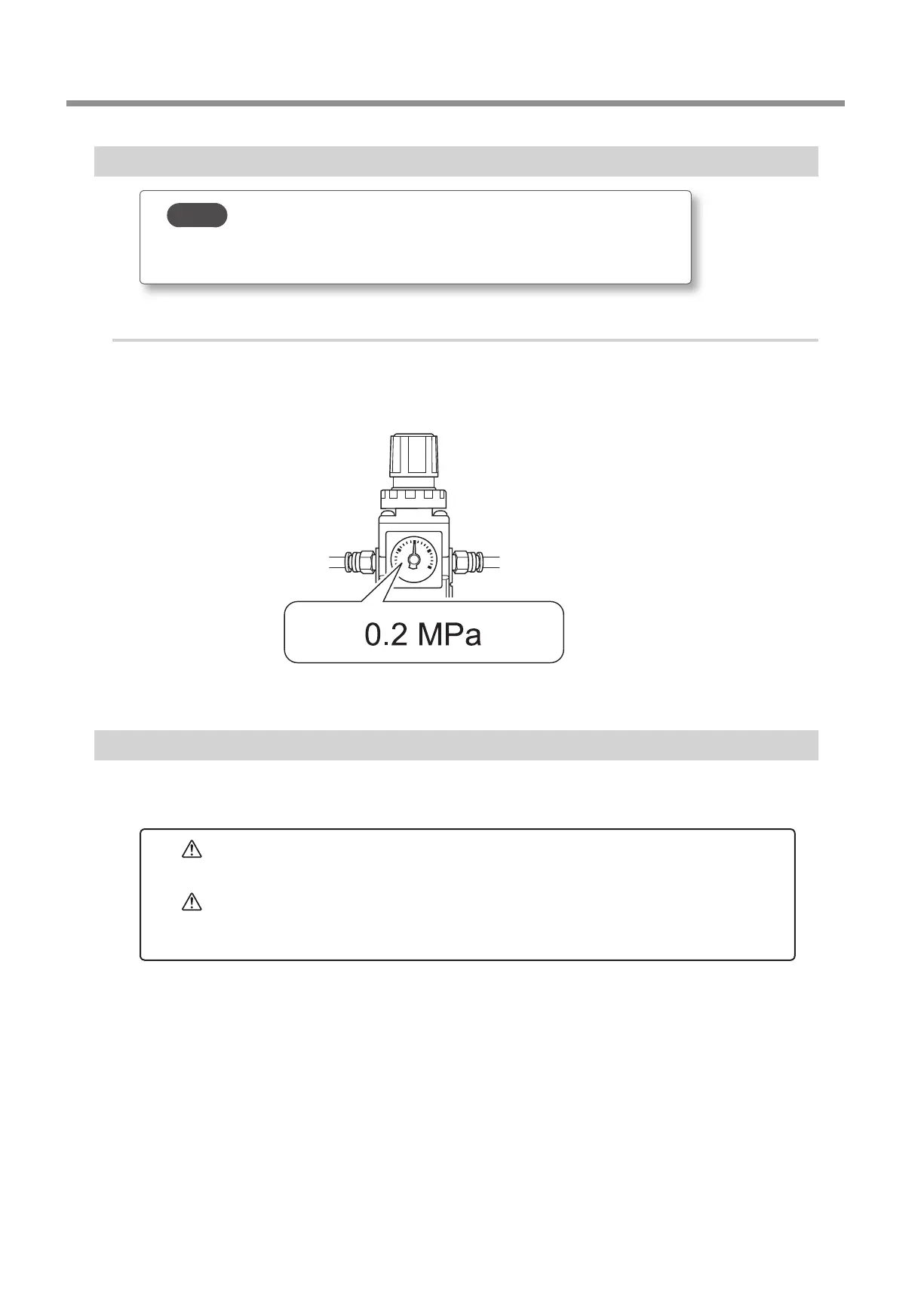
Check that the pressure of the compressed air has been set to 0.2 MPa.
If it has not been set to 0.2 MPa, set the pressure again.
" P. 23 "Compressed Air (Setting the Regulator)"
STEP 6: Outputting Milling Data and Starting Milling
* You can also use commercial CAM software to output milling data. For information on compatible CAM software, contact your
authorized DGSHAPE Corporation dealer or visit our website (http://www.dgshape.com/).
WARNING
Be sure to turn on the dust collector.
Milling waste and workpieces are ammable and toxic.
WARNING
Never use a vacuum cleaner to clean up milling waste.
Taking up ne cuttings using an ordinary vacuum cleaner may result in re or
explosion.



 To Next Page