Rev 0.1
Dr.coffee Service Manual 18
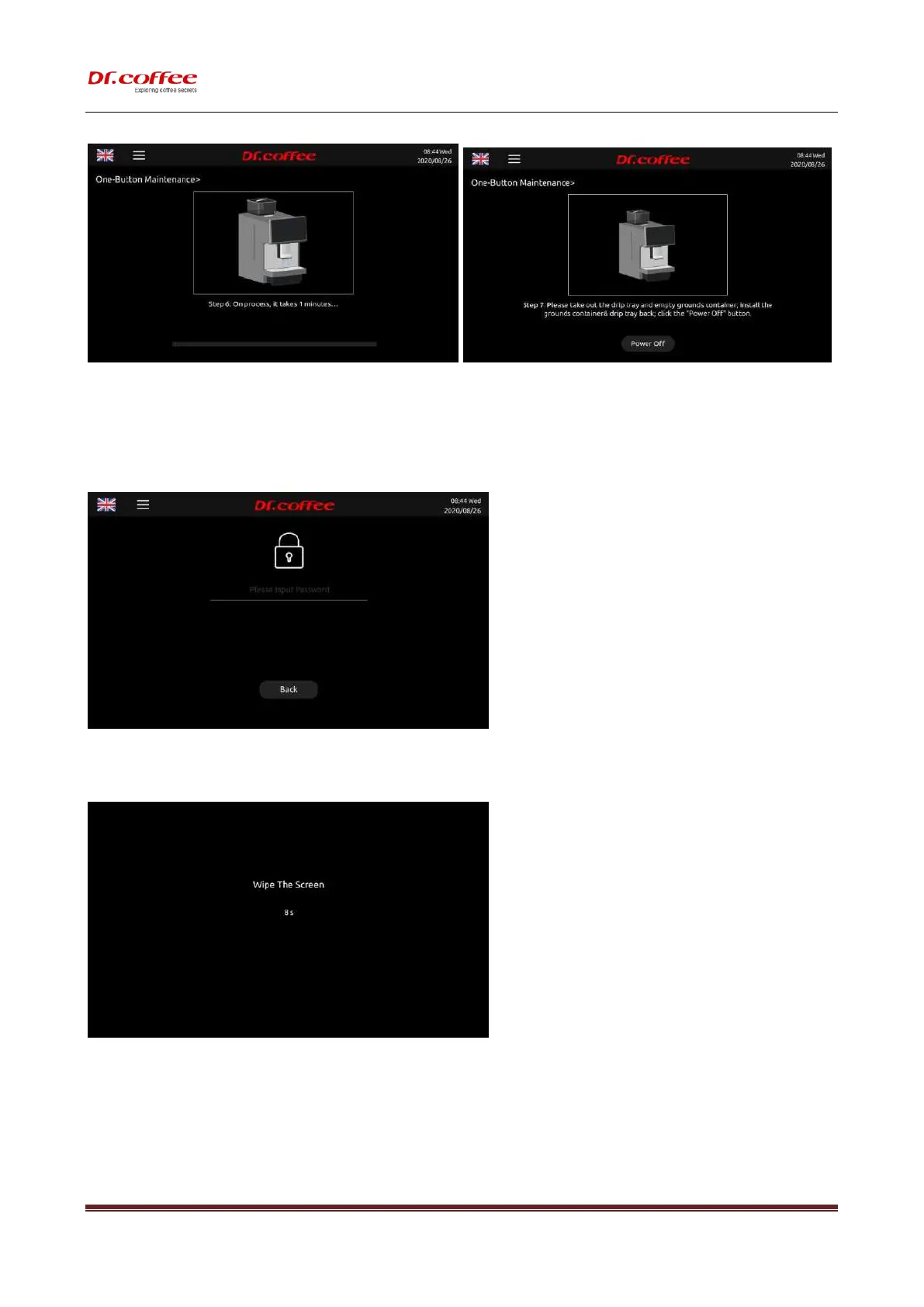
Tap “One-Button Maintenance.” to see the interface above “Back or OK” for your choice, machine will proceed the process if no response in 5 seconds.
6.3.4 Service Menu
Tap “Service Menu”, machine will prompt inputting password. (See details in next chapter)
6.3.5 Wipe Protect
Tap “Wipe Protect”, there will be only words “Wipe Protect” with 10 seconds counting down for display wiping.
Tap “Wipe Protect” and hold for 3 seconds to enter “Descaling” process. (See details in user manual)



 To Next Page