Rev 0.1
Dr.coffee Service Manual 37
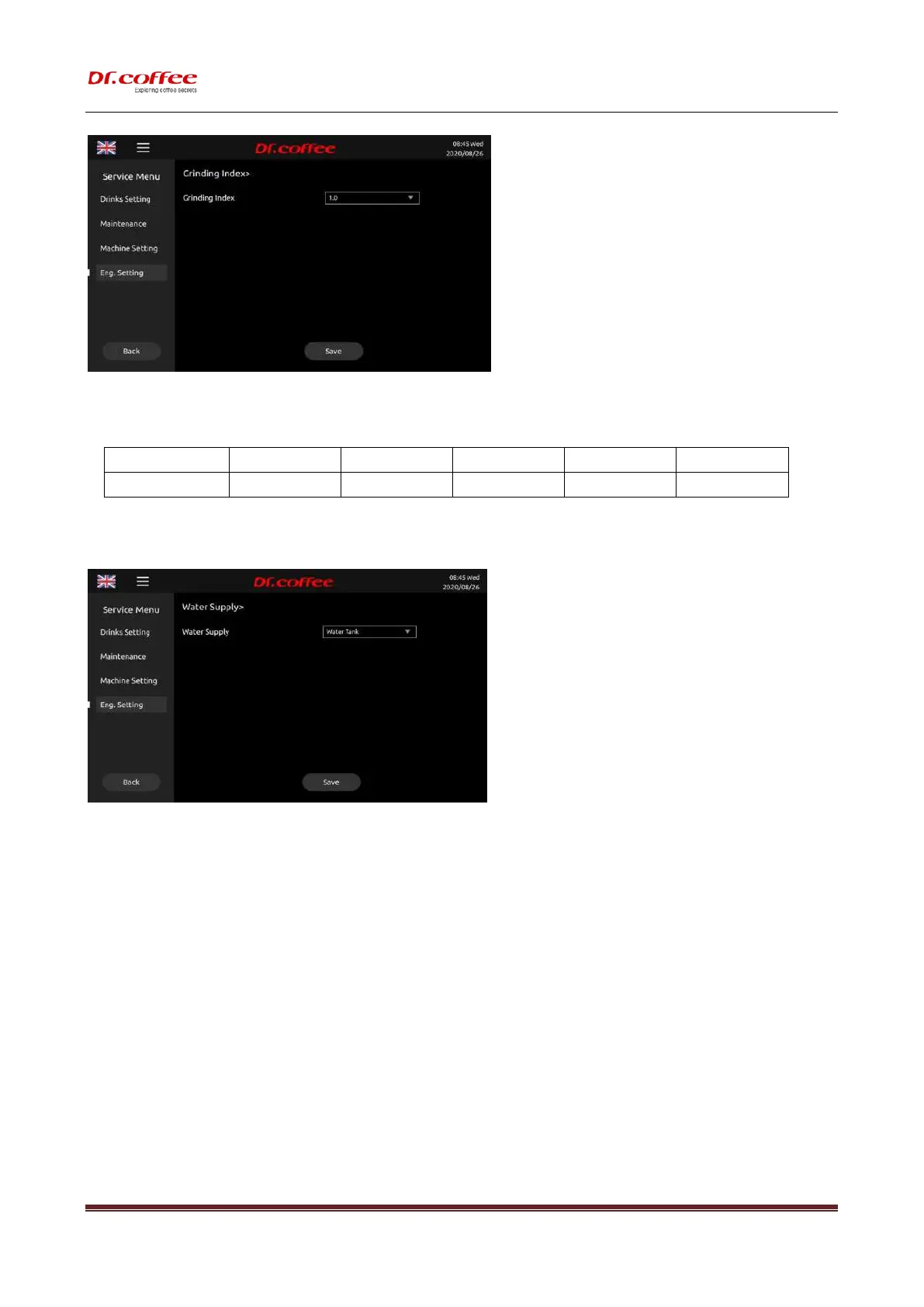
※ For example: Choose ”0.9”, then all the grounds will be 90% of the original weight according to the grounds table above
7.4.3 Water Supply
Water Supply: set the way of water from.
Water Supply
Select the water supply method for the coffee machine. Selection range: water tank; tap water/barrel water ( Note: The water supply mode set must be consistent with the actual
water supply status.)
※ The way of water supply Setting Choice: Water Tank, Tap Water
※ (Note: The actual supply way should be the same with the setting in the machine.)
7.4.4 Factory Setting
Factory Setting:Restore the relevant parameters of the coffee machine to the factory default values. Click Save to take effect after restarting the
coffee machine.



 To Next Page