Rev 0.1
Dr.coffee Service Manual 50
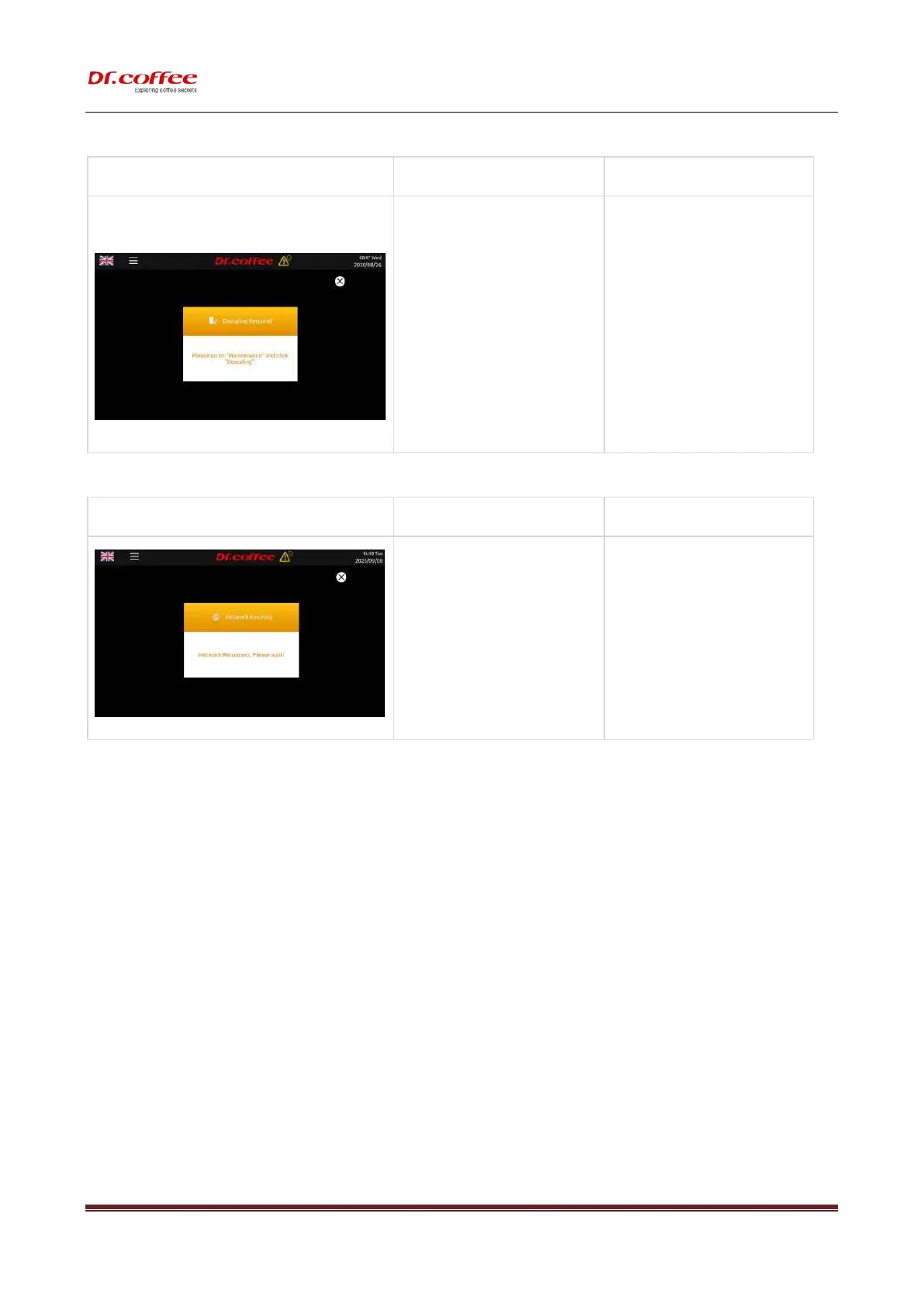
8.1.19 Descaling Required
a) After a certain cups of milk coffee
made, it will alarm;
b) The amount of cups could be set in
Maintenance Setting
➢ Follow the screen instructions, enter the
service menu bar, find the corresponding
function menu, and perform Descaling.
a) 4L Signal is too weak;
b) 4G SIM card Arrears or damage
c) The network module in the coffee machine
is damaged, causing the coffee machine to
fail to connect to the Internet;
➢ Take the coffee machine to a position with
good signal quality, turn off the power and
restart;
➢ Renewal and use new SIM card, turn off
the power and restart.
➢ Turn off the power and replace new
network module, then restart the
machine.



 To Next Page