Rev 0.1
Dr.coffee Service Manual 51
9 Trouble Shooting
9.1 Error with Tips in the Screen
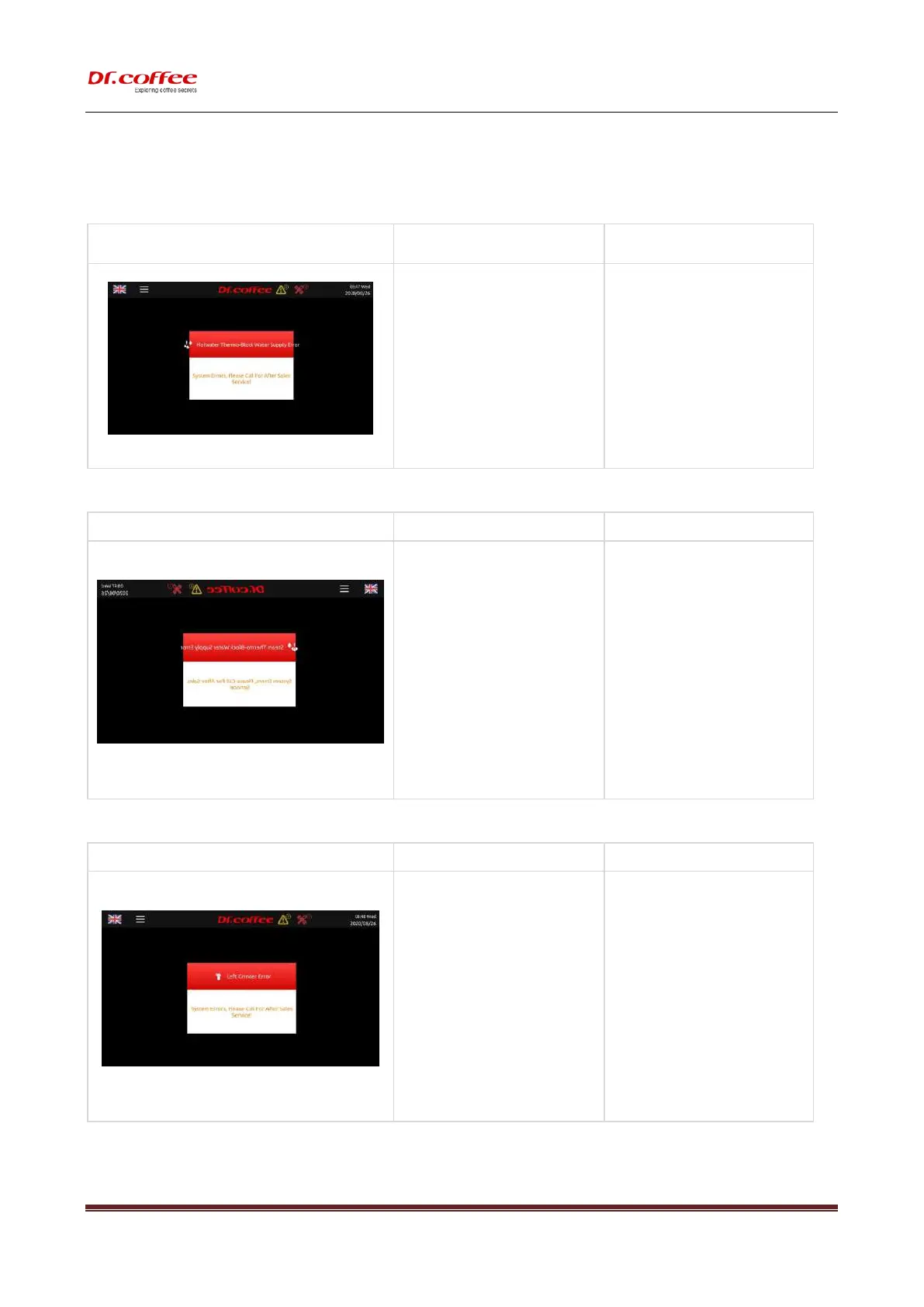
9.1.1 Water Supply Error
a) It will appear after “Lack of water”
appearing and filling water for 3 times.
➢ Check if the water supply is ok, switch off
the machine and restart.
➢ Check if the connector of water inlet pipe
or O-ring are installed correctly;;
➢ Clean the inlet of tank or tap water;
➢ Re-fix the tank. Push it to the end;;
➢ Clean the strainer by Brewer Deep Clean
with tablets or by dissembling;
➢ Replace a new Pump;
➢ Replace a new Flow meter;
9.1.2 Steam Thermo Block Water Supply Error
a) It will appear after “Lack of water” appearing
and filling water for 3 times.
➢ Check if the water supply is ok, switch off
the machine and restart.
➢ Check if the connector of water inlet pipe
or O-ring are installed correctly;;
➢ Clean the inlet of tank or tap water;
➢ Re-fix the tank. Push it to the end;;
➢ Clean the strainer by Brewer Deep Clean
with tablets or by dissembling;
➢ Replace a new Pump;
➢ Replace a new Flow meter;
a) The Grinder is blocked or overloaded;
b) The Grinder damages;
c) Power PCB damages;
d) Hall sensor group damages;
➢ Dissemble the Grinder to see if there is stone
or something hard in it and remove;
➢ Replace a new Grinder;
➢ Replace a new Power PCB;
➢ Replace Hall Sensor.
9.1.4 Brewer System Error



 To Next Page