Rev 0.1
Dr.coffee Service Manual 54
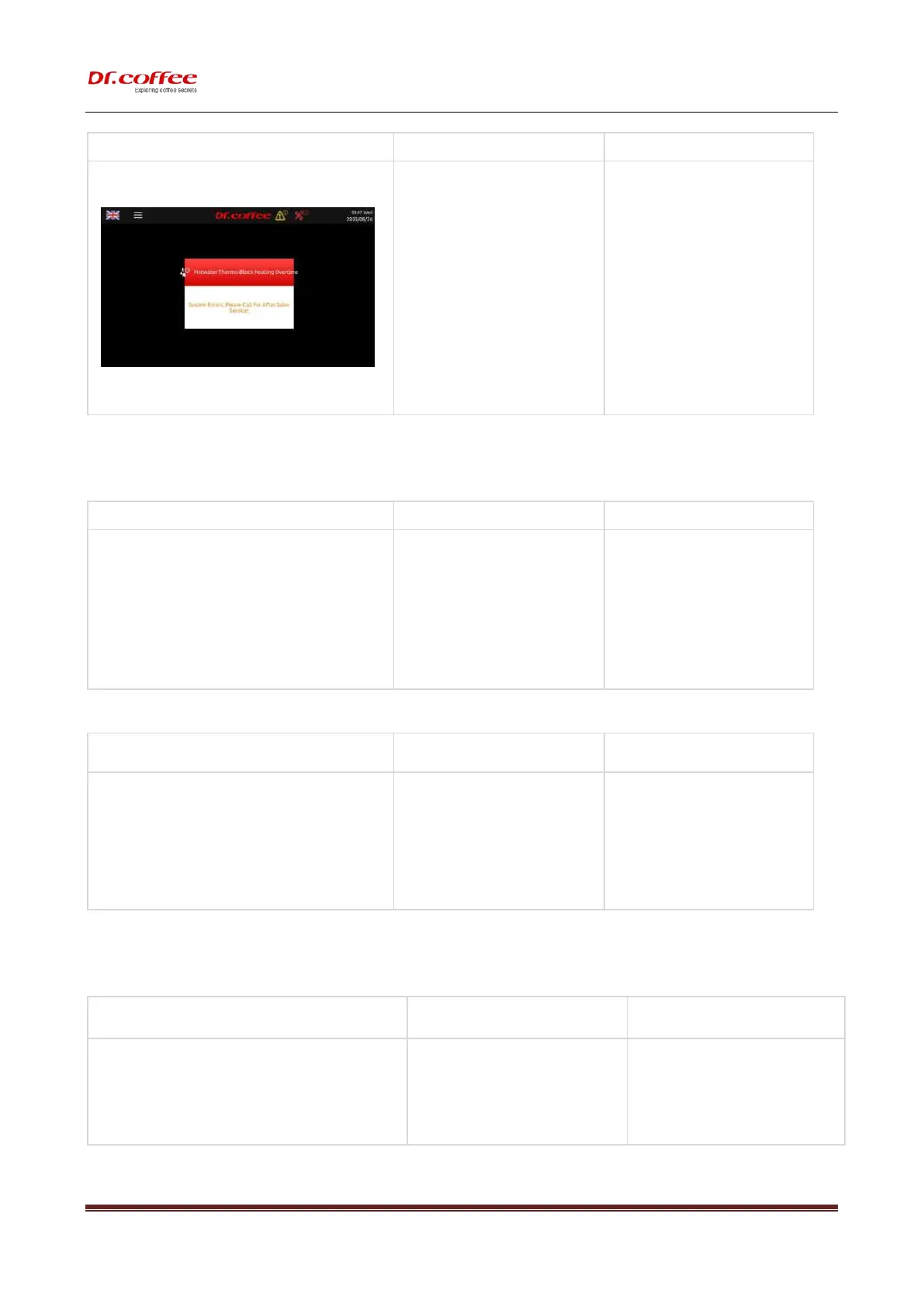
a) The temperature of hot water thermo block
exceeds the value of the temperature fuse,
causing the temperature fuse to be blown;
b) NTC sensor damages;
c) Hot water thermo block damages;
➢ Turn off the machine, dissemble the cover of
machine to replace fuse
➢ Replace a new NTC temperature sensor;
➢ Replace a new Hot Water Thermo block;
9.2 Error without Tips in the Screen
9.2.1 Fail to Switching On
a) No power connection ;
b) Voltage isn’t high enough;
c) Not Switched on
d) Power PCB damages;
e) The fuse of Main Power is blown;
➢ Check if the machine is connected with
power;
➢ Connect the machine with acceptable
power;
➢ Check if the machine is switched on;
➢ Replace a new Power PCB;
➢ Replace a new Fuse of Main Power;
a) The milk box is empty;
b) The pipe or outlet of steam is blocked;
c) The pipe of steam is broken;
d) The number of Air Intake is set too high.
e) The Milk Frother is blocked;
➢ Refill milk to the milk box;
➢ Do Milk Deep Rinse;
➢ Dissemble the Cover of machine, check the
pipe of steam.
➢ Set the number of Air Intake lower;;
➢ Dissemble and clean the Milk Frother
➢ Replace a new Milk Frother;
9.2.3 No Milk Foam, Warm Milk Only
a) The inlet of Air Intake Valve is blocked;
b) The pipe of Air Intake Valve is blocked;
c) The Air Intake Valve damages;
➢ Check the inlet and the pipe of Air Intake
Replace a new Air Intake Valve.



 To Next Page