Rev 0.1
Dr.coffee Service Manual 23
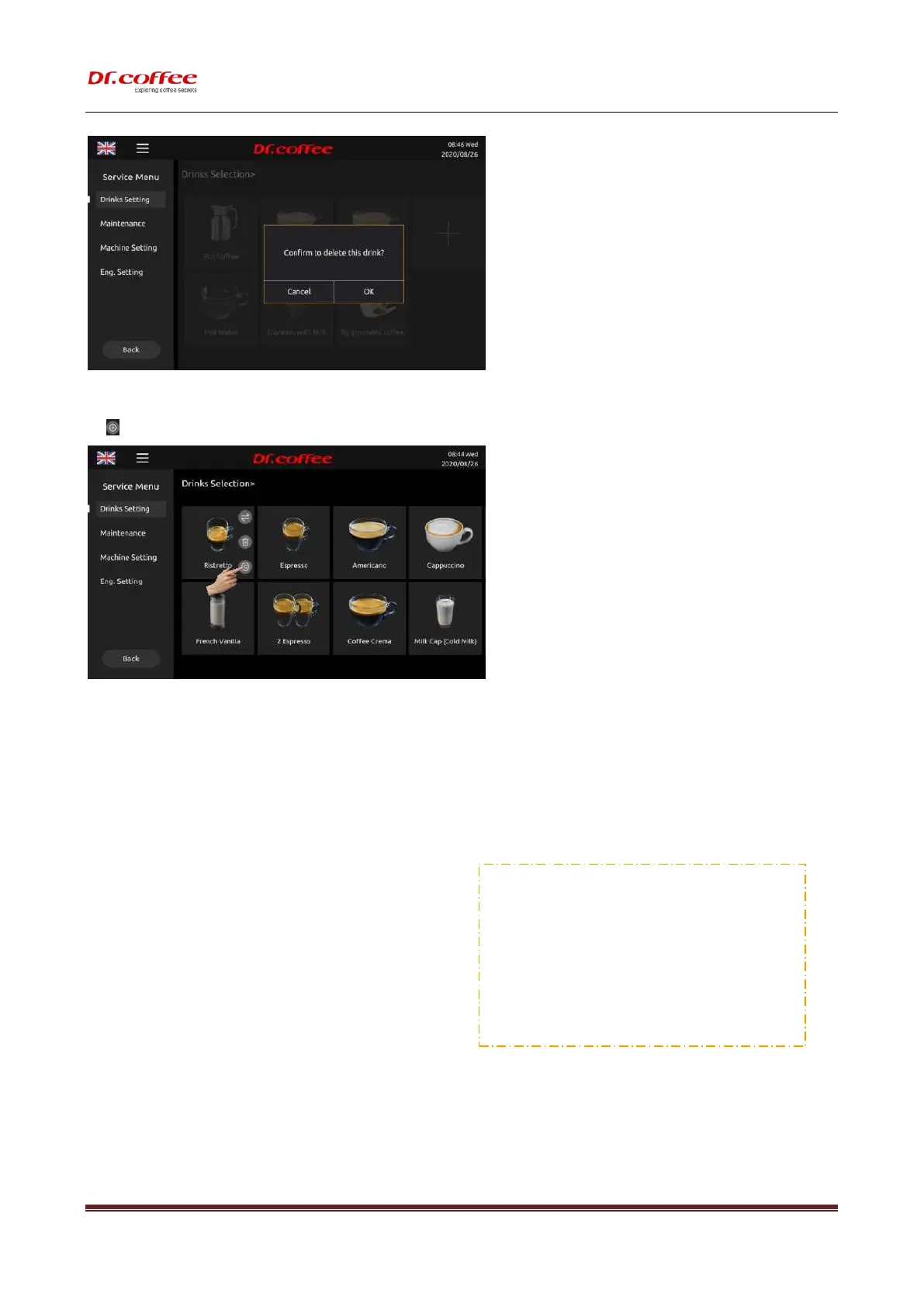
7.1.3 Drinks Parameters setting
Tap” ” to see the parameters setting interface.
7.1.3.1 Drink Name
This is the name of the drink.
7.1.3.2 Change to
Please fill the blank with new drink name.
7.1.3.3 Picture Changing
Step 1: Tap “the picture showing” to see all drink pictures available
(If U-disk connected, all pictures available will appear. )
Step 2: Tap the aim picture to replace.
Tap “SAVE”. Picture changing accomplished.
❖ Requirements for U-Disk:
➢ Memory Capacity: No more than 32GB;
➢ Port: USB 1.0 or USB 2.0;
➢ Format : FAT or FAT32;
➢ Pictures should be under Root Directory of U-Disk
※ Requirements of Beverage Pictures:
(
The name could
be English Words or numbers ONLY.
)
Image Size: 332x332 pixels
;
Format :png
;
File Size: Less than 1MB;



 To Next Page