Rev 0.1
Dr.coffee Service Manual 33
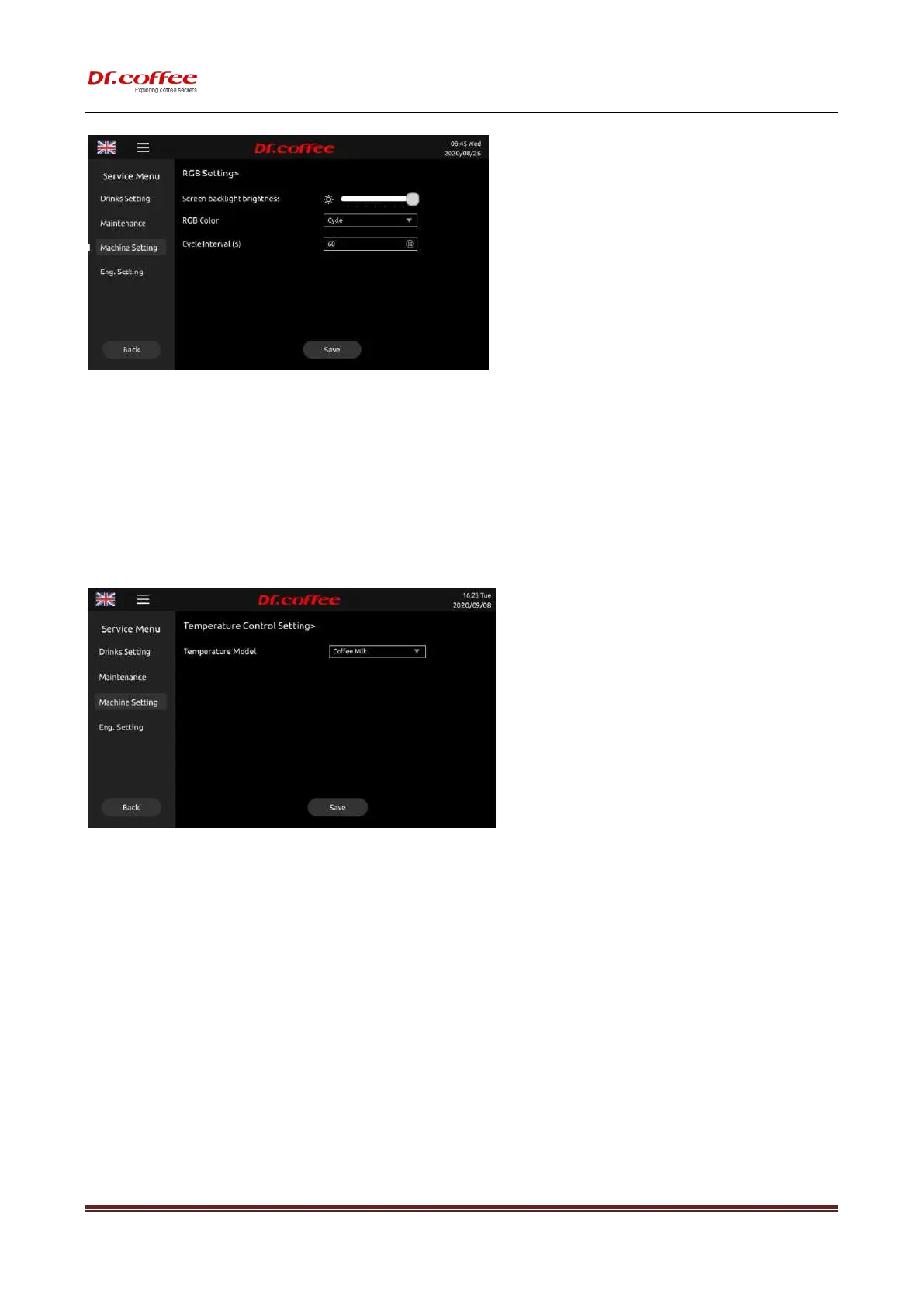
Screen backlight brightness:Slide the progress bar to adjust the brightness of the screen backlight;
RGB Color:Choose the color of the light;
Cycle interval(s): The interval time for light color switching, Unit:S,Choose Range:1~60s
7.3.6 Temperature Control Setting
Temperature control Setting:Select the temperature model. Tap “Save” to effect.
Temperature Model
Selections:Coffee Milk、Coffee American。
❖ Coffee Milk Model:Indicates that the temperature control of the steam thermo block has been maintained at a high temperature that can produce steam at any time when the
coffee machine is in normal work or standby state;
❖ Coffee American Model: Indicates that the temperature control of the steam thermo block has been maintained at the same temperature as the coffee thermo block when the
coffee machine is in normal operation or standby state;
7.3.7 Network Setting
Network setting:Turn on or Turn off network here.



 To Next Page