Rev 0.1
Dr.coffee Service Manual 48
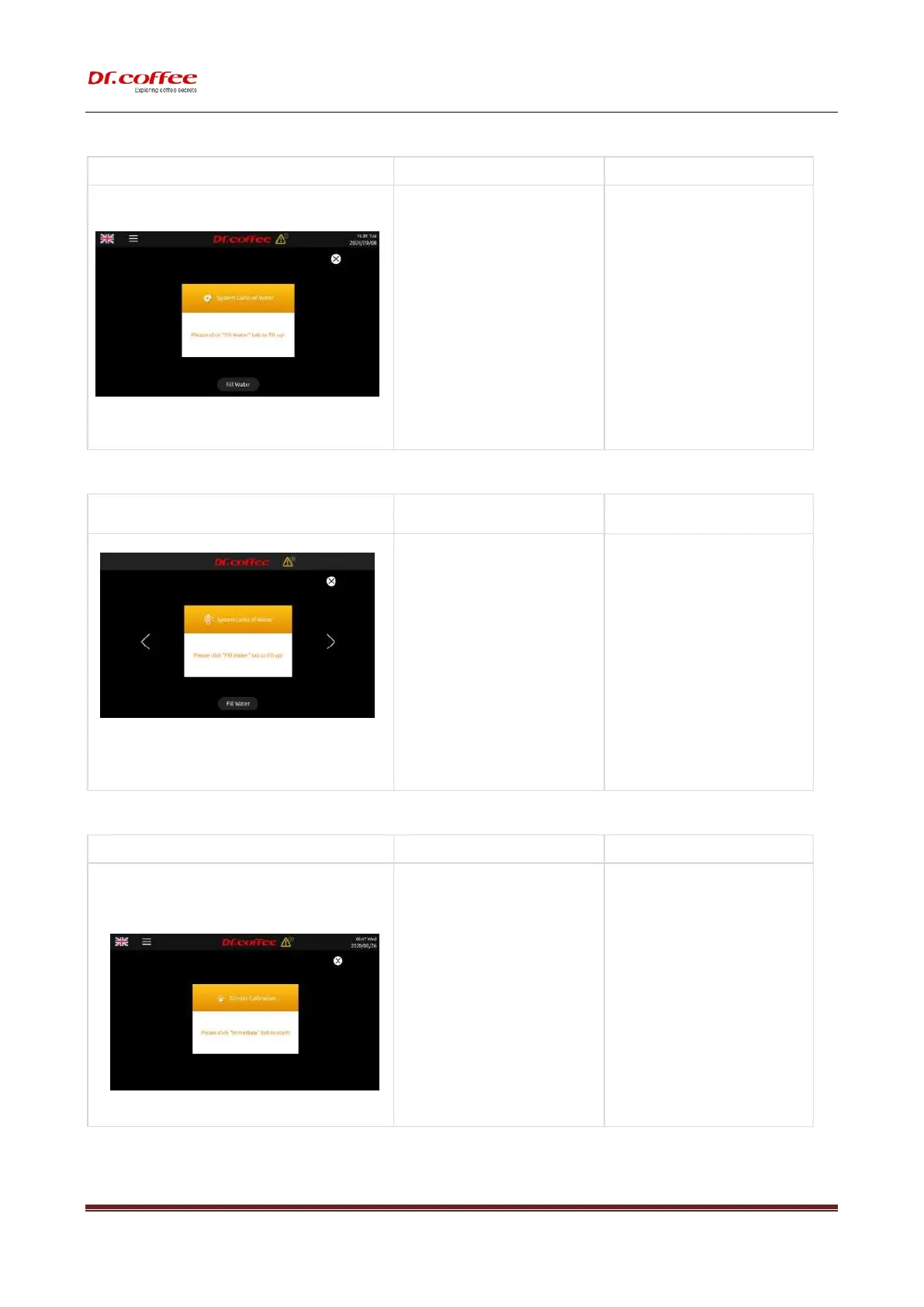
8.1.13 Lack of Water
a) Tap water is lack of water;
b) The connector of inlet pipe is loosed ; O-
ring doesn’t work or is missing;
c) The inlet of tank or tap water is blocked.
d) The tank is unfixed;
e) The strainer of Brewer is blocked;
f) The Pump damages;
g) The flow meter damages;
➢ Check the way of water supply both the
setting in the machine and in the reality.
Tap ”Fill Water”;
➢ Check if the connector or O-ring are
installed correctly;
➢ Clean the inlet of tank or tap water;
➢ Re-fix the tank. Push it to the end;
➢ Clean the strainer by Brewer Deep Clean
with tablets or by dissembling;
➢ Replace a new Pump;
➢ Replace a new Flow meter;
➢ Switch off and restart the machine;
8.1.14 Pressure Overloaded
a) The pipe or strainer of Brewer is blocked;
b) Coffee Grounds from Grinder are too fine;
c) The amount Coffee Grounds from Grinder
are over the max capacity of Brewer;
d) Air is coming into the Pump while coffee
making;
➢ Tap ”Rinse” to rinse Brewer;
➢ Adjust the gear position of the coffee
machine to clockwise. The bigger number
represents coarser.
➢ Do Grounds Calibration;
➢ If water supplied by tank, clean the Inlet of
tank; If water supplied by tap water, check
if there is water available, or the connector
is loosed;
8.1.15 Grinder Calibration
a) After a certain cups of coffee made, it will
alarm;
It will alarm at the 2000
th
cup, 7000
th
cup,
17000
th
cup, 27000
th
cup… and so
on.( every 10 thousand cups)
b) Turn off, will not alarm.
➢ Tap ”Immediate” to do Grinder
Calibration;
➢ Tap “Later” to ignore, but the yellow
alarm icon will appear at the top on
interface;



 To Next Page